Theme Change? Post here!
Pinned Featured
In general, we can work with almost any theme. The most important thing is that you have a sidebar that's at least 300 pixels wide and doesn't shrink to smaller than that. You'll also want a responsive design that includes a mobile view.
Since theme changes have been known to make ads disappear, we recommend launching a new theme during business hours which are Monday - Friday from 9am - 4pm CST.
Important reminders:
- If your new theme has a sticky sidebar, our script will not be able to place a sticky sidebar ad. You'll need to ‘un-stick’ your sidebar to make sure we can properly target an ad there.
- We recommend a font size between 18-22px and a line height of 1.6-1.8.
- Journey ad placement works best with long-form post content. Because of this - we only place content ads in post templates with long-form post content.
- Right now, Journey only places content ads throughout actual post content since otherwise these ads could break the layout of pages. We also don't currently have an option for manual ad placement, but you'll still have the adhesion banner ad and Universal Video Player able to load on the homepage.
Once you've changed your theme - please comment in this thread with your site URL so we can make sure selectors are correct and recrawl your site if need be!
You can also check out these help articles to assist in the meantime.
-

Hey kmgc – you're site has been re-crawled and you should be all set!
0 -

Hey But ads are not showing in article only bannar ads are showing
kmgc.online
0 -
Hey kmgc - -when I visit your posts I see ads load within your content, and I double checked to confirm the crawler has accurately targeted your post content for ads:
I
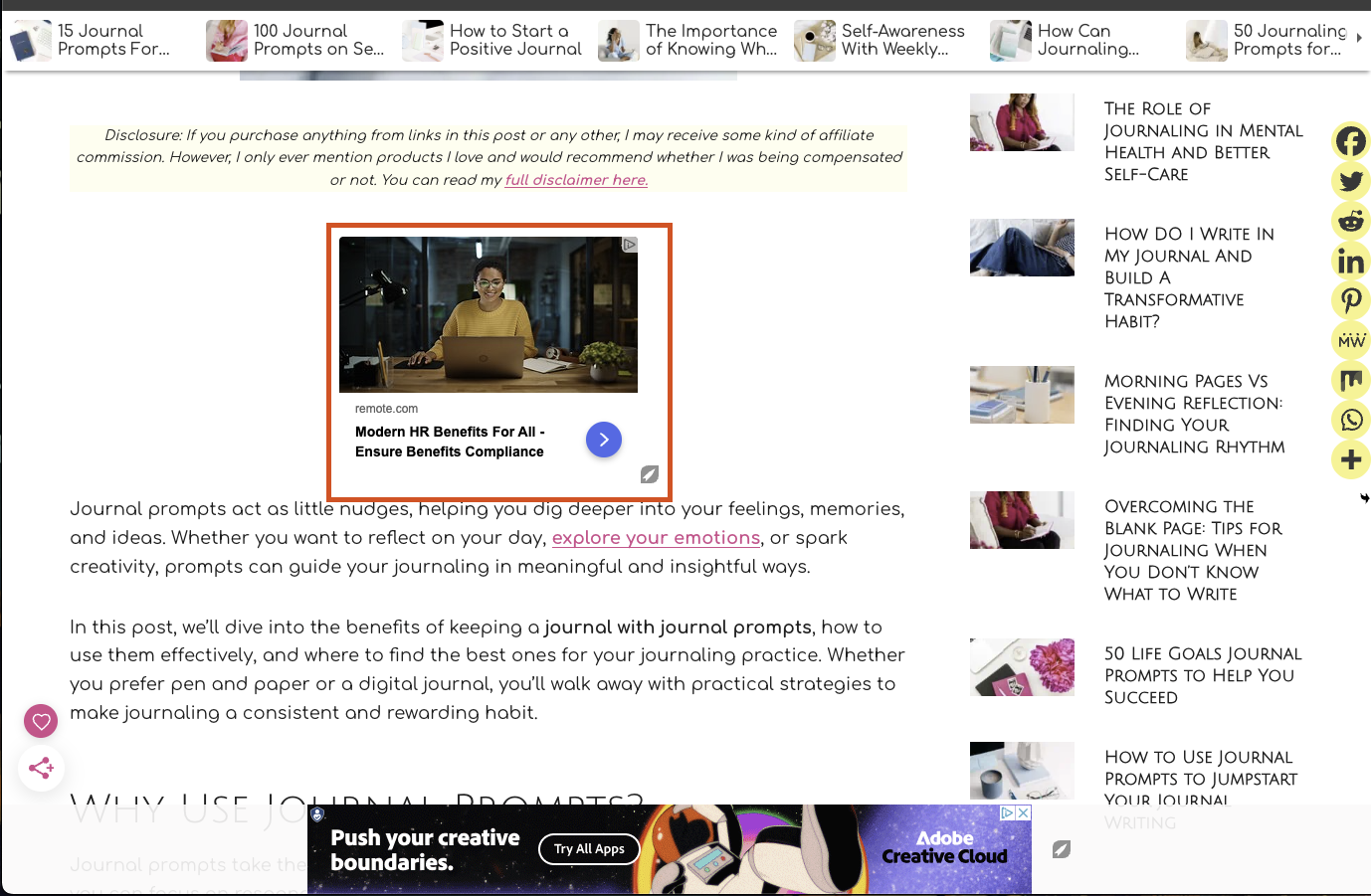
If you're still not seeing in-content ads on, you may want to try using an incognito window or another device to visit your site
0 -
I have checked this is not my site you can check again
my website url is kmgc.online i have change his theme to twenty twenty three and also have changes his content
0 -
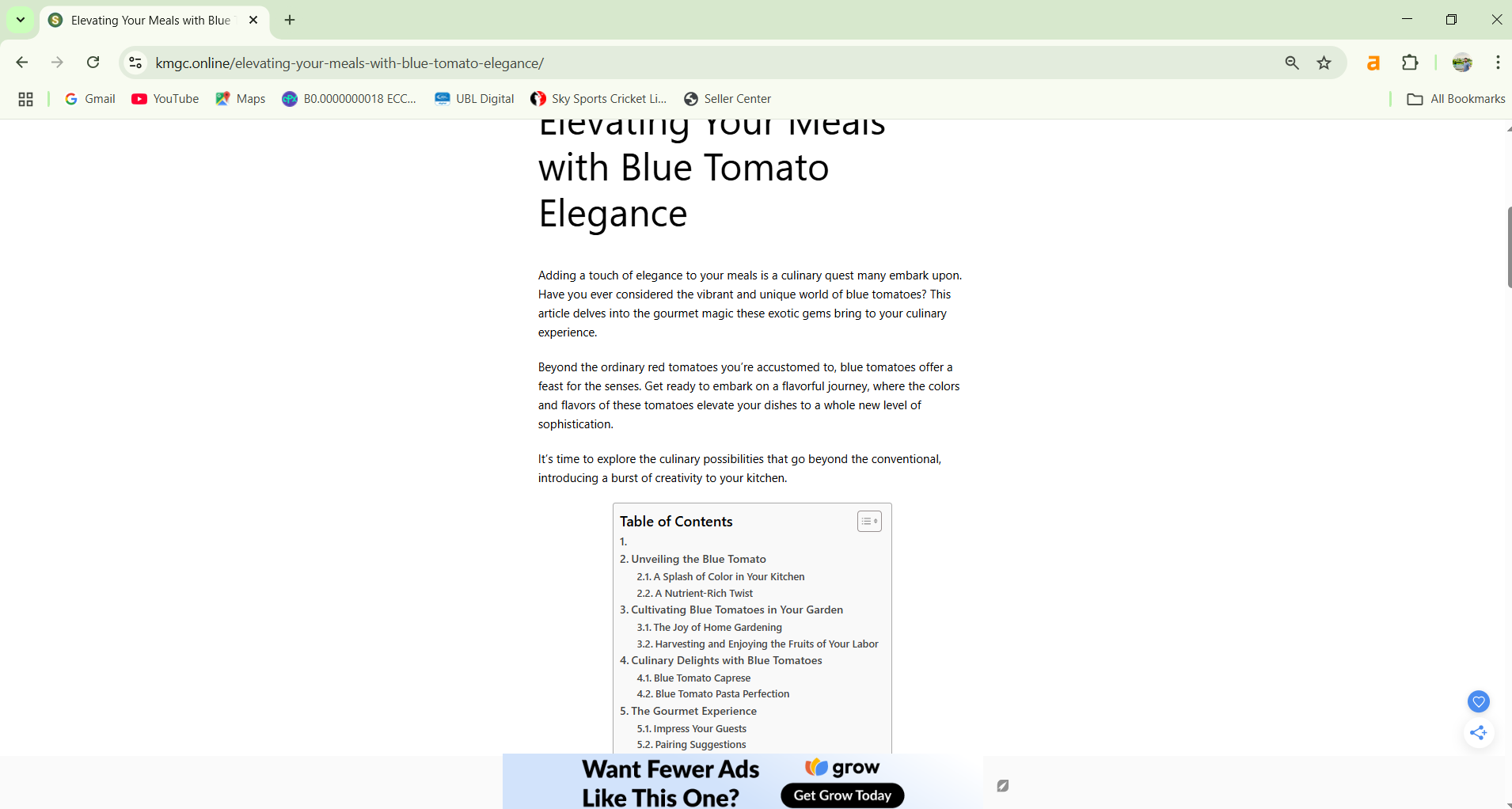
check it only grow appears in bottom not opening ad
0 -

Hey Support
Not a theme change, but rather I've always had missing ad placements and have never been able to figure out why. Would you be able to take a look?
Namely, I have 2 general page templates.
Template 1 (eg https://castfacts.com/blog/top-rom-coms-of-21st-century/)
- Ads at the bottom of the page and in between paragraphs all work great.
- Fixed sidebar ads (I read they're the most effective?) have never shown up?
Template 2 (eg https://castfacts.com/kingsman-the-golden-circle/)
- Only ads at the bottom of the page have ever shown up.
- Why don't the in-content ads between paragraphs show up? My main long-form text has alternating <a> and <p> elements, could that be it? I already have several images on my page, could that be it? I've tried reversing both of these but it didn't bring any ads either.
- Why don't the fixed sidebar ads show up? I suspect because the sidebar is fixed, but I previously did not have it fixed and it didn't show up either.
Do pages need to be recrawled in order for ad placements to adapt to new template changes?
Thanks!
0 -

Hi - I changed themes and am now on GeneratePress. I no longer have sidebars for ads which was one of my theme changes. I'm seeing the anchor ad and the pop up video, but in post ads aren't working.
My site is angiesroost.com
Thanks!
0 -

Hi, I made some changes to my current theme and the in-post ads are gone. I'm not sure if it's because I migrated my existing posts to a custom post type. I still see the other ads, like footer and sidebar ads. Can we try recrawling? My site is https://turtleraine.com/. Thank you.
0 -
Hey Riena Dela Torre, your site has been re-crawled and I'm seeing ads inside of your content area now!
0 -
You should be all set now Angie Campbell!
0 -
Hey kmgc, I had our crawler run one more time for you and I'm getting in-content ads on my end for your site!
0 -

Michael
I went ahead and had our crawler re-run on your site. It was able to get targeting set up for your in-content ads on both templates and the sidebar on your first template. However, because you have a sticky sidebar on your second template, there won't be any sticky sidebar ads placed there.0 -

Hi!
We changed our theme for our site https://platein28.com from FoodiePro to Kadence.
Are you able to check and recrawl for us to make sure all looks ok? Thank you!
-Marcie
0 -

Reposting because I don't think my first post went though - can someone from support please help me?
Using GeneratePress - after installing Journey/Grow, the ads on my category pages and blog posts broke the layout. It added in an extra column in the middle of the content with one ad (desktop view) and squished all the content on either side. Can support please help me? Thanks.
https://www.thebrickescape.com/category/lego-star-wars-news-reviews/0 -

Benjamin Routamaa Marcie Groller It looks like Journey just finished recrawling your site, and you should be all set!
1 -
Support Thank you!!
0 -

Hi there,
We recently changed the theme and design of our website, so I'd like to kindly ask for re-crawling our web since I see that the ads are not being placed between article paragraphs at the moment.
Website: https://dreamyadventurers.com
Thank you!
Jana0 -
Jana Rybarska All set!
0 -

Hello,
My site was not built using a cms or “theme”. I am not seeing any ads on pages which are long form such as the below. Is there something I can do to help the journey scripts identify the main content?
milsurpia.com/articles/collecting/tl-29-knife-collectors-notes
I appreciate your time,
Pat
0 -
Hi Patrick Luther The best way for our script to recognize your content and sidebar is to give the inner-most container for them unique classes. Something like .journey-content and .journey-sidebar should do the trick. Once you've added those we can have the script re-crawl your site and get your ads targeted.
0 -

Hi, I just changed my website theme: www.mikhaeats.com
Could you please re-crawl the site? Thanks!
0 -

Hey, i asked for recrawl , after the recrawl ads went missing from the below article “Rise of Kingdoms”
One one single ads being shown under the iframe, for ex. Check this url https://topstoryindia.com/drunken-duel-play-for-free-online/
Can u please recrawl again so ads will show in both place? If it ain't possible then under “Rise of Kingdoms” the ads must show
Thanks
 0
0 -

Did some changes to my site
https://marinetl.xyz/
can you recrawal0 -
Thank you so much for your time and your amazingly prompt response. I have implemented a container around long form content with a unique class “.blog-main-content”. I realize I should have done this from the beginning. Thank you and we'll see how it works!
0 -
Mikhaela Sarmiento your site has been re-crawled and you're all set!
0 -
Hey – Topstoryindia you should now see ads beneath the Rise of Kingdoms article.
0 -
Sridhar – your site has been re-crawled after your updates
0 -
Hey Patrick Luther – your site has been re-crawled and I'm now seeing ads within your blog content, so you're all set!
0 -
Hello
Please read carefully, I want my ads to display in the format shown in the image below ⬇⬇
Page link :- https://topstoryindia.com/pubg-play-online-for-free-no-need-to-download/

Currently, the ads only appear as a sticky footer and within an additional article I posted on my site , which is good and this has to remain like this, the ads are perfectly placed here (given in the image below ⬇⬇ ). However there are more container where ads should also appear

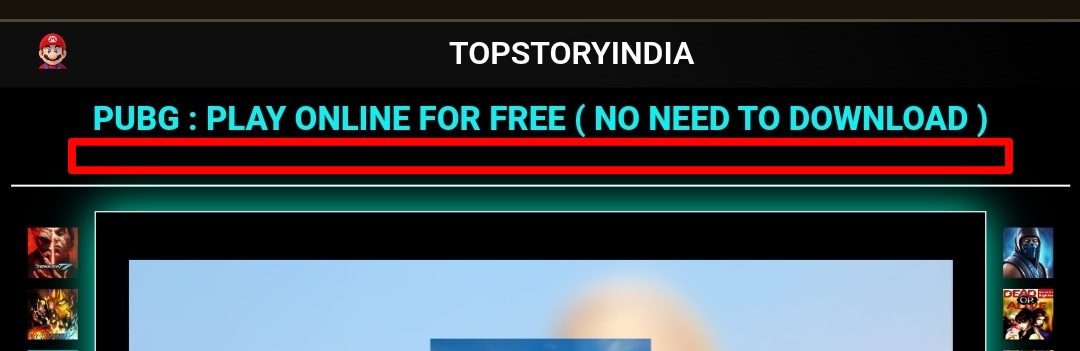
However, I would like one single ad to also appear directly beneath the title of my page. After receiving suggestions from the community, I placed a container with the class ID `.journey-content` in that position—but the ads still did not display there. (Example given in the image below ⬇⬇ )
Additionally, I want the ads to appear below my content (specifically under my iframe content), but they are not showing up there either (image provided below ⬇⬇ ).
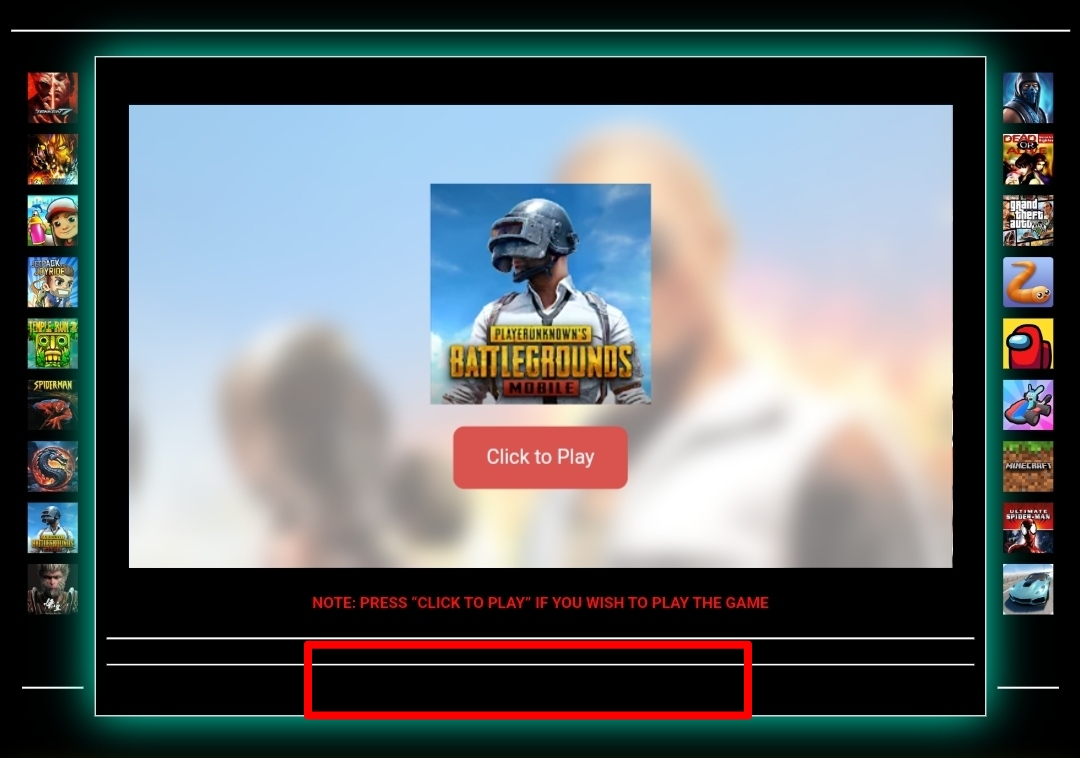
I want the ads to match the layout exactly as shown in the reference image below.

If it is possible so the ads appear in the desired format i asked then i kindly request that you recrawl my site to ensure the ads display in the desired format as illustrated. Like this (in the image above)
Thank you.
0 -
Hey Topstoryindia - thanks for following up! Journey currently does not offer the ability to do ‘custom placements, ’ which would allow you to place ads in the exact positions you've described in your post, but this is something that we're looking to provide a solution for in the future.
Adding a class of `.journey-content`alone won't automatically place ads in the locations outlined in your images, as the Journey script checks a few additional factors (like if the element you're targeting is in the first screenview, the total height of the element, and the script will only target one ‘content selector’) before placing ads. The Journey script will also avoid placing ads inside any ‘nested’ or ‘page builder’ style layouts.
0
Journey is Self Supported
Please sign in to leave a comment.
Comments
377 comments