Did you add a sidebar or unstick your sidebar? Post here!
Pinned
If you've noticed that your sticky sidebar ad has gone missing or you've added a fancy new sidebar to your site and need an ad targeted - Post here so our Support Engineers can take a look!
Important Notes:
- Our script will not be able to place a sticky sidebar ad if you have your sidebar set to stick on it's own. You'll need to ‘un-stick’ your sidebar to make sure we can properly target an ad there.
- Your sidebar needs to be at least 300 pixels wide.
- The sticky sidebar ad is one of the most viewable ads for desktop users, so the shorter the sidebar the better. This means that the reader gets to ‘stick’ with that ad unit longer and that it allows it more time to refresh.
- That said - our ads won't load in the first screen view so you'll want to make sure that is pushed below the fold.
-

Thank you for adding the in-article ads. They look really good.
I still have a problem (or it may be a setting that needs enabling your end): the side-bar ads are only appearing on the right of my screen when I have a much larger amount of vertical empty space on the left of every page of my site - in a vertical container with ID “#left-column”, minimum width of 300px. Is it possible please to have sidebar ads (or any ads) appearing in #left-column please? My site for reference is https://randomwheelspin.com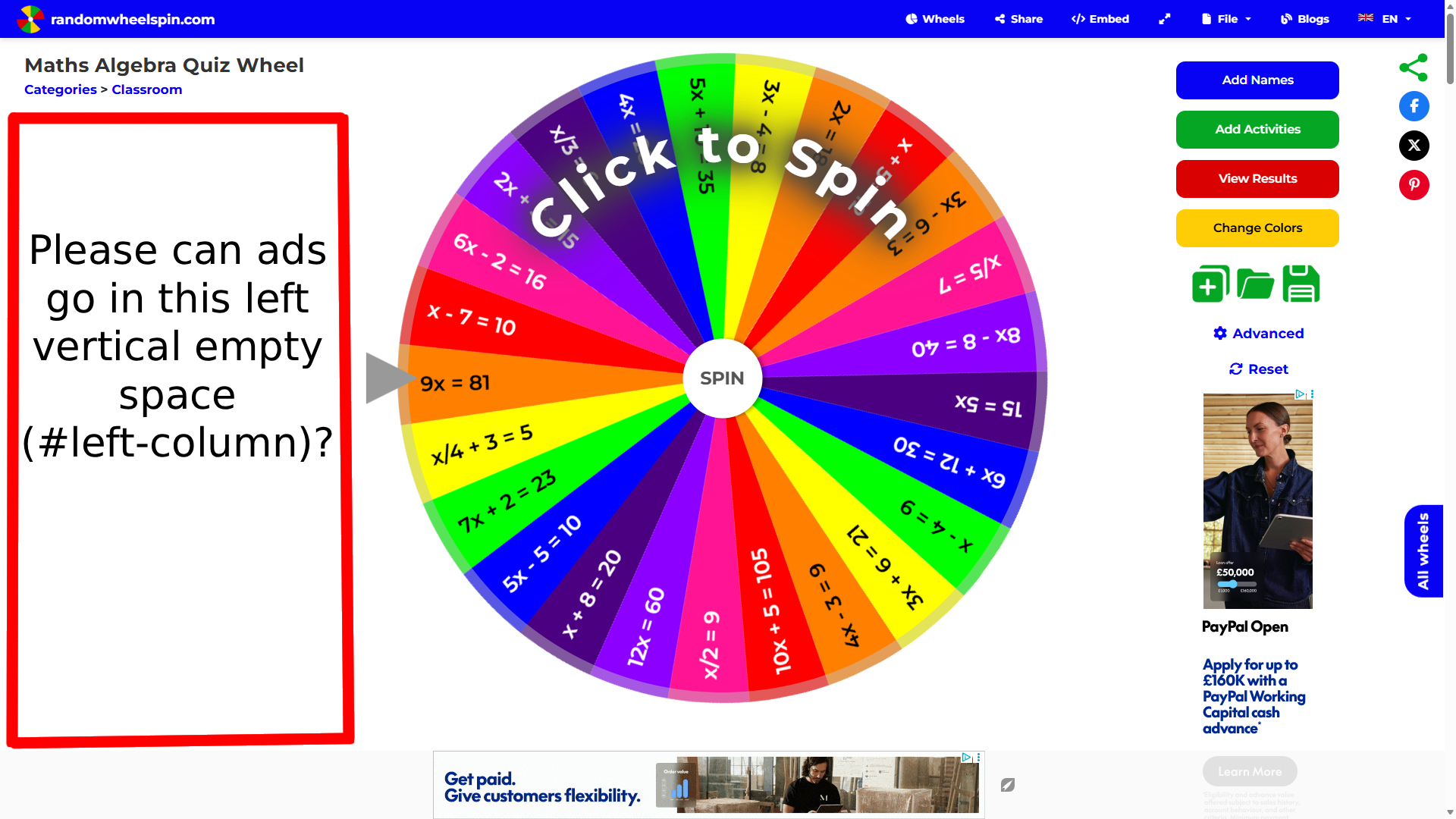
Thank you again for your help. I really appreciate it.
ps. The ads in bottom strip and right column look perfect thank you, as do the in-article ads - thank you so much.0 -

Hi, im not seeing a sidebar ad on my side. Sidebar is not sticky
Site: ouroldhouses.com0 -

Hi Redis Caraj , I had our script recrawl your site and your sidebar ad is now showing
0 -

Matthew H - Journey will only place a single sidebar on your site - if you would like, we can move it to the left, however, you'll bump into the same isssue, I beleive, as the sidebar only extends down so far.
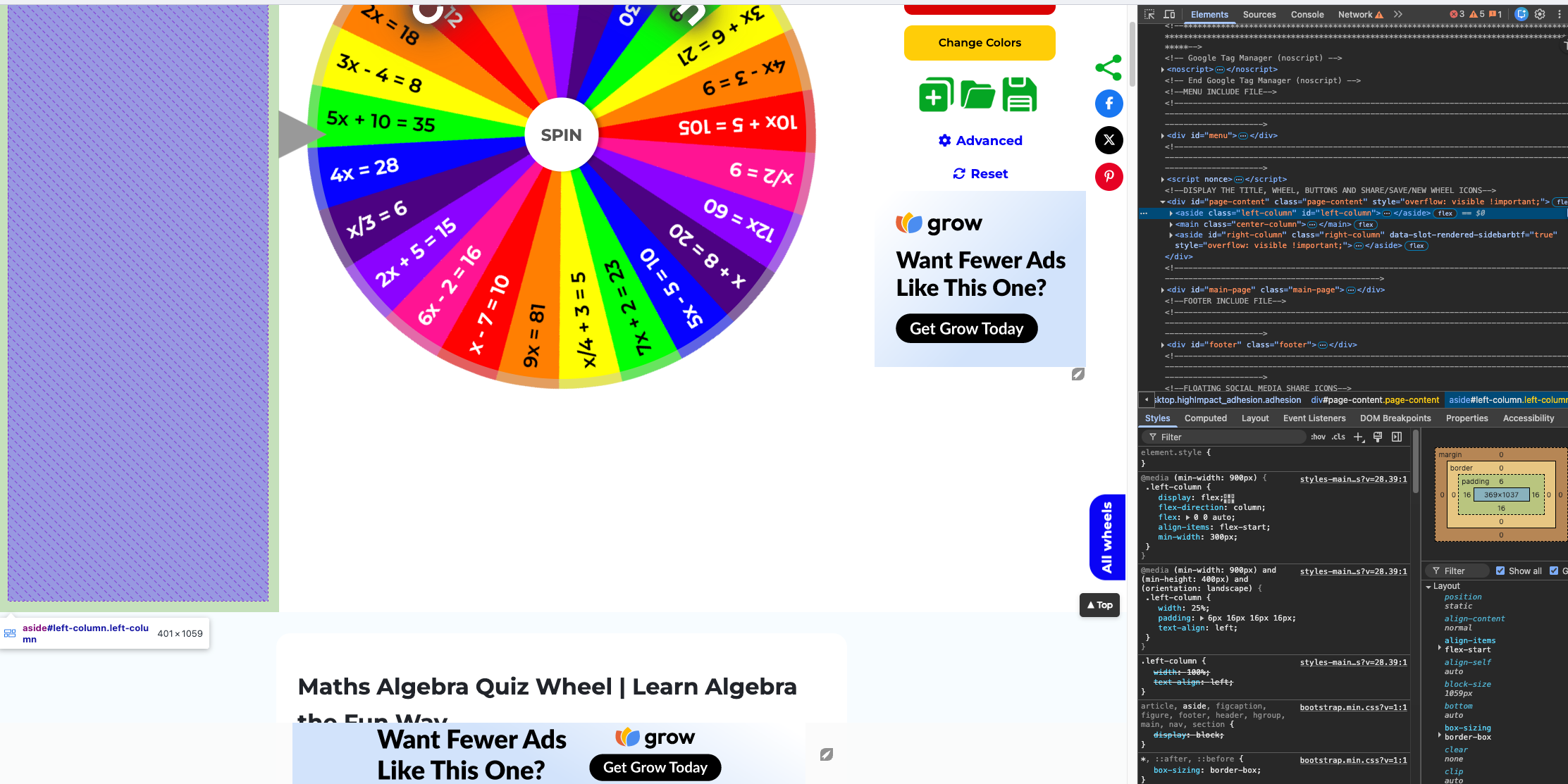
Performance would likely stay the same regardless of side, but let me know if you would prefer it on the left.0 -
Support Yes please could you move it over to the left.
Also, on some sub-pages the left column is referred to as "#left-column-basicpage"
Thank you very much for your help. I really appreciate it.0 -
Matthew H - you're all set!
0 -
Support Thank you for your help. Really appreciate it.. looks perfect!
0 -

Hi, I have an issue with in-content ads. They only load between texts, and not between images. I have 30+ images in every article, and not a single ad between them. How do I fix this?
0 -
Susan Franzon Lamom J - you're both all set!
0 -

Support Thank you so much! Looks great!
0 -
Vandana Vishwakarma - Journey will not place in-content ads between any elements that have a ‘flex’ style applied to them, as this could open the door to ads potentially causing a style conflict on pages where these elements are placed. In this case, the images on your site are placed inside of a <figure> HTML tag, which has a display: flex style applied to them.
0 -

Hello, I recently managed to unlock my website's sidebar, and I'm writing here to ask for help. Thank you! Website: https://receitasbaratas.com.br/
1 -

Support thank you!
0 -

Hello, I have recently rejoined Journey by Mediavine and added the ad script to the sidebar of my site (247onlinecas.com). However, ads are not displaying in the sidebar section.
Additionally, in the in-content ad placements, I am seeing fewer third-party ads and more instances of the "Want Fewer Ads Like This One?" placeholder.
If possible, I would appreciate a re-crawl of the site/script to help resolve these issues.
Thank you for your assistance.
0 -
Ugo Obi it looks like your sidebar is sticky, meaning Journey is not able to place a sticky sidebar ad on your site.
The' Want Fewer Ads Like This One?' ads you're seeing are common for sites that have just launched, as advertisers are not spending at 100% right after launching (this is especially common for site owners, as they're on the site more than the average reader)0 -
Hello,
Thank you for your response and for explaining the sticky sidebar limitation.
I can see that ads are now displaying properly on the mobile version of my site. However, on the desktop version, ads are still not displaying correctly, and I’m seeing more instances of the "Want Fewer Ads Like This One?" placeholder compared to mobile.
If possible, could the team please trigger a re-crawl of the site/script to help resolve this?
Thank you again for your assistance. I appreciate your help in getting everything optimized!
0 -
Ugo Obi - I'm seeing a sticky sidebar on our end - please try clearing your cache if you're still not seeing it.
0 -
Thank you for checking, I appreciate it.
I’m now seeing the sidebar ad on desktop. However, it’s not displaying properly. Would it be possible to move the sidebar ad to the left side of the content instead? I’m also noticing quite a few “Want Fewer Ads Like This One?” placeholders.
I’d greatly appreciate any help with this adjustment and further assistance, such as a re-crawl or additional troubleshooting, to reduce the placeholders on desktop.
Thank you!
0 -
Ugo Obi - could you please send along a link to a specific example of where you're seeing the behavior on your sidebar? This will help our team in instances of troubleshooting.
Please see my last message regarding the “Want Fewer Ads Like This One?” ads you're seeing on your site — these ads are shown any time an advertiser is not spending on your traffic, common when a site first launches, and for owners of the site, as they spend more time on the site than the average reader. This behavior does not reflect the experience a reader will have when navigating on your site.0 -

Hello,
Could you please check for me if you can add ads in the sidebar on my website? I meet all requirements.
Additionally, I am not seeing event-driven ads in the reporting dashboard, even though this feature was enabled seven days ago. Could you please look into this as well?
Thank you for your help.
0 -
Valeriy Bagrintsev you're all set! As long as event-driven ads are enabled, readers on your site will be served them. Note that there is low demand for these ads at this time, so it's normal to not see earnings.
0 -

only bottom sticky ads are showing but in content and sidebar ads not showing on my home page and other pages. https://restareasnearme.com/idaho-rest-area/
0 -
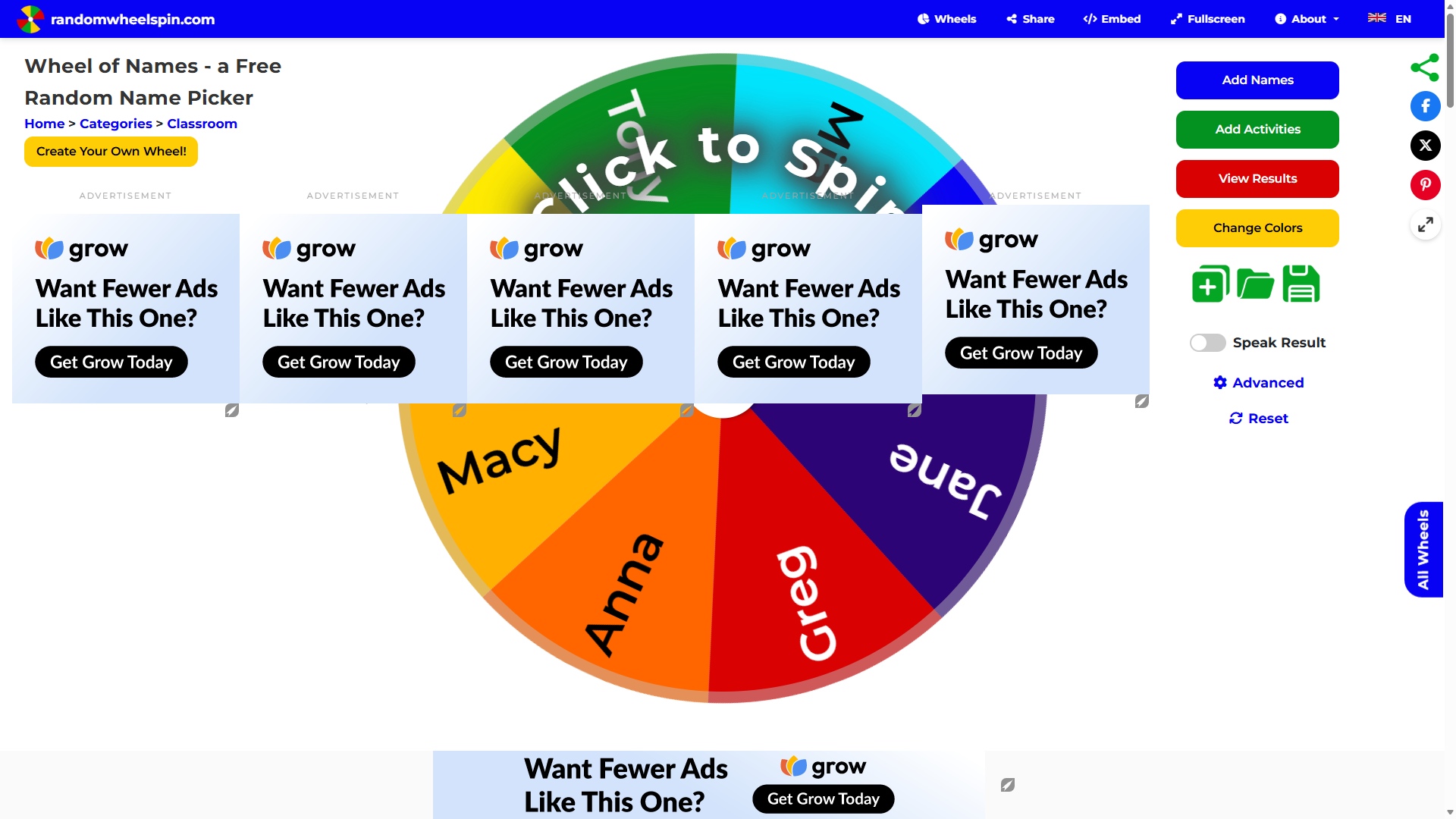
Good afternoon. I hope you are well. Everything has been absolutely fine with my site for months and I have had the ads working really well and I have not made any changes to my site at all either in regards to anything that affects the ad containers but today, by chance I noticed a bug with the sidebar ads display - it was getting “duplicated” multiple times in a horizontal manner, completely covering my page. I am unsure how long this has been going on but I only noticed it today. I can only assume any visitor would not be able to use my site if this was happening as the ads block fully their view so for now I have turned off the ads completely however I have left the ad containers running in a test area of my site so it doesn't affect my live visitors, but so you can see what I mean: https://randomwheelspin.com/dev/wheel-of-names
I have attached a screenshot. As mentioned, I have not made any changes so this could perhaps be something Mediavine's end, possibly a bug? Or is there something that isn't compatible with my site that you can see your end? The only ads I display are the sidebar and bottom horizontal ones - but I do remember there was a very new ad that was enabled recently (I cannot remember the name of the ad unit but I was invited to try it) - could it be this interfering? Thank you so much for your time to look into this. I really appreciate your help. Matt0 -
Hi Vikas Tiwari , Our script is designed to target posts and not pages, including the homepage.
0 -
Hi Matthew H ,
That's certainly strange! I took a look at your site and I'm not able to get this behavior to occur. Does it happen every time you load the page? Or do you have to do any certain actions to make it occur? Does it also occur when you're visiting the site in an incognito or private browsing window?
Any help would be appreciated!0
Journey is Self Supported
Please sign in to leave a comment.
Comments
115 comments