"Connect Your Payment Information" won't work
Completed
Try to click “Finish setting up with Tipalti” and nothing happens, no pop, no redirect, no error message. I am on Google Chrome. Thanks for telling me how to fix this guys.
Mike
-

Hey Mike,
Sorry to hear you bumped into a small hiccup - I took a look from our end, and it looks like you may have sorted this out. Was this just a temporary issue, or did you do something specific to resolve this?
0 -
Nope, problem has been there for over a month I have been trying to click that Tripalti button, no error, no page opens, no pop-up. Just dead.
0 -
Mike Thanks for the update - could you let us know on which page you're seeing this Tipalti button? If you have a screenshot of the page, that would work best. Also, is this happening on the Grow dashboard for HoneyTrek?
0 -
FYI, i have tried to click that button in both Chrome and Edge browsers, same result (nothing) in both browsers. Thanks guys.
0 -
Hi Mike - it looks like your screenshot didn't come through, could you post it once more?
Additionally, to rule out any potential caching, could I have you log out of your Grow account, clear your cache, and log in once more?
0 -
says my screenshot is still pending. but here it is as a link.
and yes, i have cleared my cache and tried multiple browsers
https://pasteboard.co/OdQrDbkvrKP7.png
thanks for the help
mike
0 -
Thanks much, Mike! Can I have you confirm that you've also tried logging out and back in? This usually bypasses the screen you're stuck on, and the reason I ask is that when we attempt to replicate on our end, we're not seeing the same.
Additionally, I noticed that you've included a ‘#' in the Address 2 box on your Tipalti application, which isn't an accepted character. If you would like, I can remove this on our end which could help you bypass this screen, if you're still getting stuck after logging out and back in.
0 -
Logging out and back in solved the issue Ryan. Thanks for your help!!!!
0 -

Ryan i am also facing this
0 -

adeel - Can you try logging out and back in and trying to set that back up again?
0 -
yes. i tried this change my browser. internet as well. same issue i am facing when i clicking on the button nothing happens
0 -
Hey adeel - There was a small issue that has since been resolved. You may want to try an incognito browser and see if you're able to set it up now.
0 -
yes, its working now thankyou. i am facing this issue now. ?
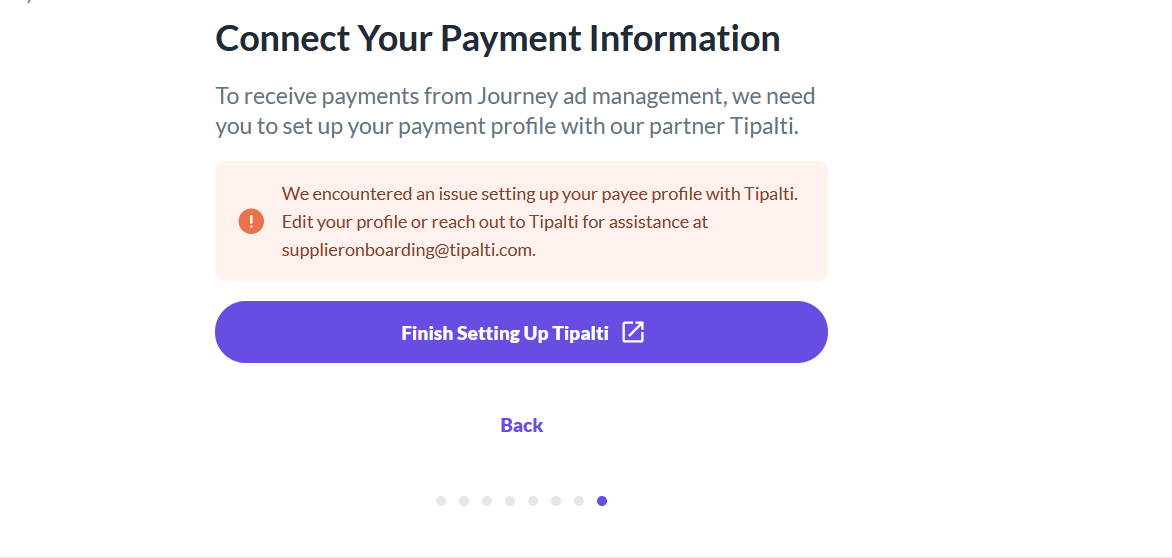 0
0 -

This should be working for you now - here's a thread with more information: https://journeymv.zendesk.com/hc/en-us/community/posts/31338121330075
0 -

Hi!
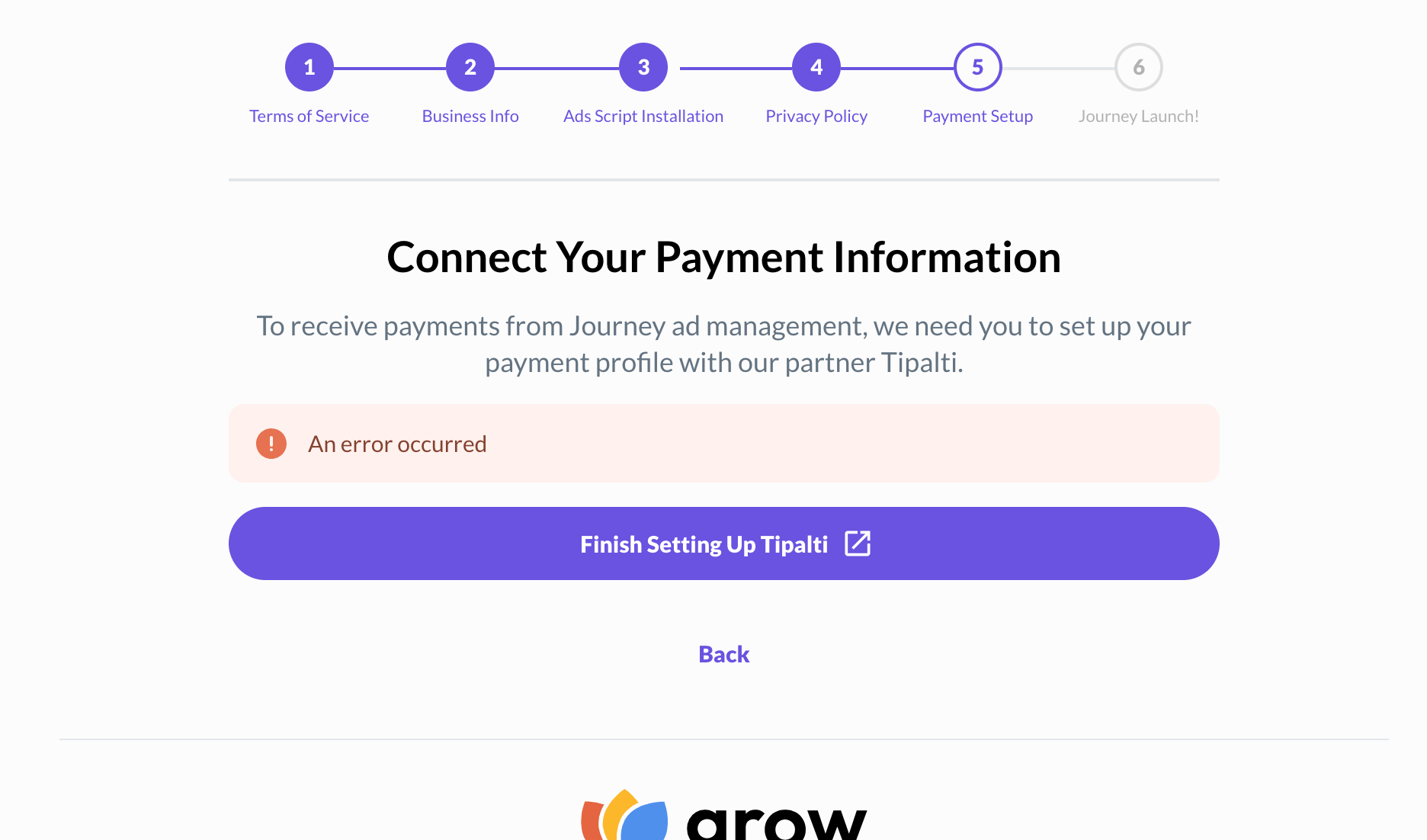
I have been trying to connect my payment information with Tipalti for over a week now. I got married and so probably the system is confused with the name change. I don't know--just guessing.
Any assistance on this matter will be greatly appreciated. Thank you.
serenitysoulspaceblog.com
 0
0 -
Hey Rita Parsons - Do you mind sending an email to payments@journeymv.com? Be sure to include the URL for your site in your email!
0

Journey is Self Supported
Please sign in to leave a comment.
Comments
16 comments