Ability to set ads only to certain pages?
Answered
Title says it all. I am aware that you can block ads on some pages, but I wanted to know if there was an inverse option. Almost like a whitelisting for ads.
I have a handful of high-traffic pages that I'd like to monetize with Journey, but I do not want ads on the majority of my content, which drives affiliate commissions.
TIA!
-

We don't have this as an option, as we require the majority of your site to be running ads.
0 -

Is there any update on whether this feature has been added to Journey? I'm excited to find out that I just got accepted, and want to monetize my high-traffic blog since that's where the bulk of my traffic goes.
But I wouldn't want the ads showing up on the rest of my pages like my bio page, corporate partnership page, press kit, shop page where I sell my courses and digital downloads, etc.
Having ads show up on all those other pages would be bad, for obvious reasons. I only want ads in the Blog.
Is this possible? If not, then sadly, it seems like Journey might not be a fit for me even though I really want to do it.
0 -

Hey Kat Vellos - Not having ads on those pages totally makes sense. You would just use these instructions to remove ads from those pages.
0 -
Thanks! That page was helpful. Would be great if that was shared as part of onboarding, since there was a mini freakout moment after getting accepted when I didn't know if this level of control was necessary and I needed to get it set up immediately.
In related news: I followed the instructions in the help page to paste a code snippet that would prevent in-content ads from showing (because they were breaking all my layouts). I was ok with the bottom banner ad showing and the corner video ad showing, but now only the bottom banner ad shows.
The code snippet:
<div id="ad-management-config-settings" data-blocklist-content-desktop="1" data-blocklist-content-mobile="1"></div>
0 -
Hey Kat Vellos - I just took a look at your site and I was seeing both the adhesion ad and the Universal Player.
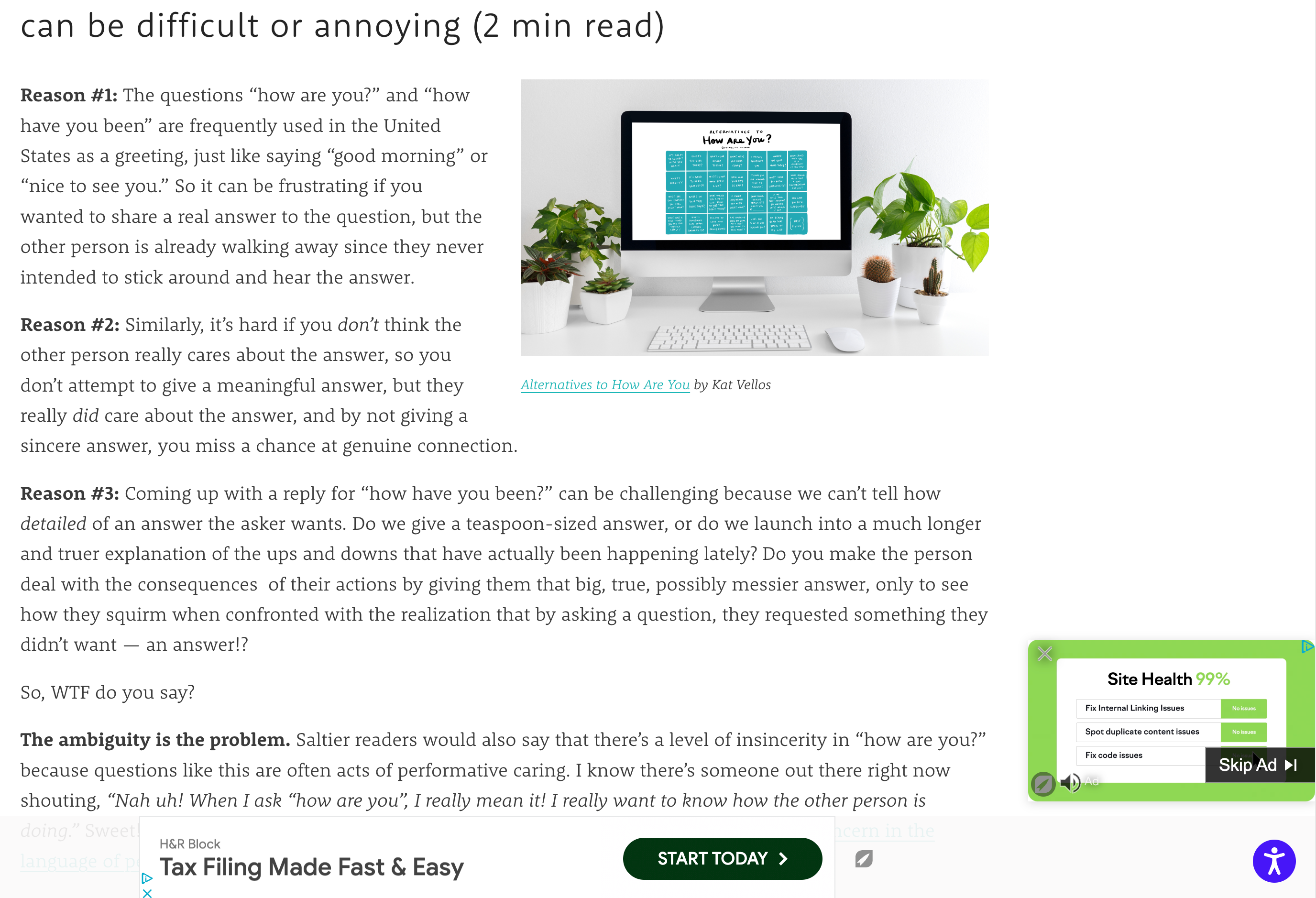 0
0 -
Thanks so much for letting me know it's working when you check it! I really appreciate your response/confirmation. :)
0 -
Update: Ads continue to show on my homepage even though I used the tags to hide them. 😭 I placed the following code tags. Why isn't this code working to hide ads on my homepage, when it works to hide ads on other pages like my About page? This is really upsetting :/ Screenshot below.
<div id="hide-grow-widget"></div><div id="ad-management-config-settings" data-blocklist-content-desktop="1" data-blocklist-content-mobile="1"></div>
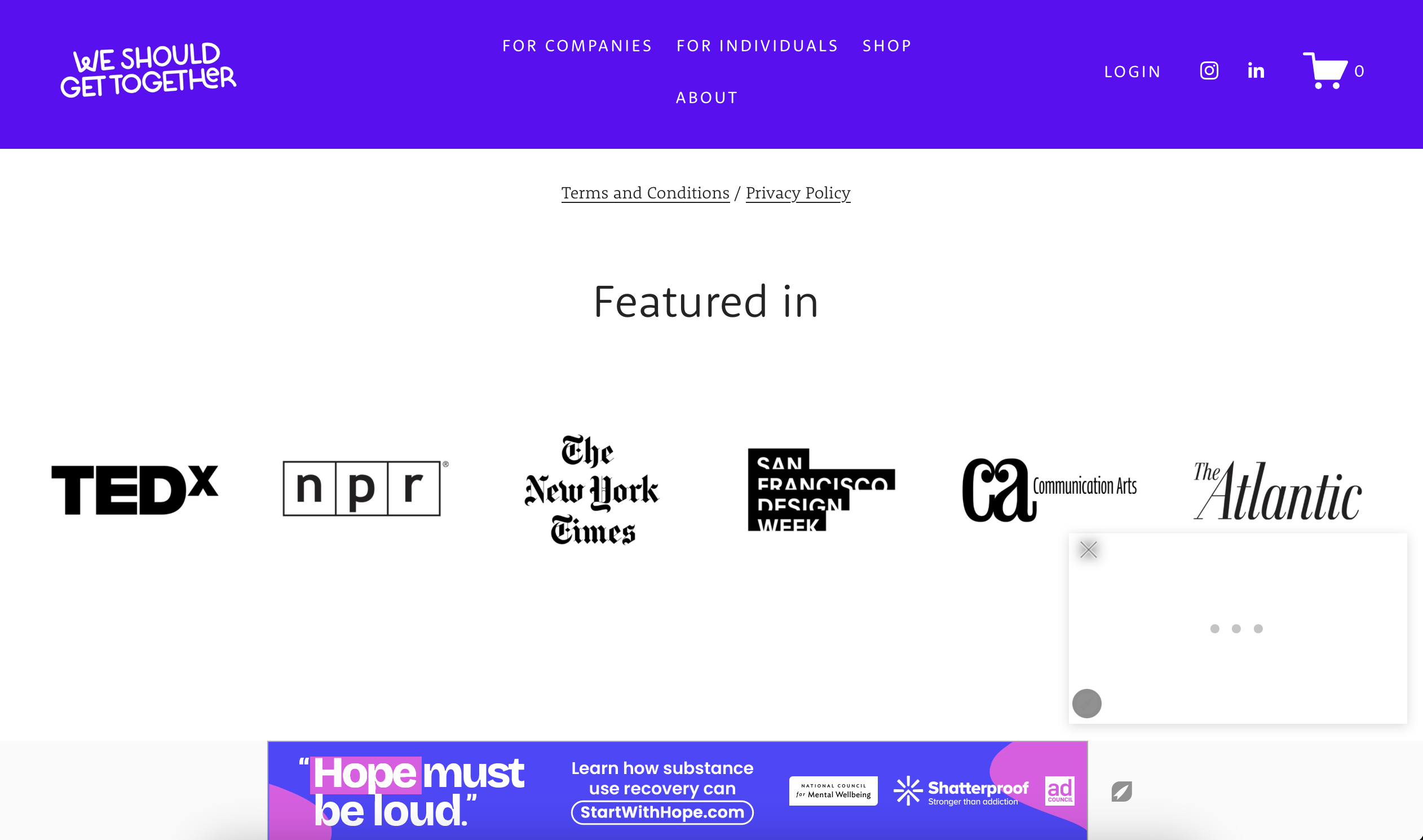 0
0 -

Kat Vellos The HTML you're using is only blocking in-content ads on desktop and mobile. The ads you're seeing in your screenshot are the Adhesion (along the bottom of the page) and the Universal Player ( found in the corner)
If you want to block all ads, I recommend using this HTML0 -
OMG thank you so much! I just added that HTML and it worked. If I could send you a box of donuts and a bouquet of flowers, I would. 🍩 💐
0
Journey is Self Supported
Please sign in to leave a comment.
Comments
9 comments