Authentication in WordPress

Hi team,
I just finish the setup yesterday, so I'm quite new and can't wait to start grow :-)
I wanted to ask, in the Wordpress plugin there is Authentication with button to log in to Mediavine, and under the button is (logging into your account lets you access features like adding videos to posts)
I know it will be a long shot but I have been using other platform to add videos to posts and pages, so I thought that might be the problem, but I deactivated delete that plugin and nothing changed.
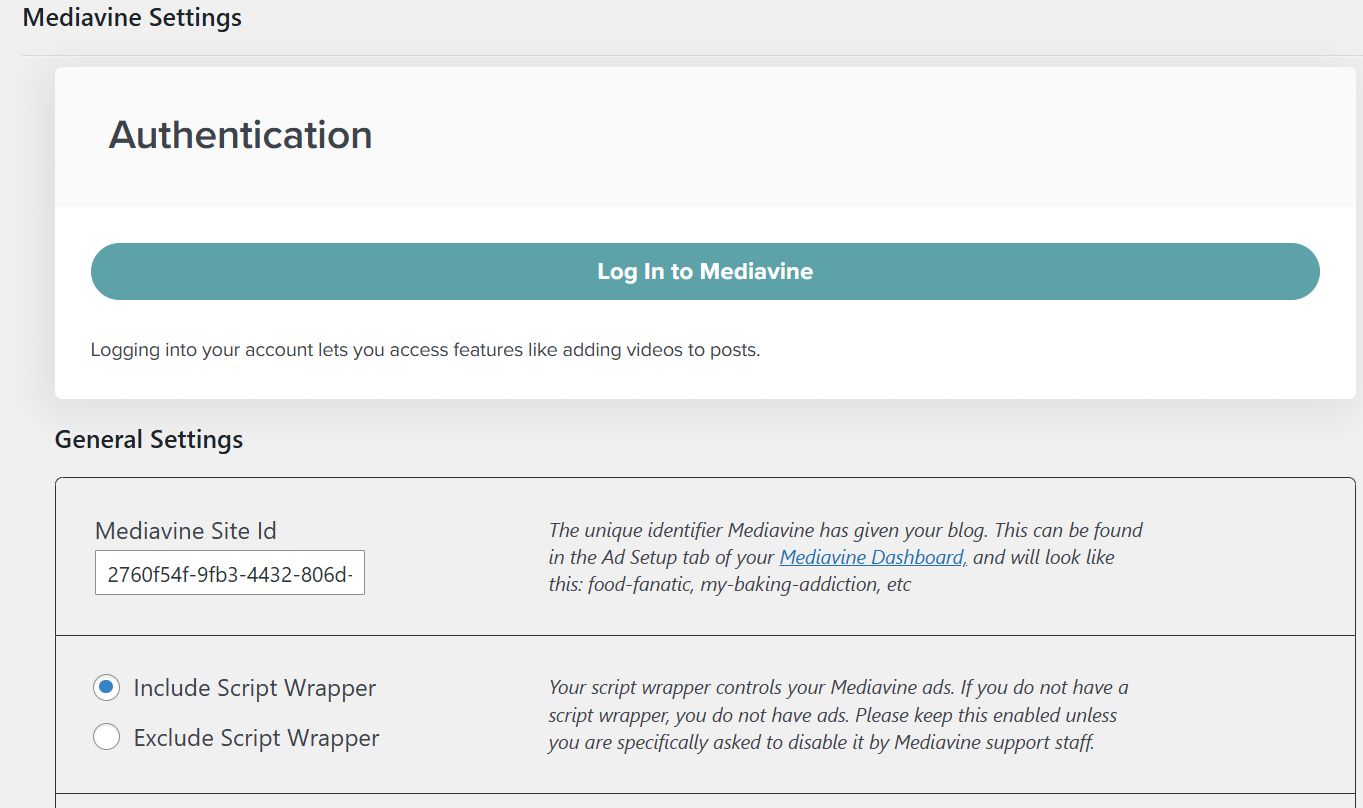
So when I continue to log in, It doesn't let me to choose website because there isn't any websites to choose from as you can see on the screenshot below:
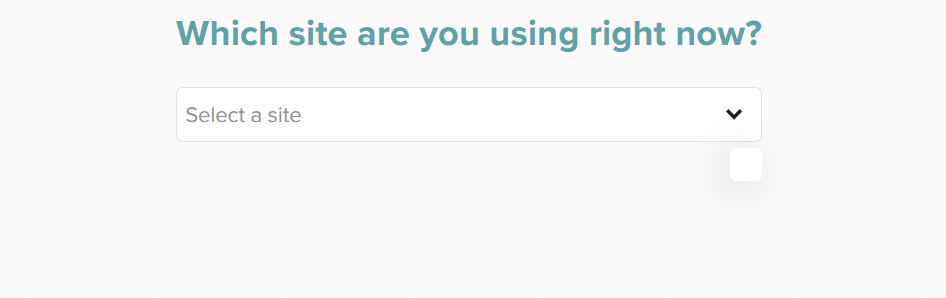
Not sure if I'm doing something wrong or if something else is wrong.
I would appreciate if you can help me to overcome this step.
Thanks
-

Darko Todorovski The Mediavine Control Panel plugin is used exclusively for Mediavine publishers - this plugin will not work for Journey sites.
0 -
Well when I was starting with the onboarding I think somewhere was saying to install this plugin to continue with the process.
Should I delete this plugin now, since I finished with the onboarding process or the plugin is for connecting the ads.txt file with my website and I need to leave it installed, but further to connect as you said I can't as I don't have a mediavine account and only using journey?
0 -
Darko Todorovski if you're running Journey, you will want to remove this plugin as it can conflict with how ads are served on your site. I recommend making sure that your site's ads.txt file is in place after removing the plugin. We have instructions in our help center on setting up an ads.txt file if needed.
0 -
I listened to you and delete it the plugin from wordpress, I check the ads.txt and the redirect is still there, but now the ads are gone from my website.
In the journey dashboard says:
WordPress Ad SetupTo set up Mediavine Ads on WordPress, you'll need to install the Mediavine Control Panel plugin from the official WordPress plugin directory. After activating the Mediavine Control Panel, you're going to need your site ID, which is the following.
This was the reason why I install the plugin in the first place.
What should I do now to get the ads back on the site, should I re-install the plugin again?
0 -
Darko Todorovski — you'll want to follow the instructions found here to install the Journey Script through the Grow plugin, not the Mediavine Control Panel plugin, on your site.
If you would prefer, you can also install the script manually through a plugin like WP Code by following these steps0 -
Thanks for the fast feedback Support,
I installed the Journey Script through the Grow plugin since the first day and when I went in the journey dashboard and the first thing that I did went in Ad Setup, and there on top of the screen is WordPress Ad Setup.
So, i installed the plugin, as I thought that that were the next steps, didn't know that I already finished with setting the journey ads on my site when I installed the Journey Script through the Grow plugin
So, I delete it the plugin, checked the ads.txt file and everything seems okay now.
Last question from this thread:
Is it possible this to cause problems such as, only US traffic to be monetized, low RPM and CPM and the number of page views and sessions not to much with the analytics from GA4 by far, 65% less in journey stats?
Sorry for the confusion and thanks for the heads up!
0
Journey is Self Supported
Please sign in to leave a comment.
Comments
6 comments