Left Journey months ago - Ads.txt still being altered

I left MV Journey a couple of months ago to return to AdSense. I gave my notice, deactivated my account, and uninstalled Grow. All has been going great with AdSense, except that Mediavine keeps altering/replacing my ads.txt file, which stops my AdSense from working.
The ads.txt file is a different version each time, so it can't be a caching issue – Mediavine is still serving the ads.txt file to my site. I've included examples to show that different ads.txt files are still being sent.
This happens as often as once every two days, which is costing me money and is extremely annoying. I just want this to stop.
I opened a thread about this, but it was closed before the issue was resolved.
Website is landofthebigs.com.
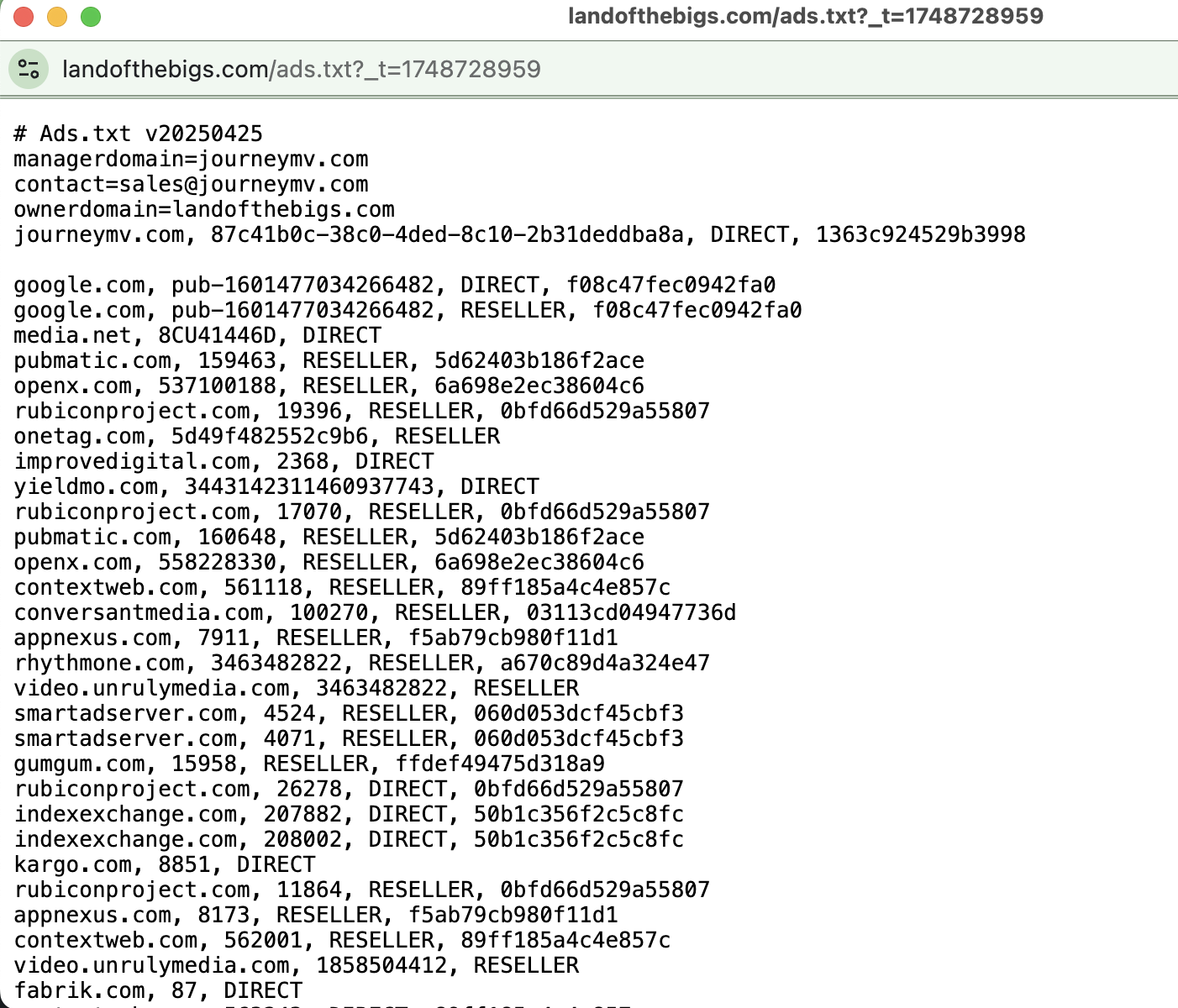
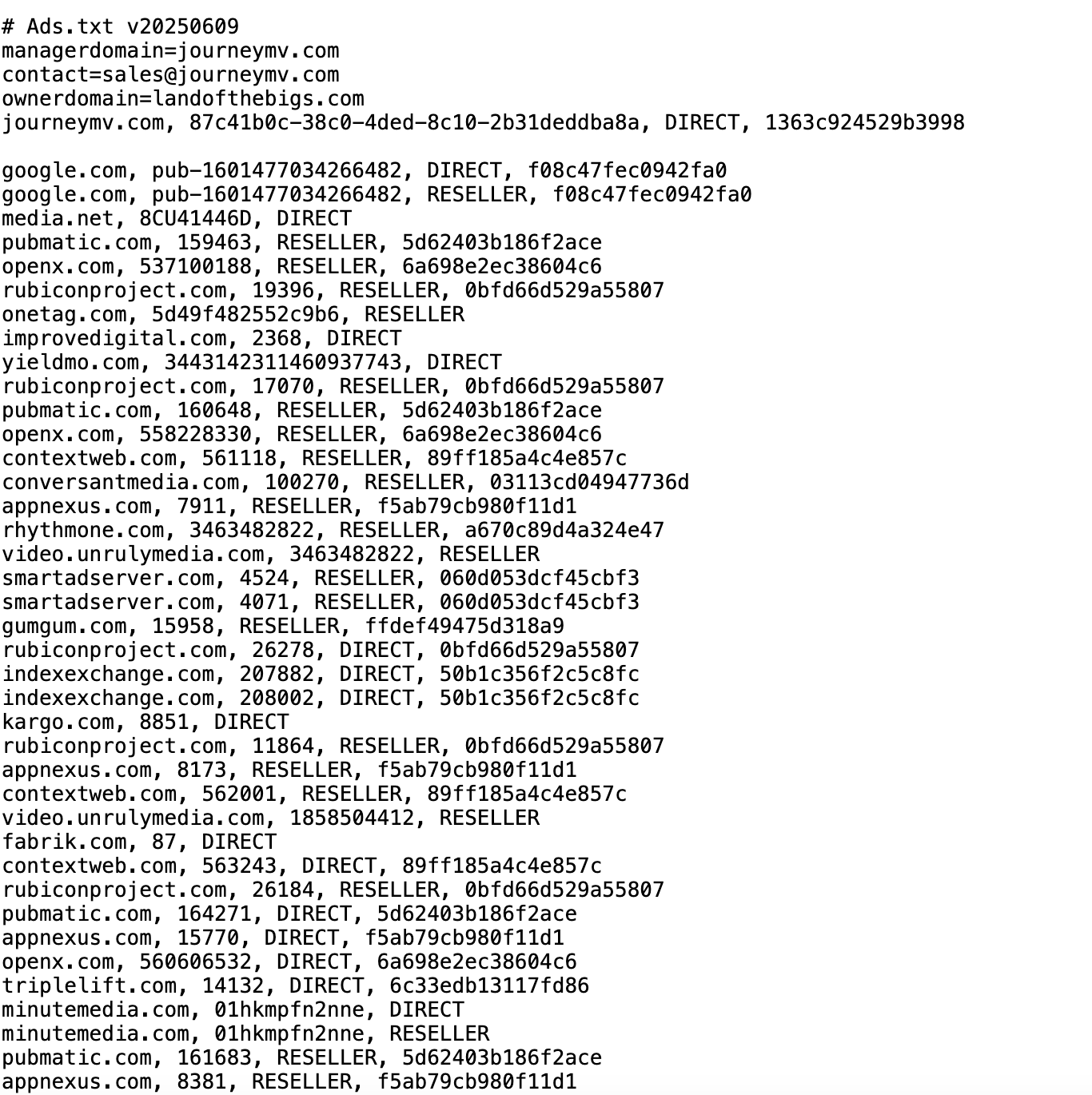
-
You can see in this screenshot that the file being uploaded is different from any I've been served before, so MV is still sending them to me. I just want to be completely disconnected from this service so I'm no longer sent updated ads.txt files.
 0
0 -

Hi Bigs I went over your site in our system and it has been completely deactivated on our end. Additionally, your site has no instance of Journey or Grow running on it so I would recommend reaching out to your host to see if there is any caching that is causing the ads.txt file to be added back to your site.
0 -
That thing that never happens just happened again… Another version of ads.txt pushed to my site, with a new version number and different advertisers. Please remove my site from the system and stop sending these to me! This has been going on for eight months!
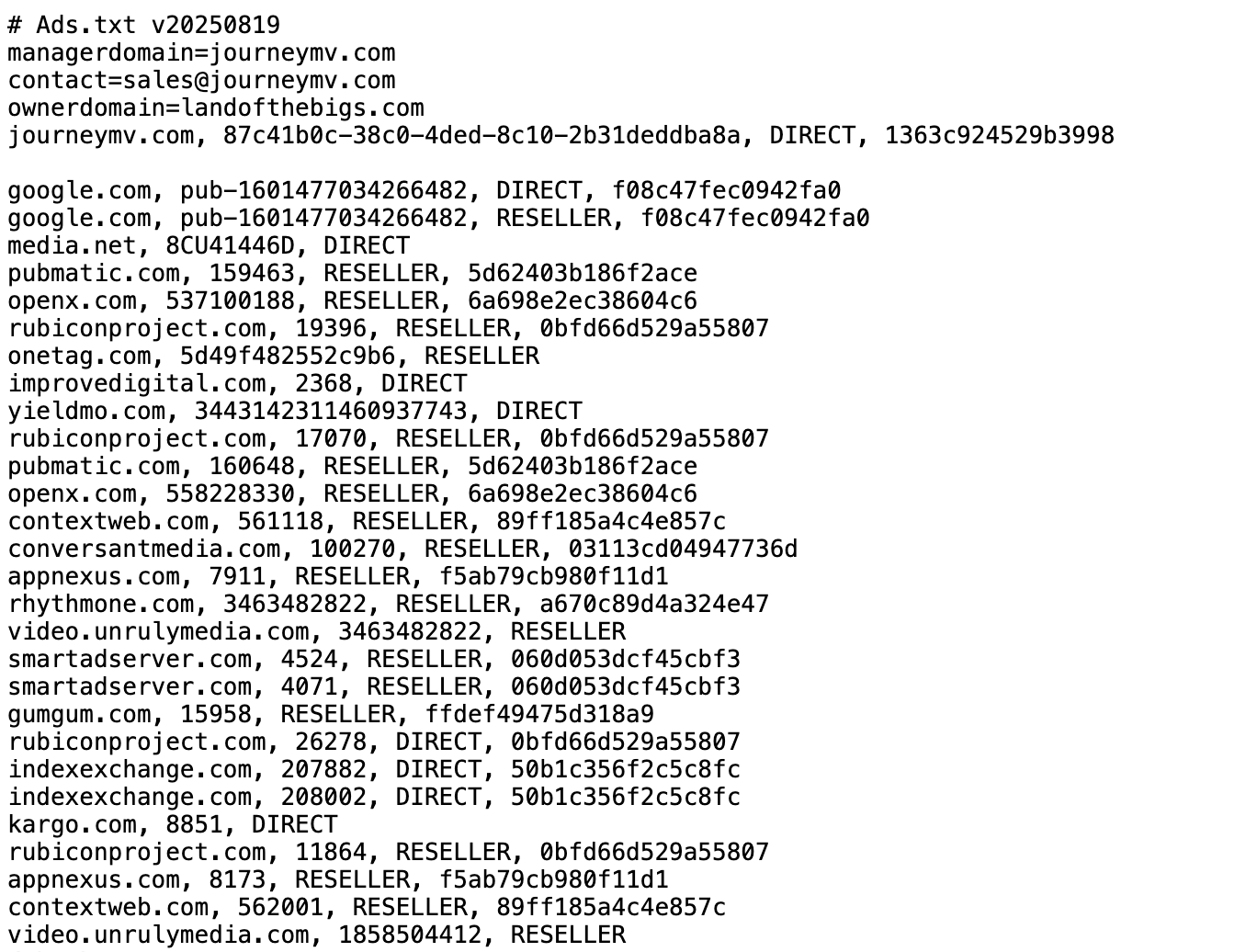
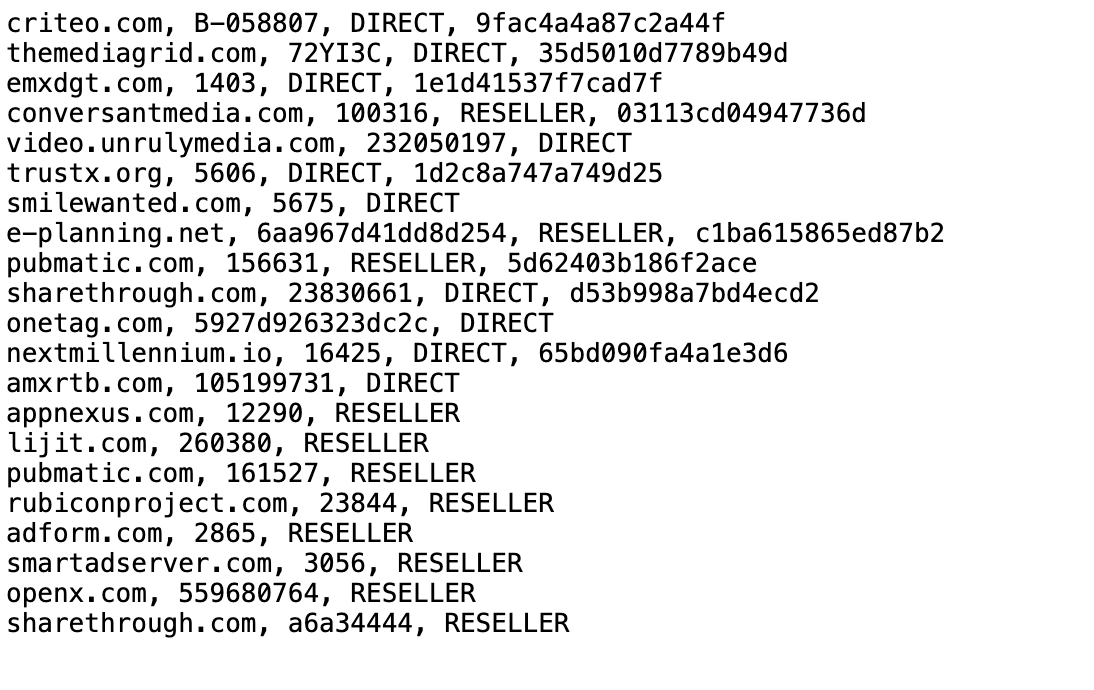 0
0 -

Hey Bigs - I had our engineers take a look to see if we could help identify the root cause of the behavior you're seeing in place here. While we're not seeing anything out of the ordinary from our end, we did want to pass along a few bits of troubleshooting on what we think could be the cause:
When the Journey/Grow script implements an ads.txt file on a site, it uses a WordPress Cron Job to, in a sense, ‘update’ this file for you. When Grow is removed, the cron job is removed with it, however, it's not out of the question for a WordPress install to potentially cache this Cron Job.
The cron job in question for the Ads.txt file is grow_get_ads_txt_cron_event - your host should be able to take a look to see if this job is cached on your site still, and if so, remove it.
Additionally, we recommend having them double-check your site's .htaccess file to see if some type of overwrite rule is in place for your /ads.txt domain. This is something that would have likely needed to be set up manually, as the plugin does not do this automatically when setting up an ads.txt file.
Lastly, we've pushed out an update to the Ads.txt service that will ‘remove’ any ads.txt files for deactivated Journey publishers - in a sense, this would stop some type of automatic update to an ads.txt file from occurring that's out of Journey's control.
I checked your ads.txt file this morning, and we're no longer seeing a Journey ads.txt file on your site0
Journey is Self Supported
Please sign in to leave a comment.
Comments
4 comments