Privacy Policy Errors and Ads Not Showing

Mediavine Ads just stopped showing up on my iwearafrican.com site
I've checked and I can't tell why that is.
I do notice that there are some journey setting errors. I'm getting a privacy policy error even though the privacy policy has been set up correctly.
My Ads.txt is also generating errors for my two sites. I have updated the Ads.txt files. I did add my google adsense code to them.
One of my sites is still monetizing. The other isn't anymore.
Please help.
-

Hi Belle Niba ,
It looks like you may have inadvertantly removed your Journey script from iwearafrican.com. Once you add it back, your ads should populate as normal.
In terms of your Privacy Policy error, it looks like both of your sites have the page for your privacy policy listed as /privacy-policy, but when I go to your sites, the privacy policy is found at /privacypolicy. You'll want to update the page listed in your Journey Settings for both sites.
As for your ads.txt file, Journey requires exclusivity, which you can read more about here, so the Google Adsense code needs to be removed as soon as possible to avoid issues with your Journey standing.
I hope this helps!
Tim0 -
Hello Tim, I am still getting the policy errors on my africanvibes site.
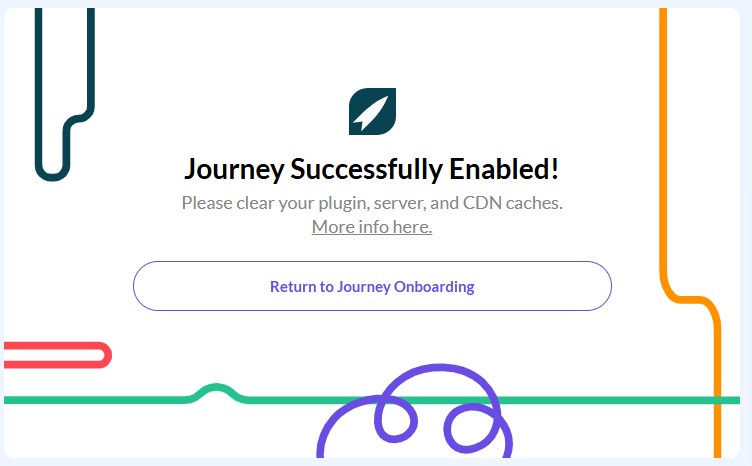
I have enabled the script multiple times through the Grow app but the error remains unresolved. Please help. Our revenue has taken a hit and I want to make sure we are set up correctly.
 0
0 -

Hey Belle Niba - it can take a little time before Journey is able to detect the script on your site. I'm seeing it in place now, and no longer seeing the ‘missing ad script’ error on your dashboard.
It looks like we are getting a ‘This page isn’t working’ error when attempting to navigate to your privacy policy, which may explain why you're seeing this error on your dashboard. I recommend connecting with your host for further troubleshooting here, if you're seeing the same.
0 -
Thank you. That's odd. I also just checked my privacy policy url with google and it worked fine.
My dashboard is still showing the errors on my end. I've checked in incognito mode and they are still there.
But if they are clear on your end, then that's good.
0
Journey is Self Supported
Please sign in to leave a comment.
Comments
4 comments