Ads not showing

Hi folks
New to Journey a few days ago and installed it on my WP site via the grow plugin
On my dashboard it says everything is fine
I've cleared to cache on my site and my cloudflare but when i go to my site i still don't see any ads ?
Has anyone got any experience with this that could help ?
-

Hey Jon Dawson - When I take a look at your site, I'm seeing ads.
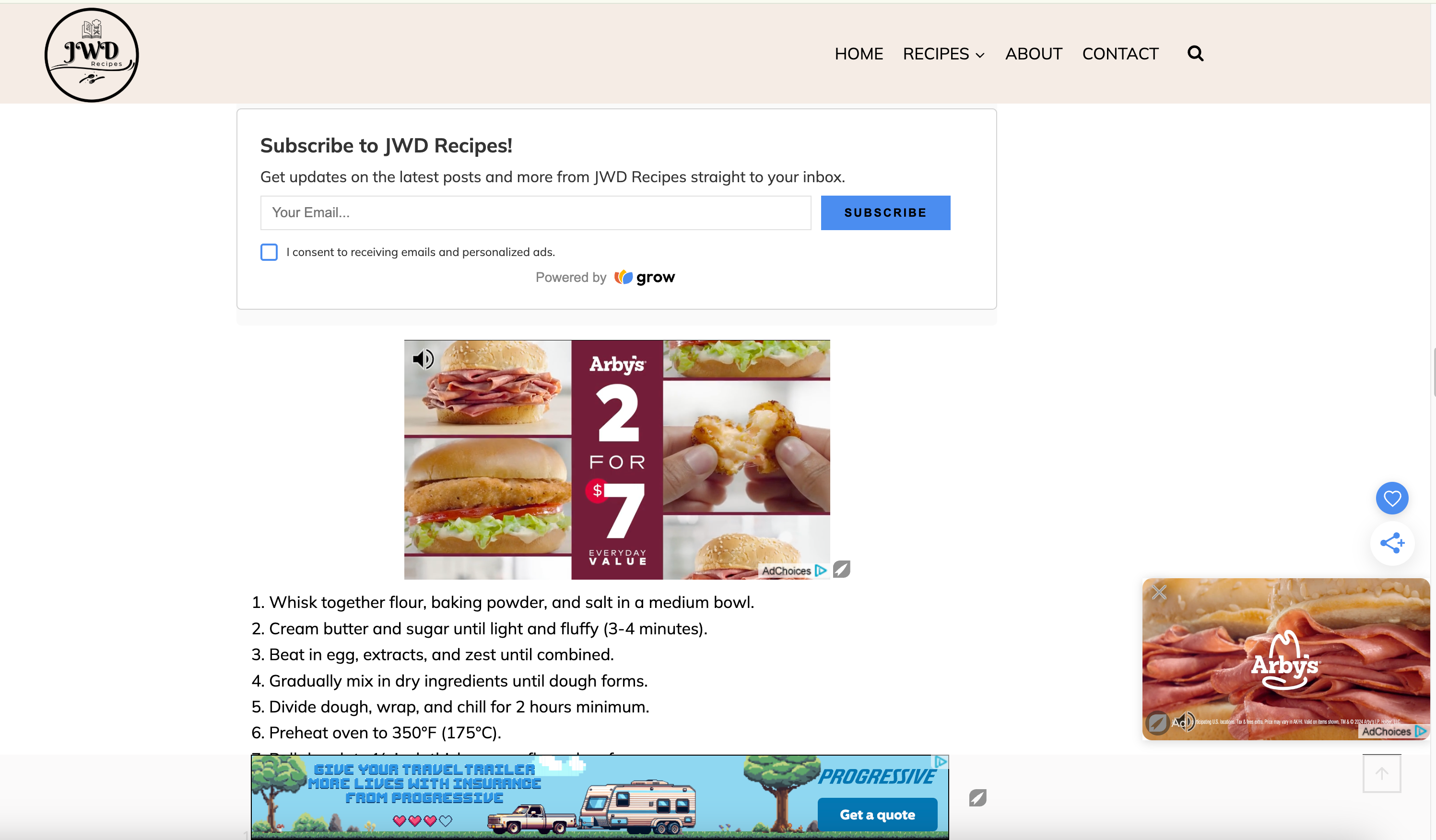
As a site owner, since you're on the site more than your readers are, you may not always see ads appear on your site or take longer to load.
You can always add ?test=houseads to the end of a post's URL to test and make sure ads are loading as expected.
0 -
Thank you Support i appreciate your help and telling me you see the ads
I tried your thing about adding that small text after my url but i still couldn't see the ads
But since you can see them etc i assume everything is fine and working
0 -

Hey Susanne! When I locally bypass all caching in my browser by adding ?test=1234 to the end of a URL,, I'm able to see all of the ads load on your site without issue:
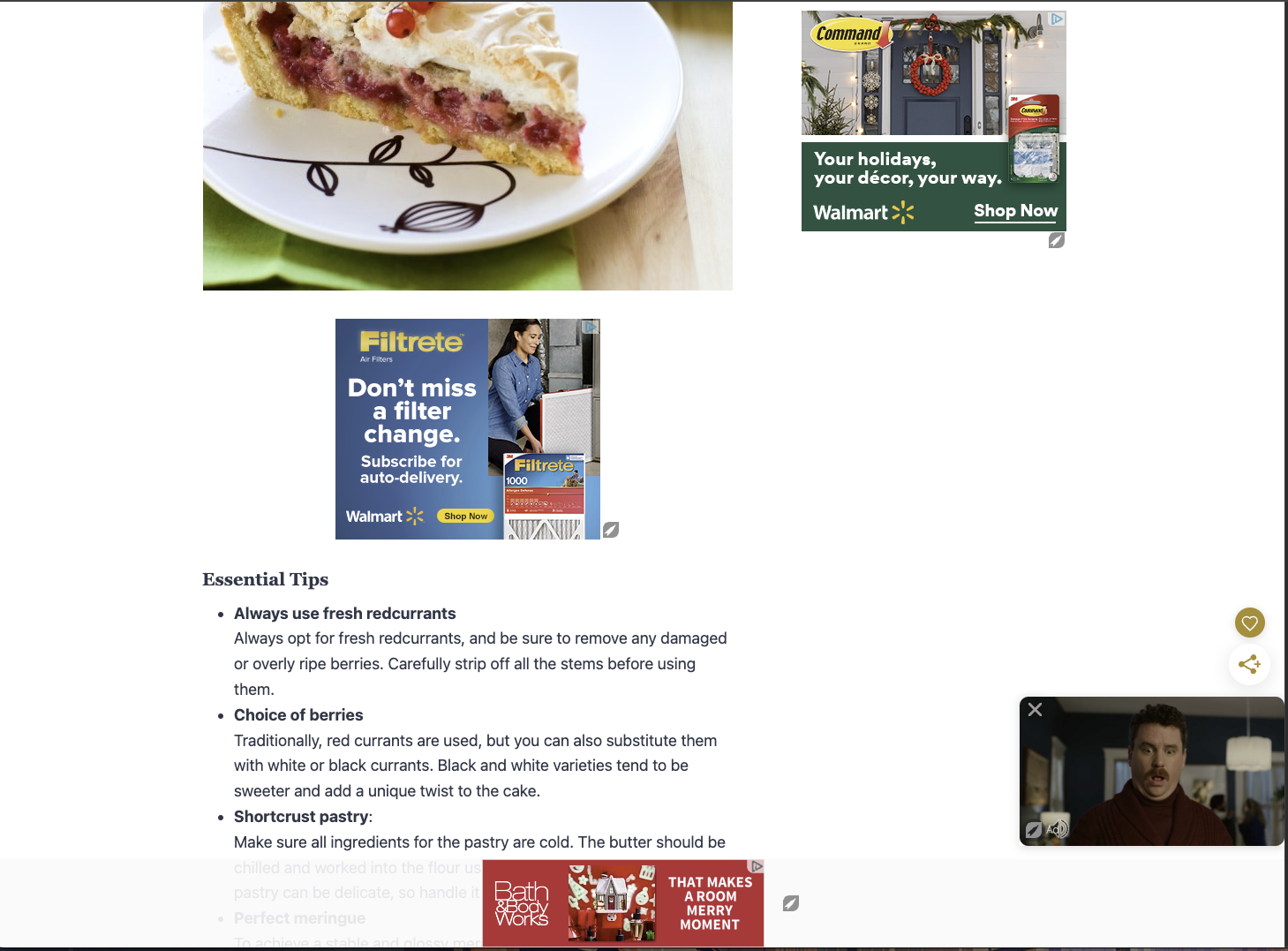
However, if I don't bypass the cache I'm unable to see the ad script on your site, so making sure your caches are thoroughly cleared should help resolve the issue here. You'll not only want to clear your caching plugins, but you'll also want to make sure your host fully clears any server, site, or CDN caches that they might manage on their end. Once your sure all your caches have been cleared, you'll want to visit your site in an incognito window to test for ads.
0
Journey is Self Supported
Please sign in to leave a comment.
Comments
3 comments