Privacy Policy & Ad Script Error Message

Hello,
I have been having this issue for a while now. Whenever I log into my dashboard, both “ad script not found” and privacy policy not found" shows up. I can usually get the ad script to go away for a couple hours by hitting refresh, but it comes back and hour or two later. The privacy policy error message however will not go away even though the address is correct. Any idea how to fix this?
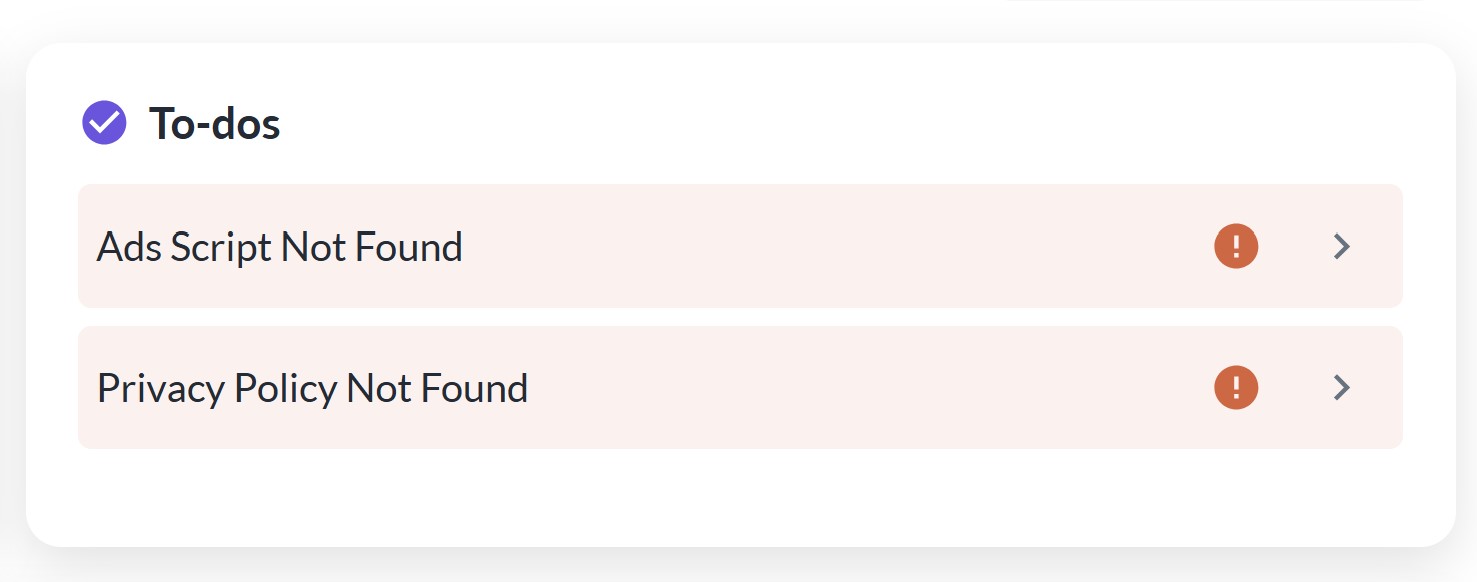
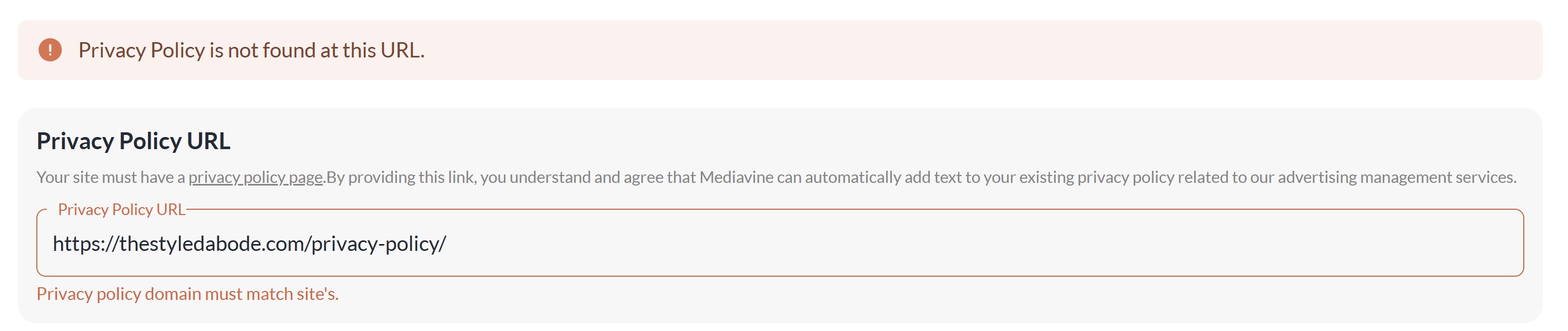
-

Hey Lauren J O'Malley - I just took a look at your dashboard and I'm not seeing any errors. I tried logging in and out and refreshing a couple of times and everything is looking normal.
Can you try logging in and out of your dashboard and seeing if those errors are still there?
0 -
They're still there after logging out and back in, on both desktop and mobile:

0 -

Hi Lauren J O'Malley ! It looks like your site is down intermittently, which is one reason you'd be seeing these errors.
When I was able to get your site to load though, I'm getting a bad/spam redirect when I click around a bit, and this could also be resulting in these errors. This is what it looks like:
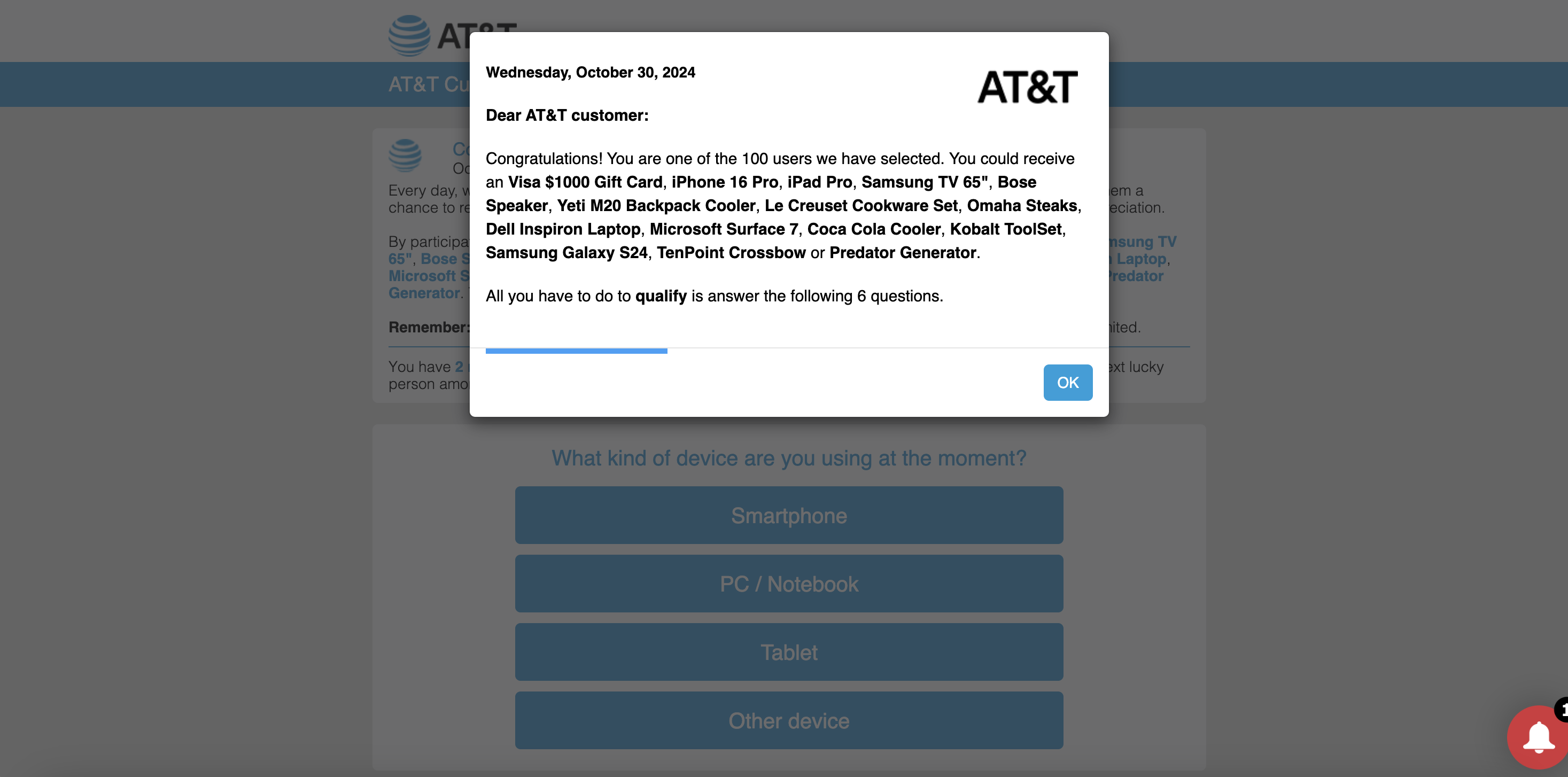
Both of these issues are something you'll want to bring up to your host as soon as possible so they can make sure your site isn't experiencing downtime or malicious behavior.
Thanks!
0 -
Oh wow. I just sent them a message. Can you leave this thread open in case I need some more information or they have questions?
0 -
Did you go to thestyledabode.com? Can you check again and see if it's a particular page that you click on that activates the redirect? I had a few friends click on the site, and also did a malware scan through two different malware scanners and nothing showed up. This is what I got from my host:
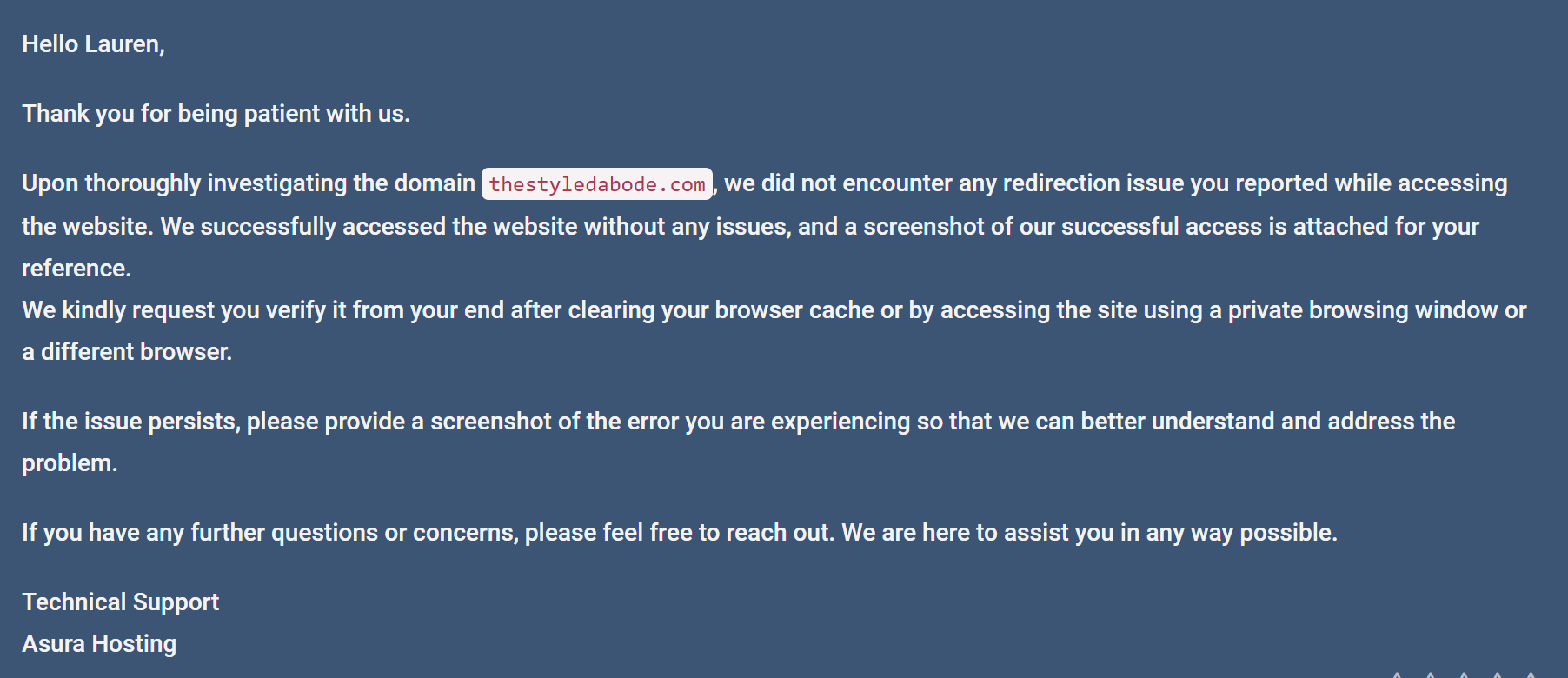 0
0 -
And did you by chance click on one of my product links when the issue happened? If so, that would be an issue outside of my website. The link you sent me went to Walmart, so I'm thinking that may be the case?
0 -
Lauren J O'Malley This only happened after clicking around to several links and scrolling through the site. I'm unable to replicate currently, so it's possible your host was able to clear up the issue on their end.
0 -
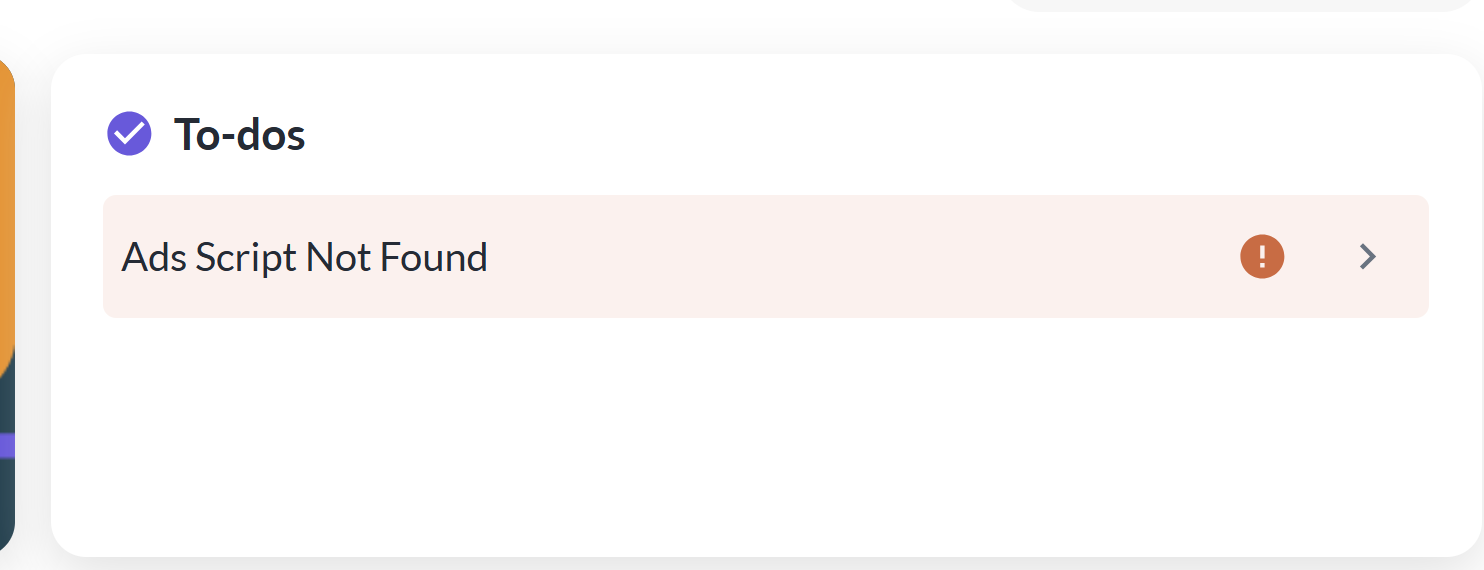
Ok. Thanks for checking. I still have the ads script error, so it seems like that didn't have anything to do with it if that issue is cleared up.
 0
0 -
Lauren J O'Malley When this happens, there has to be something preventing the crawler from seeing the script in the source code of your site. This means it either is due to the script is being optimized (which isn't the case here), the site intermittently being down or redirected, or there's a firewall/security setting preventing crawlers from always crawling the site. I would reach out to your host to make sure there aren't any firewall/security settings set up on the server/through a CDN like Cloudflare that could interfere with crawlers/bots, and check any security plugins you may be running as well.
0 -
Hi Rachel, would you be able to click around my site again and see if you notice any spammy activity or redirects, broken pages, etc. again? I installed a spam bot filter plug in and it seemed to take care of the ad script and privacy policy errors on my Grow dashboard but want to see if readers are still experiencing other issues.
Thanks for your help
0 -
Lauren J O'Malley looks good on my end!
0 -
Ok perfect, thank you!
0 -

Hello. I recently updated my privacy page and now there is mediavine script after the footer. How do I remove this? I have tried clearing cache etc and nothing seems to remove these long paragraphs from Mediavine after my footer. This appears to only show on my privacy page though: https://eatyournutrition.com/privacy-disclosure-and-terms
I posted this on the forum community for answers and haven't heard any answers as my post has yet to be approved for posting.
I emailed 2 points of contact who have helped me in the past on other issues and it's been 6 weeks now and I haven't received a response by email or on the community pages yet. Any solution to this, since it's been 6 weeks with no help?
Laura Villanueva
0 -

Hi Laura Villanueva ,
I went ahead and updated the targeting for the Mediavine Privacy Policy language so that it is placed within the body of your Privacy Policy instead of at the bottom of the page. You should be good to go now!0
Journey is Self Supported
Please sign in to leave a comment.
Comments
14 comments