Journey onboarding issue: conflicting ad code running on your site
Featured Answered
Hello Mediavine Journey Team & Community,
Yesterday I have received the eagerly anticipated invitation to journey. I tried to connect everything but run into an issue I can't seem to solve by myself. This notification popped up saying that my website still has conflicting ad code:
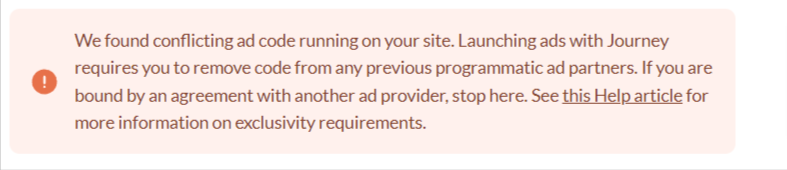
I signed up for Ezoic in January 2024 but ultimately decided not to put their ads onto my site. So while ads never went live with ezoic there still seems to be code on my website. I tried various things including:
- removed my site from ezoic ads in the ezoic publisher dashboard
- removed my cloudlfare connection from ezoic
- changed DNS server values back to host standard values
- checked my ads.txt.
Could you tell me where exactly the found code is located so I can remove it? Alternatively, do you have any idea on what other steps need to be included to finally remove ezoic code from my website?
I can not wait to be part of Mediavine Journey and want to finish the onboarding process asap.
Thank you a lot for the help! :)
Sophie
-
Official comment

For anyone else who runs into the conflicting ad code message, here's an in-depth help article that goes over how to remove conflicting ad code from your site and where you typically can find the conflicting code. Please read over all of the troubleshooting steps and if you need assistance or can't find the code, reach out to your host or developer for assistance.
-
It is fixed, no need for support anymore! :)
0 -

Hi Sophie! Thanks for letting us know, that's great news.
0 -

Hi Sofie, how did you fix it? I raninto the same issue and can't find any scripts running.
0 -

Would like to know that as well.
0 -
Hi Sophie Kaluza ! Would you mind letting us know how you fixed this so others with the same issue can see if it works for them as well? Thanks so much!
0 -
Yes of course, so basically I was looking for the wrong code - there was no more ezoic but there was still some Adsense code somewhere even though I never ran ads on Adsense. I disconnected my Adsense account from my blog and the issue was resolved :)
0 -

Hi!
I am having the same issue! How was it resolved?
Thank you!!
Amanda
0 -
So…we should not use Adsense at all if using Mediavine Journey? You have to be approved my Adsense (I Am) but not using it?
0 -

Using AdSense is a conflict because it's another programmatic ad provider. So you're correct, you should not be running it once you've onboarded with Journey.
0 -
Thanks…I had no idea. Any resources on how to pull all my adsense ads?
0 -
Hi, Karla. I pulled my Adsense ads…still shows a conflict. Does it take a while for this to take effect? You are my only hope, Karla!!
0 -
PS: this has been fixed! I found the link https://www.[yoursitename].com/wp-admin/admin.php?page=grow-journey-enable and once I went through the setting up, the ads.txt issue was resolved and now they are visible.
I'm now having issues with ads.txt, I got the bellow error message.

When I tried to click “troubleshoot here” link, it doesn't take me to the dashboard. instead it's taking me to a 404 page.
I have read somewhere here in the help section that the link might be wrong and the support team member gave a link url to paste and replace the website with our website name and it will take you to the set up page.
Unfortunatelly, I can't find it. If you know what I mean, can you please send the URL to me as well?
Thank you!
0 -
Should i remove this code? <script> (adsbygoogle = window.adsbygoogle || []).push({ google_ad_client: "ca-pub-1347297678313627", enable_page_level_ads: true }); </script>
And if so, how?
0 -
Gloria Barr We're still seeing Ezoic ads running on your site, which will need to be removed before running Journey ads. Here's an article that goes through how to remove Ezoic from your site, and if you need any additional assistance removing the ads, you would just want to reach out to Ezoic's support team!
0 -
Thanks Rachel. That's great, but they make it real hard to drop them. Now they say my site is integrated, so I can't go any further, but have no idea what that means and, of course, they don't say how to un-integrate.
Maybe something to do with nameservers? Way over my head. Will contact Lightningbase (my host).
0 -
Hi Rachel,
Got this info from my host:
Thank you for contacting us.
We have checked for any EZOIC-related plugins on your account and did not find any entries associated with EZOIC.
Additionally, we reviewed your .htaccess file and found no indications of EZOIC integration.
Upon examining your Name Server (NS) settings, we found that it is pointed to a remote end:
thecatholictravelguide.com. 172800 IN   NS  beaver.ezoicns.com.
thecatholictravelguide.com. 172800 IN   NS  bobcat.ezoicns.com.
thecatholictravelguide.com. 172800 IN   NS  coyote.ezoicns.com.
thecatholictravelguide.com. 172800 IN   NS  toucan.ezoicns
0 -
Hi Gloria - you'd have to change your name server settings at your registrar, which is where you purchased your site's domain. Your host might have that information, but we wouldn't be able to know that on our end. Ezoic has a list of registrars here with instructions on how to change your name servers for each.
Your host should be able to tell you what to change the name servers to if necessary once the Ezoic name servers are removed, but we're unable to advise beyondt that and you would need to get more information from Ezoic or your host since name server settings are out of our scope.
0 -
My host is changing my nameservers….takes up to 72 hours I believe. Then, hopefully, I will be able to get going with Journey.
0 -
Problem solved….nameservers changed and EZOIC ads are dropped.
0 -

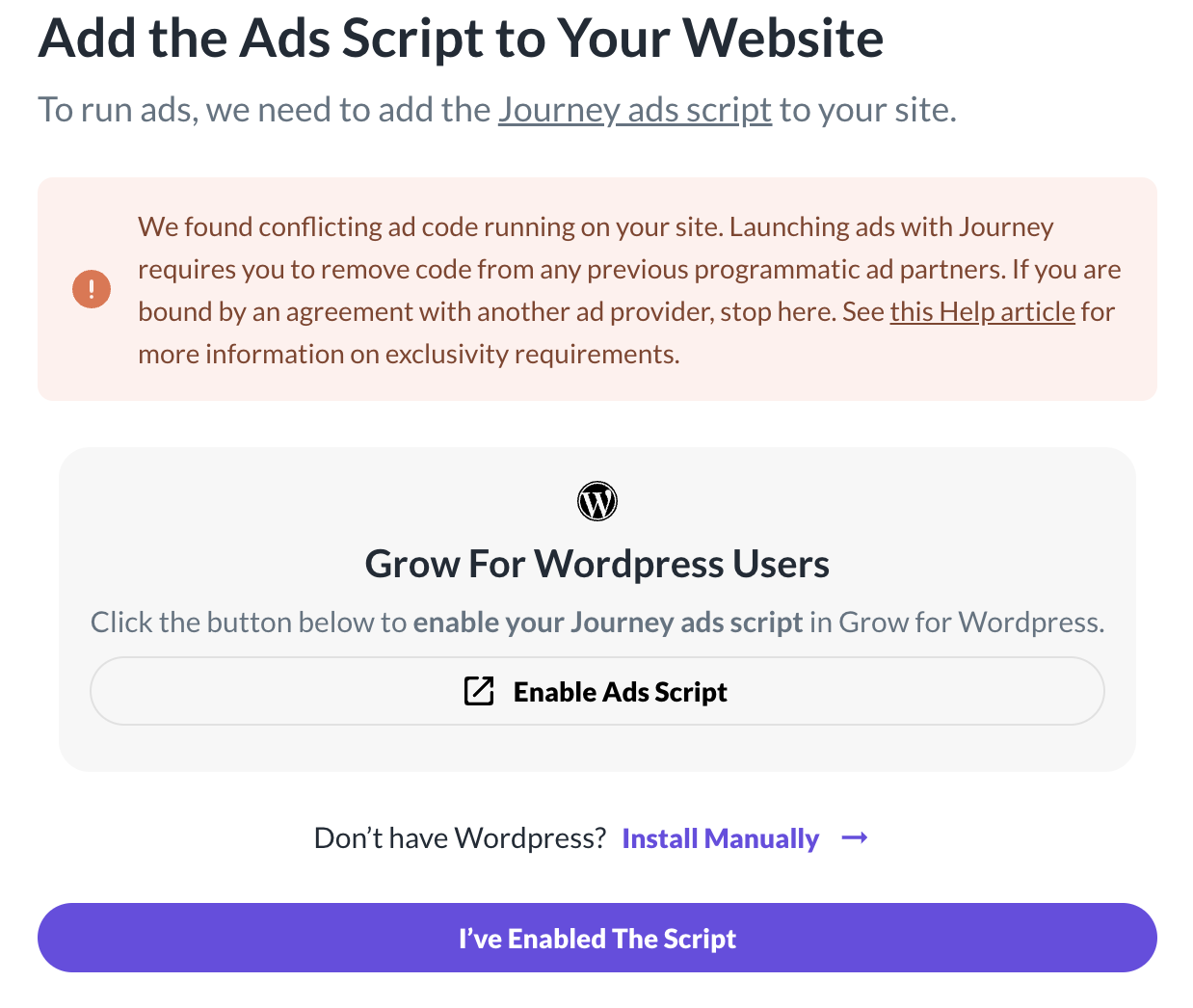
Hi Rachel, I am having the same issues. I started onboarding with Newor Media (but never actually showed ads) before getting into Journey.
I have removed their plugin and the same with site kit for Google AdSense but I am still getting the error that there is conflicting code. I have tried clearing the cache through plugins and Cloudflare but nothing seems to be working.
 0
0 -

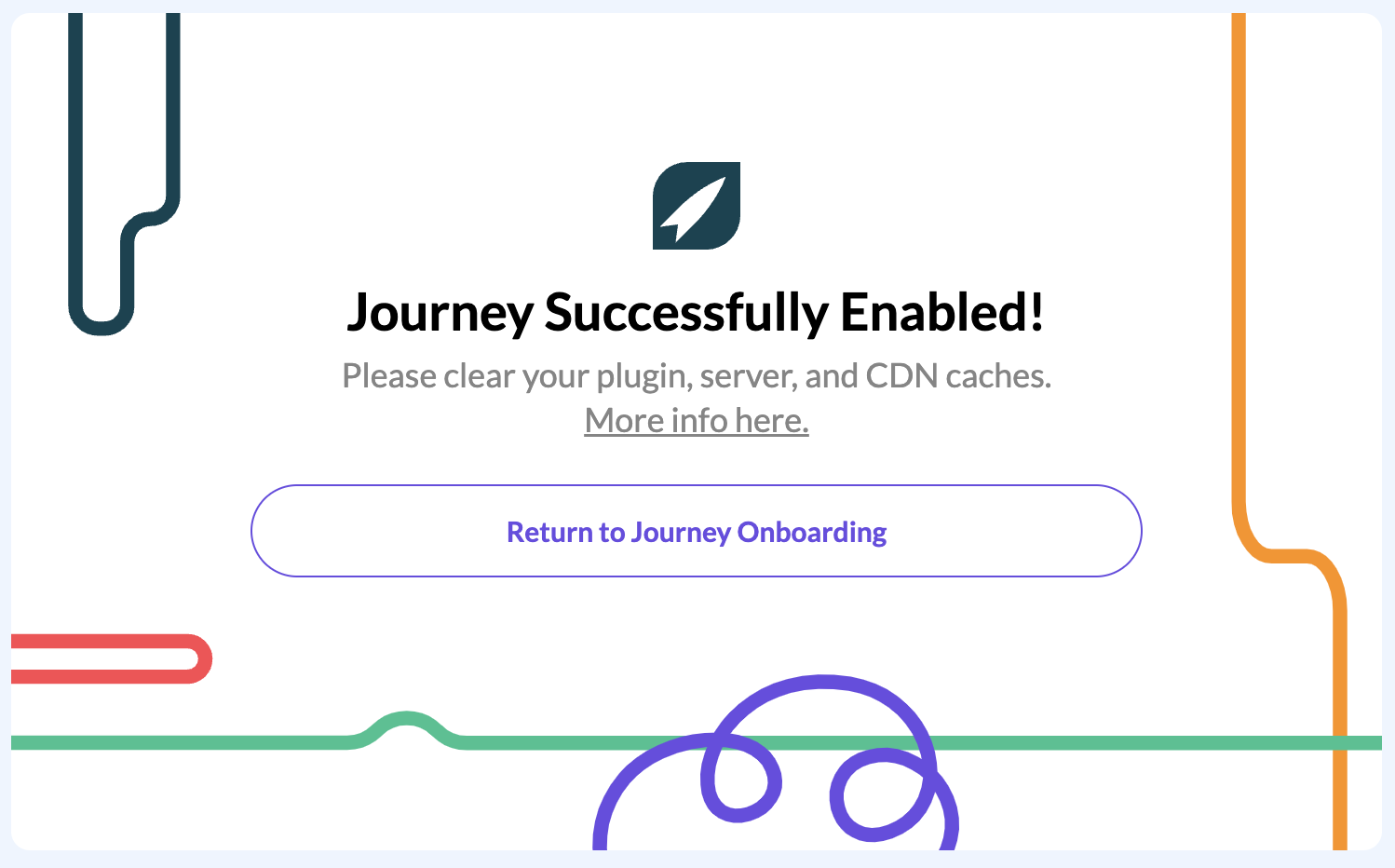
Hey Evan Shepard - I was able to see adsense code on your site until I manually cleared your site cache on my end. If you haven't recently, try clearing out all sitewide, serverside, and any CDN caching in place, followed by going through onboarding once more.
0
Journey is Self Supported
Please sign in to leave a comment.
Comments
22 comments