Unable to view Dashboard

Journey has approved me and ads have been running on my site for a few weeks now; however, I am unable to view the dashboard.
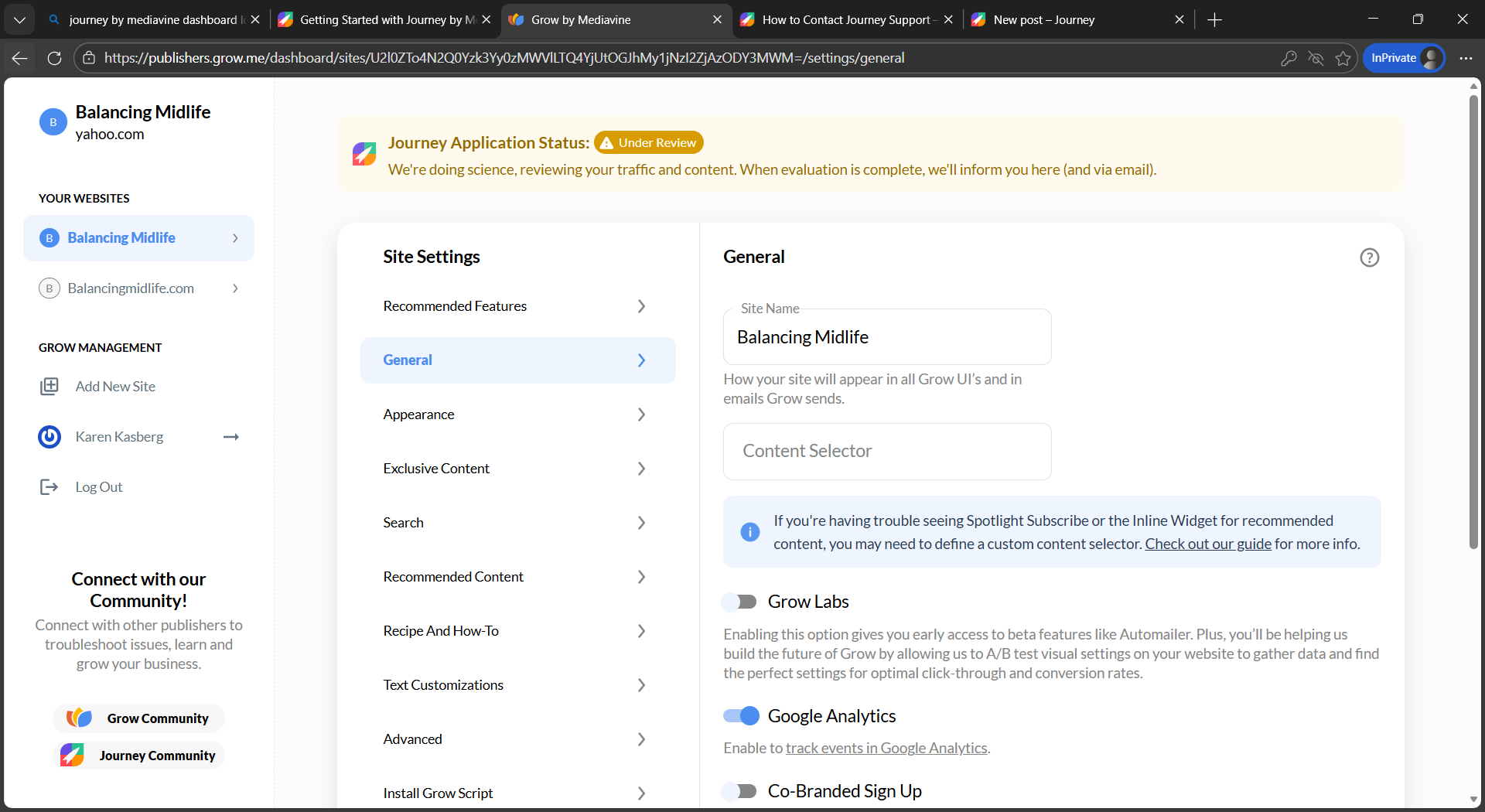
All I can see is a statement that my application is still under review. (see photo)
How can I resolve this issue?
Karen Kasberg
Balancingmidlife.com
-

Hi Karen Kasberg , It looks like you have two different Grow accounts for your site. If you look at your list of websites, you'll see two entries - Balancing Midlife and Balancingmidlife.com. The entry for Balancingmidlife.com has your active Journey information on it. If you would like to remove the other entry you can do so by going to Grow Settings → Advanced → Delete Site
0 -
I deleted the Balancing Midlife entry and now NO ads are showing on my blog. How can I fix this?
0 -
Hi Karen Kasberg
It looks like you had the Grow instance for the other entry running on your site. If you are using Wordpress, you'll want to go to your Grow plugin and reconnect your Grow account to your site. If you manually placed the Grow script, you'll need to replace the current script on your site with the script found by going to Grow Settings > Install Grow Script.0 -
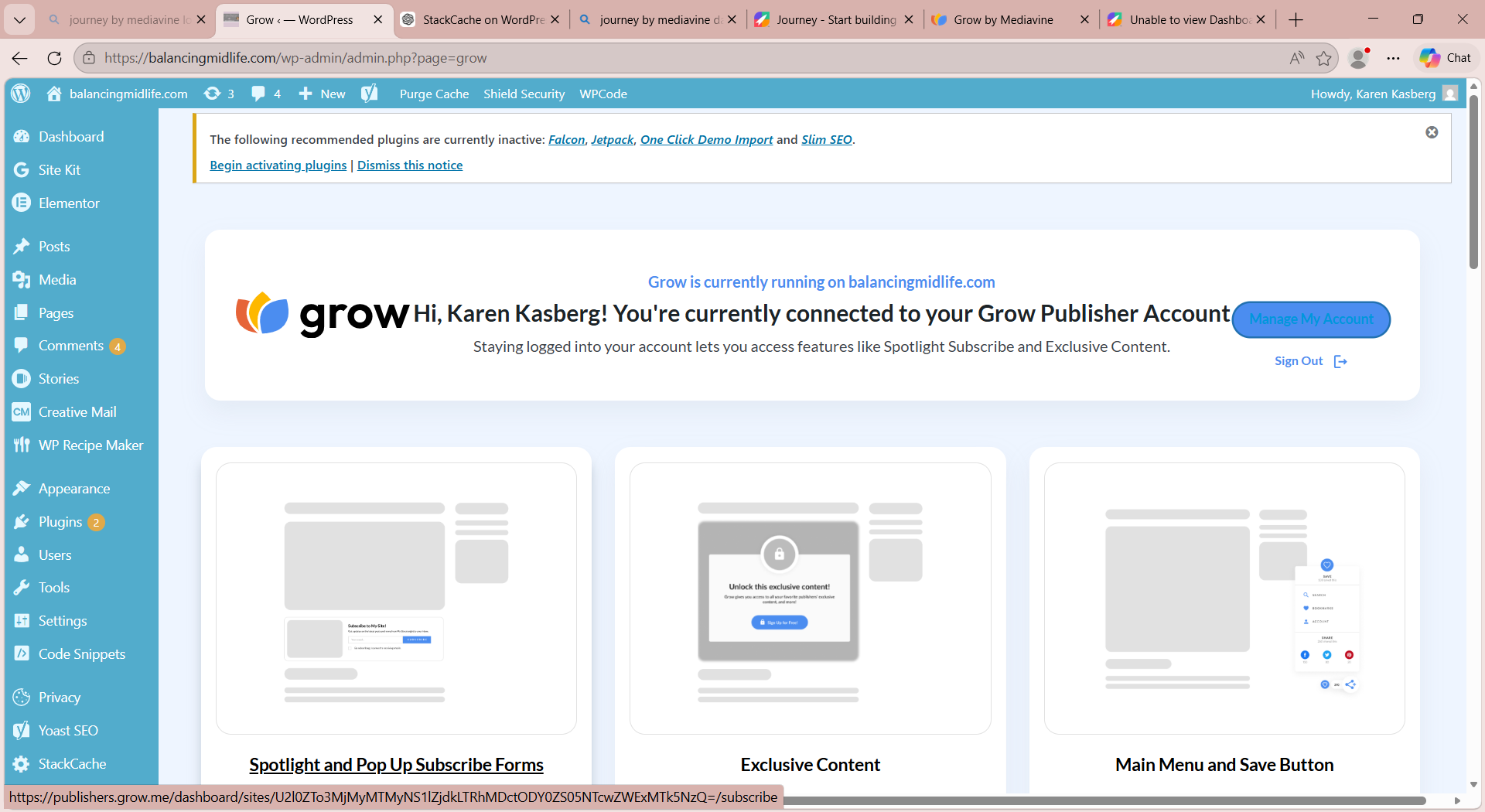
I have reconnected my Grow account with my site and reinstalled the snippet. When I log into the Grow website it is saying “we are having trouble seeing your script”. See image below showing that it is installed. The other problem is that I have already been approved by Journey and have had ads running on my site (still connected to G4 property on Google Analytics), but NO ADS ARE SHOWING up on my site. How can this be fixed?
 0
0 -
Hi Karen Kasberg It looks like you have made two different logins for two different Grow accounts. One of them uses your @yahoo.com email address and one uses your @gmail.com email address. The Grow script that is currently installed is the one connected to your @yahoo.com email address, but the account that is connected to Journey is your @gmail.com account. You'll need to remove all instances of the Grow script that are currently running on your site and install the script for your site located on your @gmail.com Grow account.
0
Journey is Self Supported
Please sign in to leave a comment.
Comments
5 comments