Connecting payment information

Hello,
I'm getting an error message when connecting to Tipalti. I contacted them and they said it's connected properly, but where on my dashboard do I look to see if this error message is just a glitch and to confirm that I've successfully connected my payment information (or if I want to change my payment information in the future.
Thank you,
Erin
-

Erin — Could you try logging out and back into your dashboard, and let me know if that helps? If you're seeing an error message, please send over a screenshot of what you're seeing. Thanks!
0 -
Hi, yes I saw that response on another thread. But the problem is, I don't know how to get back to the screen shown in the attached screenshot below, once I log out. How do I get to my payment connection information on the dashboard (without going through the whole setup step-by-step process)?
Meaning, if in the future, I want to change my payment preferences, where would I go to do that?
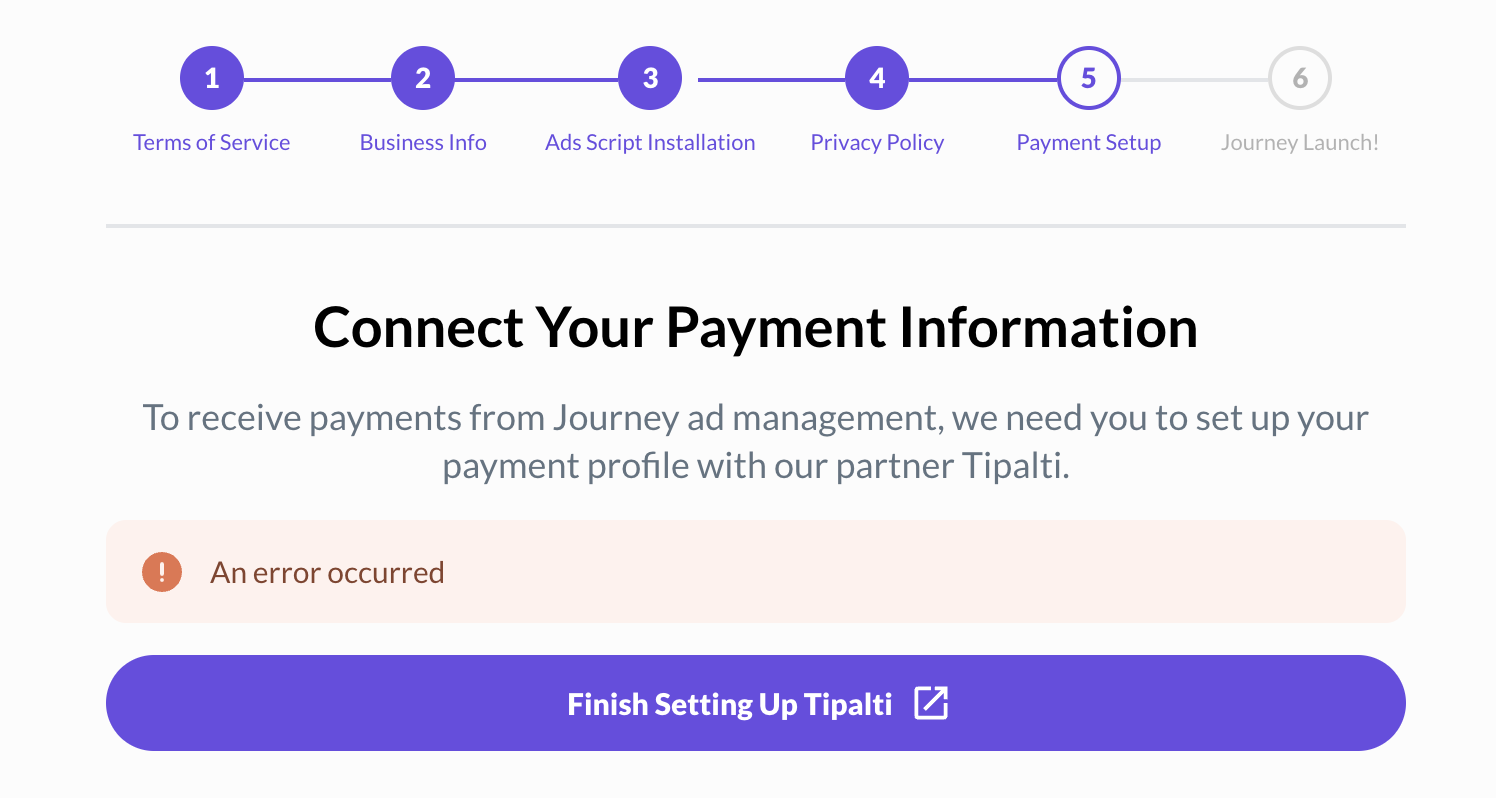 0
0 -
Erin once you've set up your payment information, you do not need to go back through this onboarding step. If you would like to update or view your payment information once more, this can be done by clicking on ‘View Payments’ located at the top of the Analytics page in your Journey Dashboard.
0
Journey is Self Supported
Please sign in to leave a comment.
Comments
3 comments