Unable to set up payment information

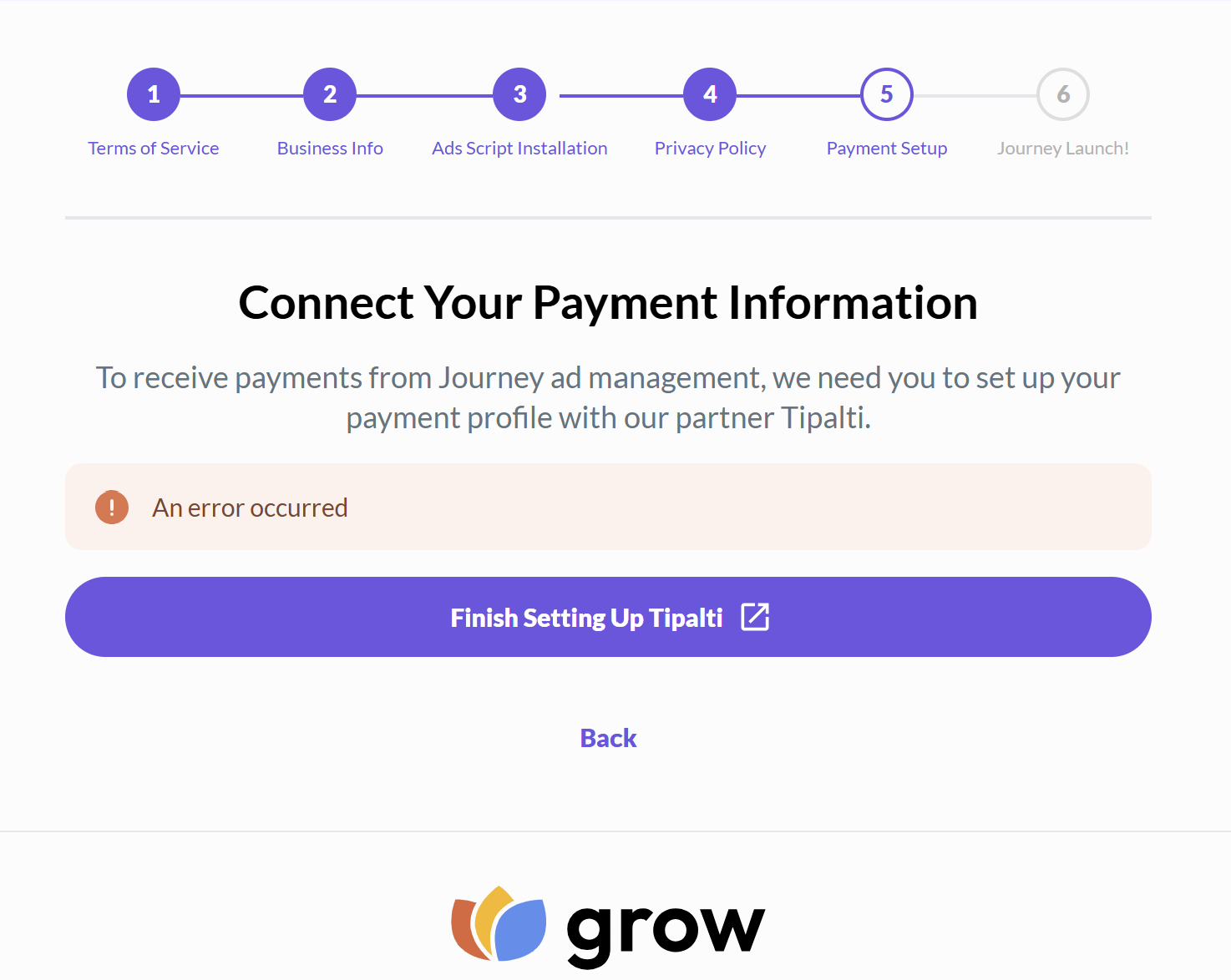
Hi! I'm trying to set up my payment information and I keep getting an error. The green approved action pops up for a second or two, then immediately the error message appears. I've already tried logging out then back in, have also verified the info is correct and can't get past the error message. Can you please help?
-

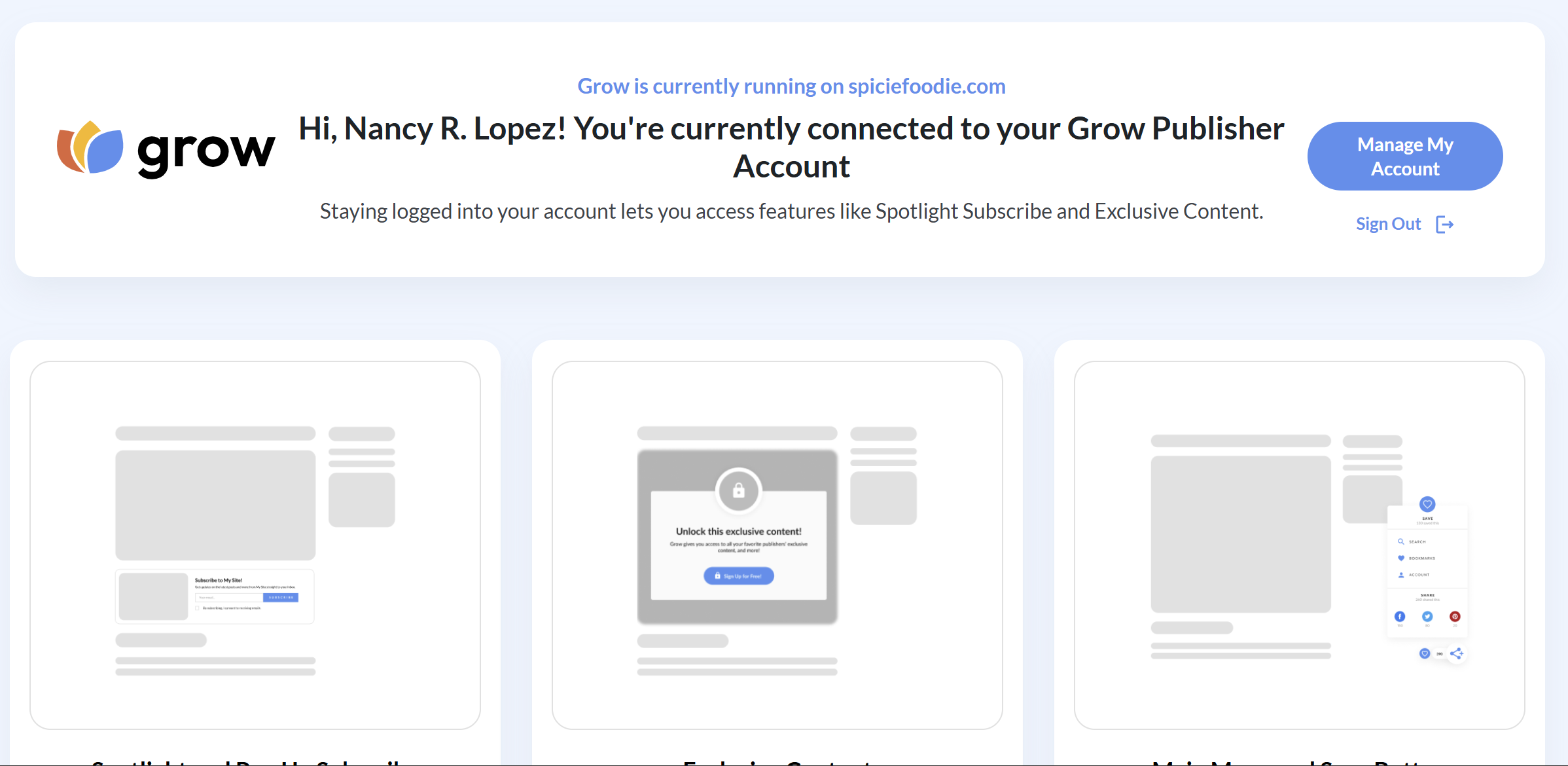
Nancy R. Lopez — it looks like I'm seeing that you've made it through connecting your payment information on your dashboard. Were you able to figure this out?
If you're still stuck, could you try logging in on a new incognito browser window, and let me know if this helps?0 -
Hi Support ! Thank you for the reply. I tried logging in on an incognito window and I'm still getting the same error. I can't get past this point on my dashboard to activate the ads on my blog. The Grow plugin on my website also doesn't show anywhere to activate the ads code, it's just the basic Grow options.
 0
0 -
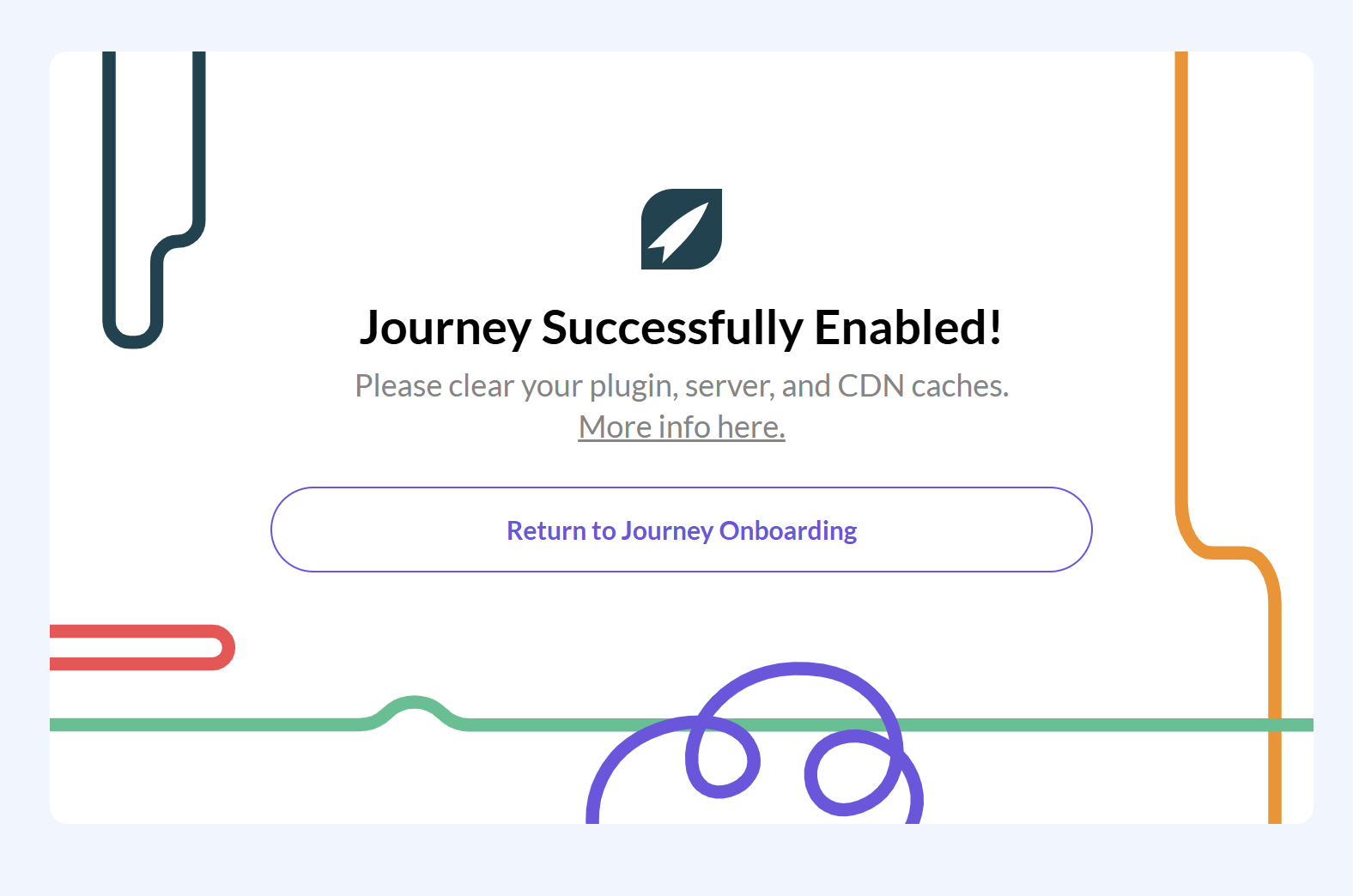
I was just in the Grow dashboard and Journey Settings and saw the Ads Script so clicked on the link to Enable Ads Script and clicked on the Enable button. The screen below popped up and when I click on return to Journey Onboarding the page closes…
 0
0 -
Nancy R. Lopez — could I have you try logging into your dashboard directly here? If you're seeing the same screenshot or any error messages, please let me know. - https://publishers.grow.me/login
Thanks!
0 -
@Support I can log in fine and not seeing any error messages. I don't see any ads showing on my blog. Does everything look ok on your end?
Thanks!
0 -
Everything looks great, Nancy! If there's anything else we can help you with, please let us know :)
0
Journey is Self Supported
Please sign in to leave a comment.
Comments
6 comments