Cannot complete urgent tasks on new Mediavine dashboard

I've accessed the new Mediavine dashboard today for my website, and it says I have some urgent tasks to complete, however, I'm unable to do so and it won't let me make any progress. I've attached a picture with the messages I receive.
- Firstly, it says "privacy policy not found". The Privacy Policy URL is correct, I removed it and replaced it, however I still get the "not found" message.
- Secondly, it says I need to reinstall the ad script. I'm still getting income on the old dashboard (but not so much now), and don't know how to reinstall it, or if I need to at all? Do I need the Mediavine Control Panel plugin as well as Grow?
- Thirdly, it says I need to connect a GA4 account. However, I did this when I first set everything up over a year ago. Regardless of that, it won't let me do anything because my site is greyed out under "select property" and it also says "must be in Eastern Time". How can I fix this? And how would I change it to Eastern time if needed?
Can you help me resolve these issues please.
-

Alex Brown - thanks for reaching out! The missing script and ads.txt error looks to be on your Grow dashboard as well. The Google Analytics notice you're seeing is on our engineer's radar, and can be ignored for now.
To troubleshoot the missing ads.txt and privacy policy error, could I have you check with your host and see if you're running any security on the site that could be blocking our ability to view both? I can confirm that the script and privacy policy are in place, and it's likely that something is restricting our access from being able to see it.0 -

This same thing is happening to me. “Go To” is not clickable for Accept Terms of Service, Confirm your Business Info, and Confirm Owner of Record.
Plus I cannot upload a logo in the settings, then site information. It just says fail every time I tried. I tried to upload different pngs of varied sizes, all within the stated limit. I tried with transparency and without.
0 -
Hi Karentmb — could you send along a screenshot of where you're having trouble?
I was able to upload an image to the site information on one of our internal accounts, could you confirm if you're hitting ‘save’ after uploading, or if you're seeing any errors when attempting to upload or save?
0 -
Hello Support, thanks for quickly getting back. I see the 2 issues I mentioned above have now resolved. But now I'm seeing that it's still asking me to set a property for the NY time zone. Which I have done. Maybe it's taking more time to recognize I've done that? Anyway, I've uploaded a screen shot to show you.
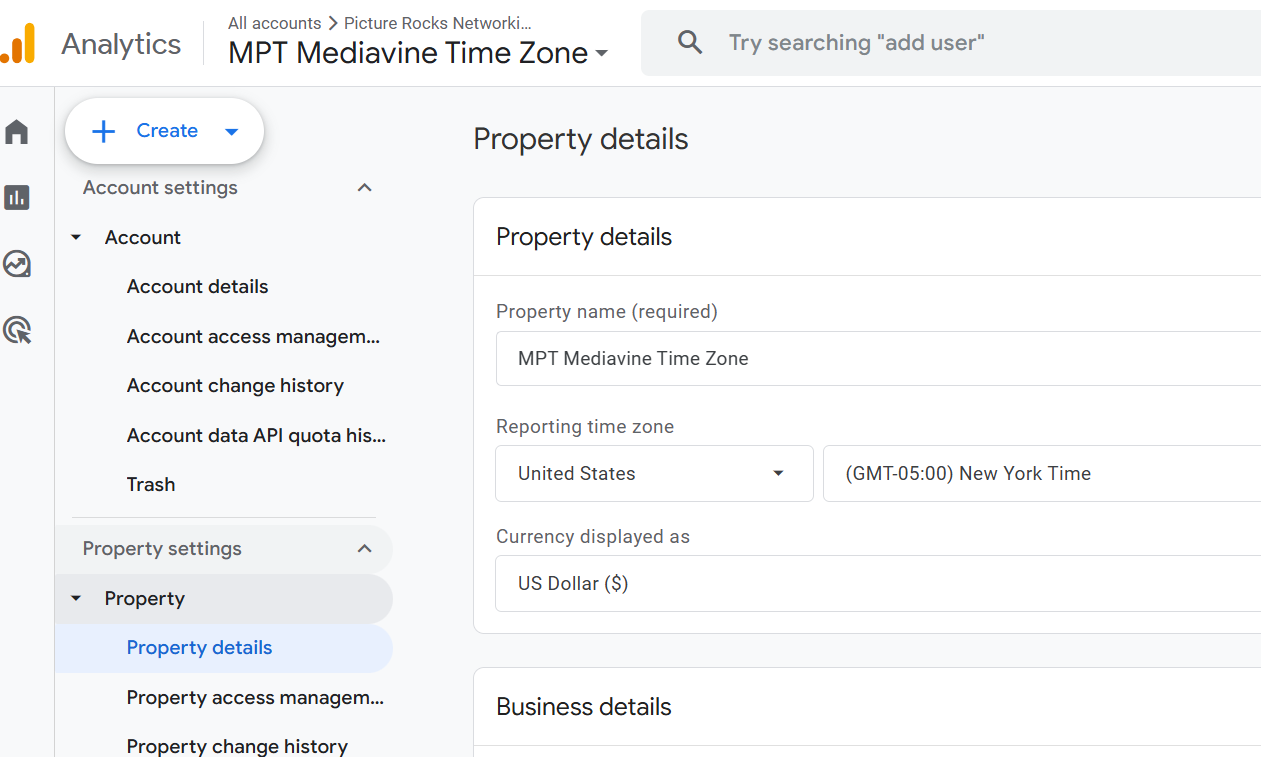
Thank you, Karen M
0 -
I can't even load the dashboard at all now from the old dashboard. I tried everything it says below, restarted my computer etc. Nothing makes this message go away.
How can I access it?
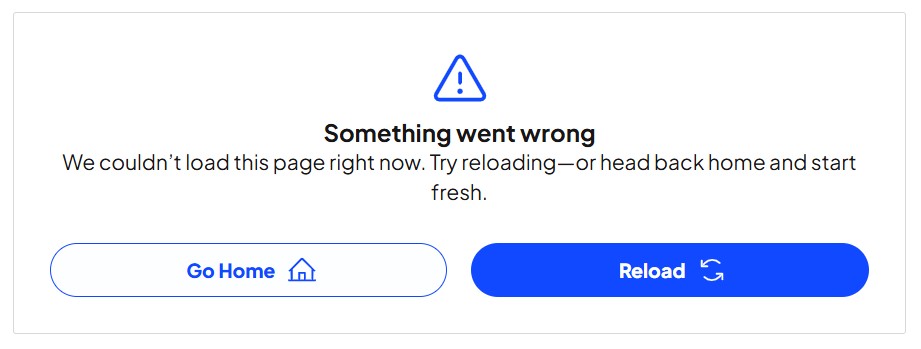 0
0 -
Karentmb It doesn't look like you're using Google Analytics on the site I was able to ID from your email - what site is this in reference to?
Alex Brown - could you try accessing the dashboard in a new incognito browser? If this helps, try clearing your browser cache.
0
Journey is Self Supported
Please sign in to leave a comment.
Comments
6 comments