Unable to link GA4

Hi,
I'm trying to connect a Google Analytics Account inside the new Mediavine Dashboard, but I keep getting the error message: Internal API failed (please see image for reference).
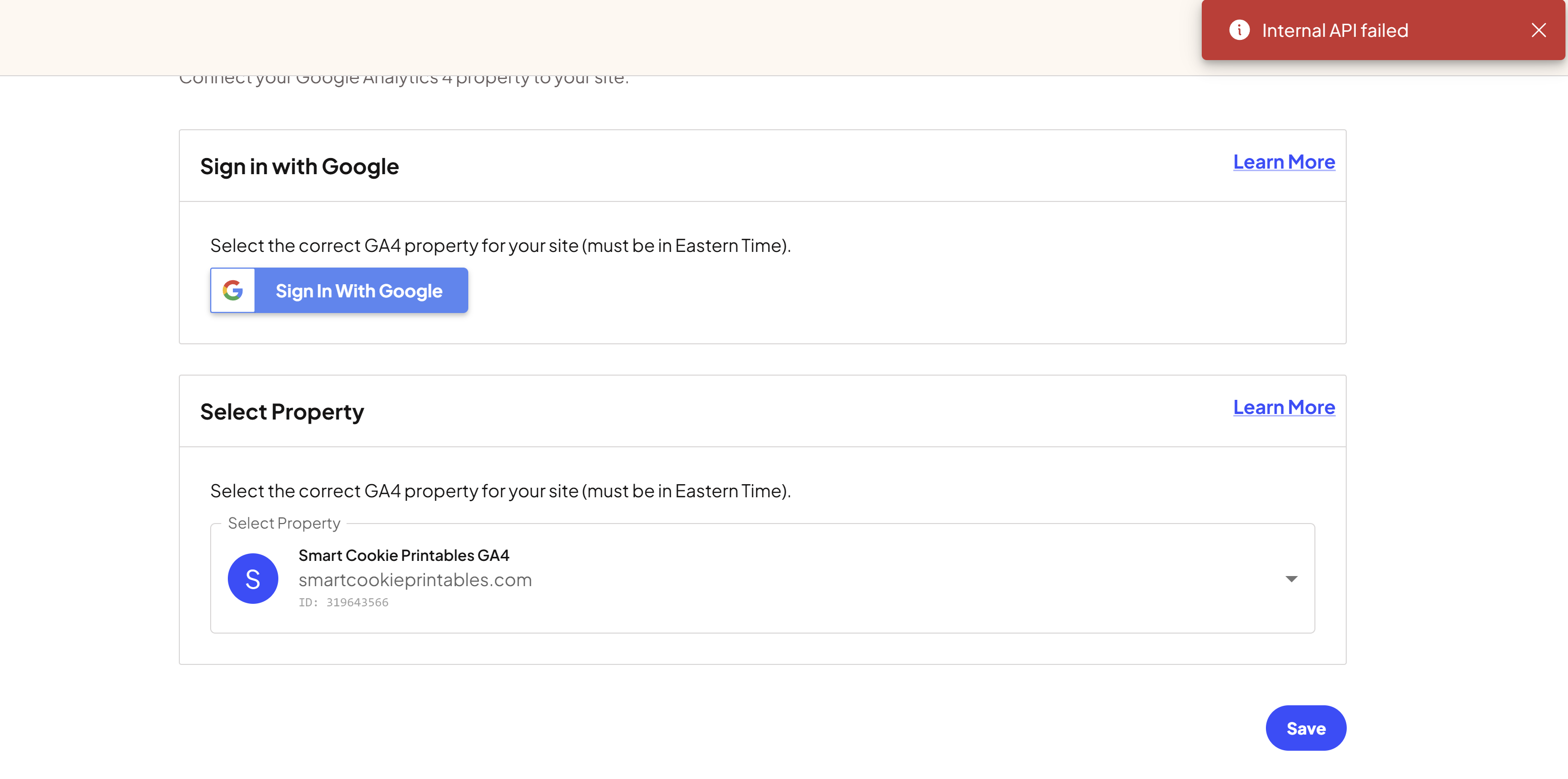
I read the article on how to connect, but when I connect with Google, the box to check on the right is not there (please see image for reference).
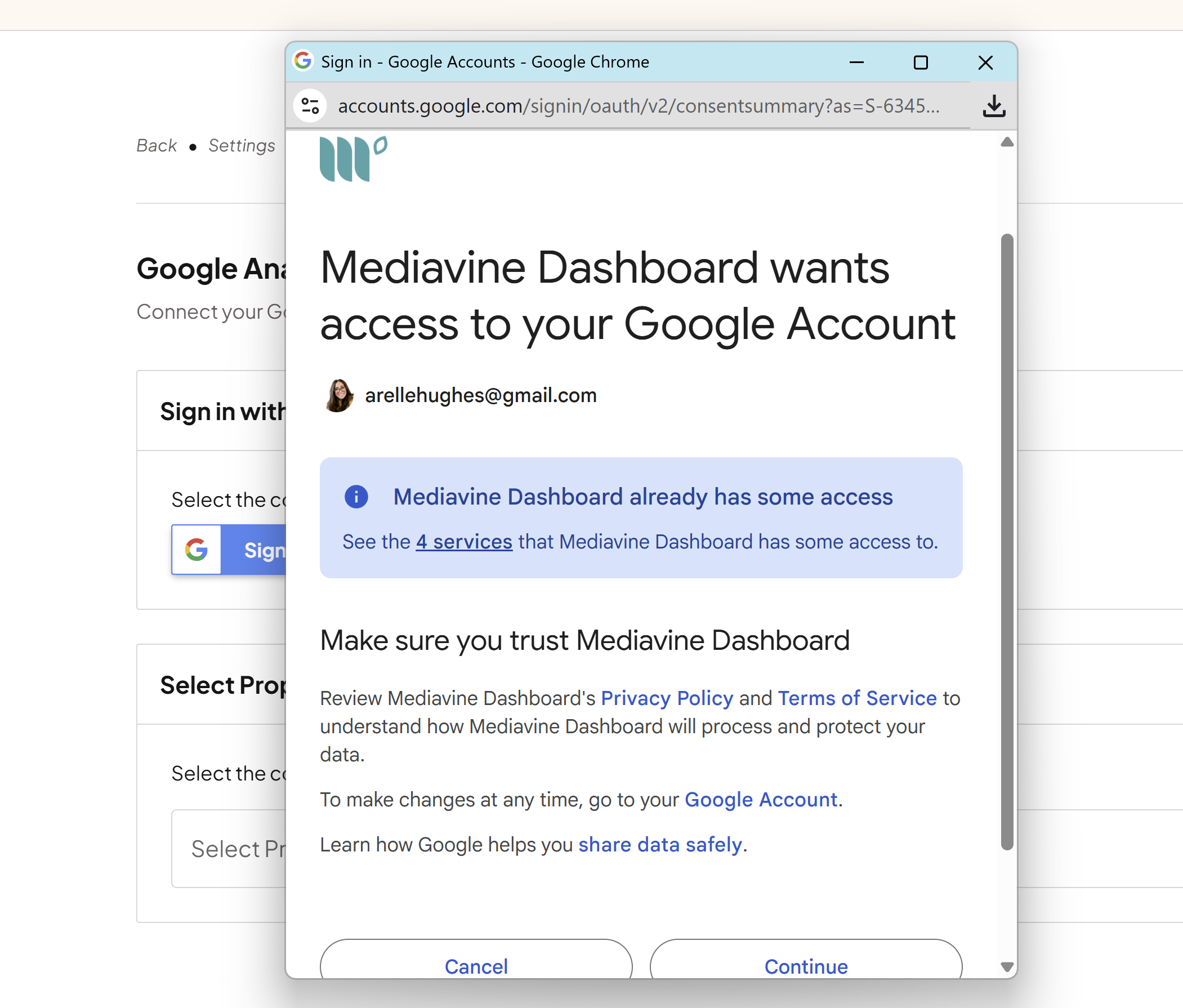
Could you please help me get connected to the new dashboard?
Thank you!
Arelle
-

Hi Arelle Hughes - our engineers are currently taking a look. As soon as we have an update, we'll be in touch.
0 -
Thank you for the quick reply! I’ll watch for your update.
0 -
Arelle Hughes - Your GA4 property is properly connected, the new dashboard just isn't reflecting your connected propery yet. You can safely ignore this for now.
0 -
That's great to hear! Thank you!
0 -

I'm having the same issue. Except it shows my other properties just won't let me choose the right one. It will only allow me to connect one account and that is for a totally different site. Everything else is greyed out.
0 -
Yes, that was happening to me too. It’s still showing up on my end, even though they confirmed my GA4 property is connected — and I can see that it is. But the “urgent” task to reconnect is still appearing.
0
Journey is Self Supported
Please sign in to leave a comment.
Comments
6 comments