How do I access the ad script?

I would like to find the code for the ad script so I can add it to my squarespace website. However when I log in to my account, I have no options for anything like that. Ill include a photo of what my dashboard looks like. Please help!
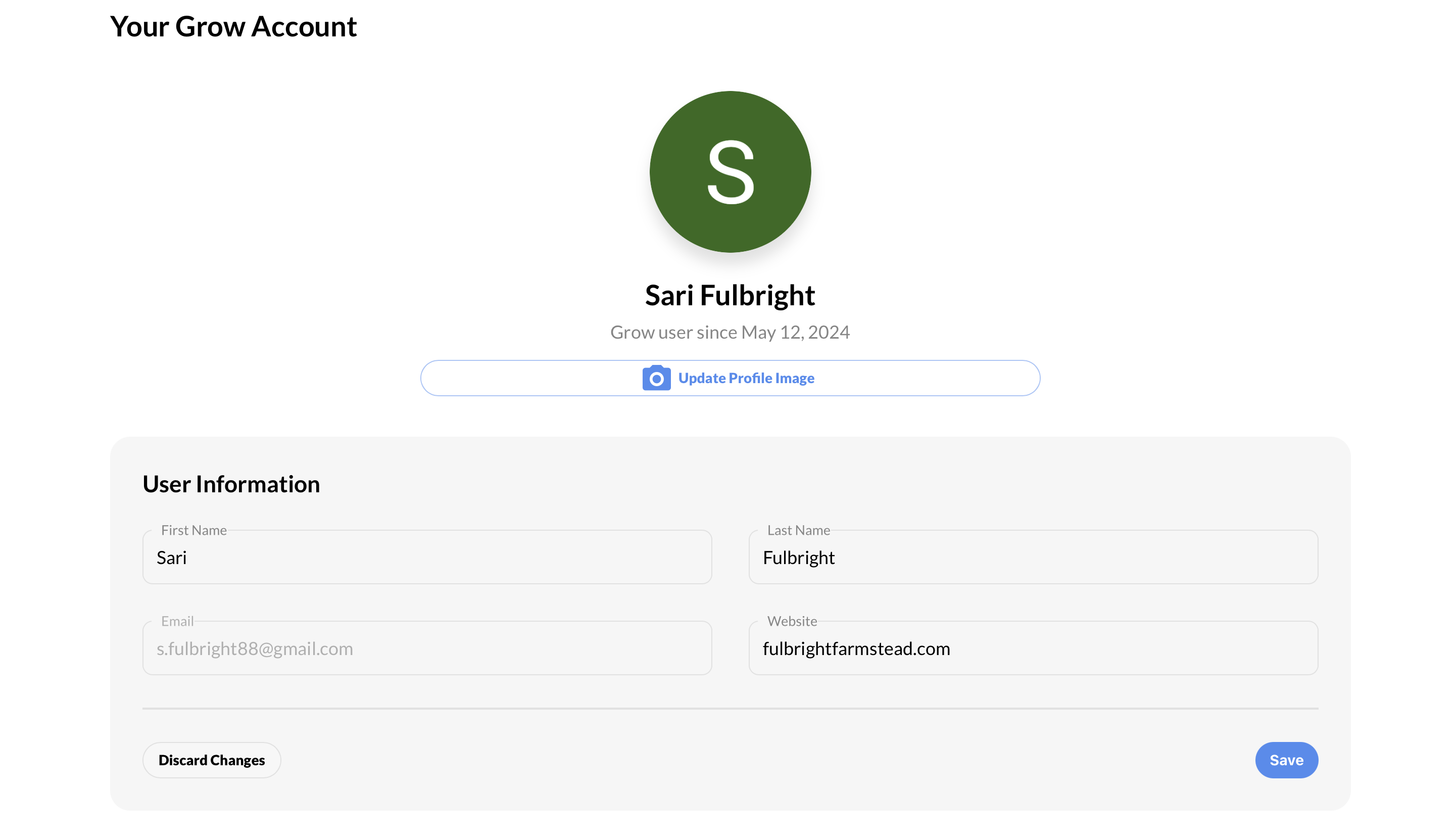
My website is: https://fulbrightfarmstead.com/
-

Sari Fulbright - thanks for reaching out! Could I have you try accessing the Grow Publisher portal here? https://publishers.grow.me/login
0 -
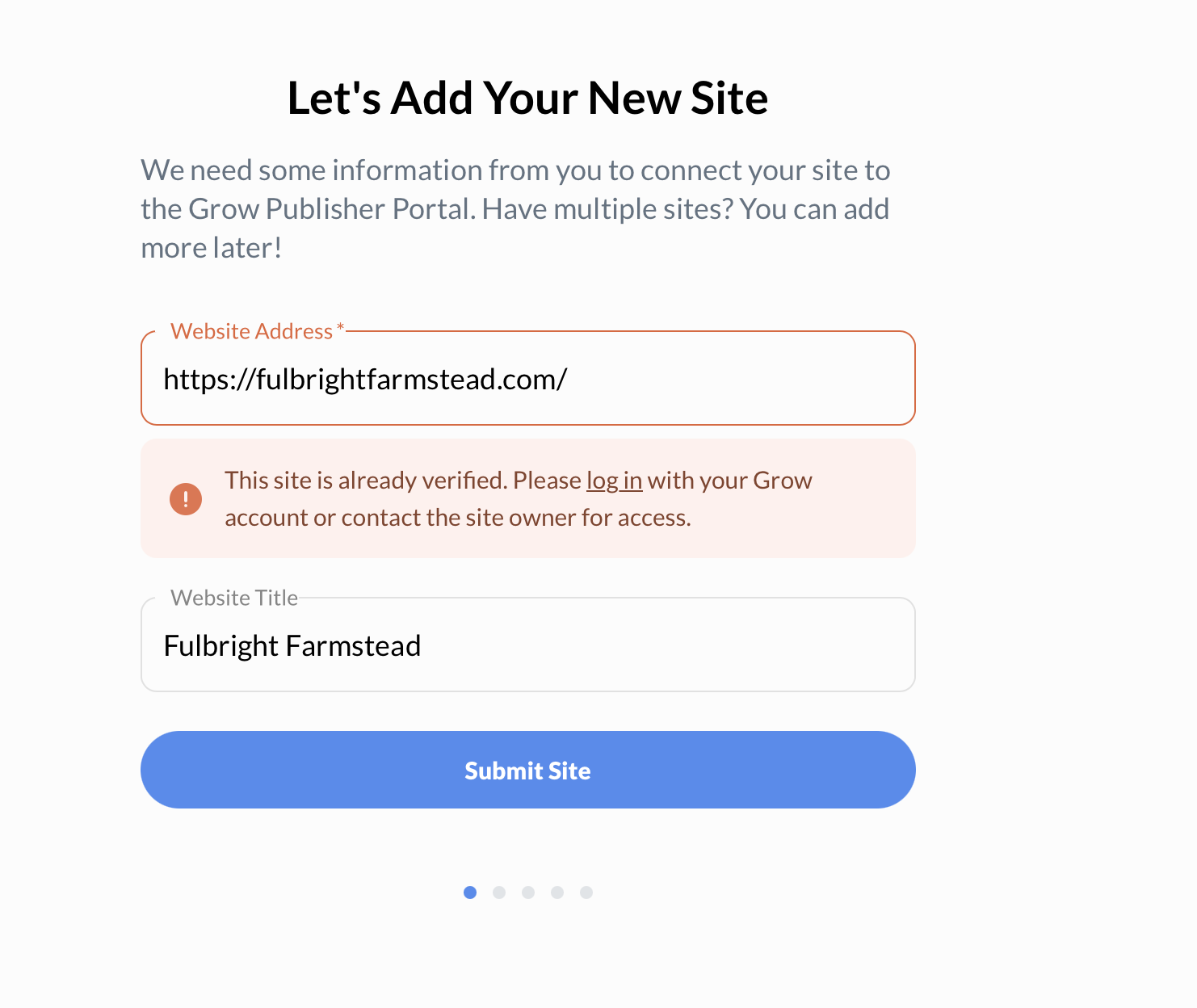
Ok I tried that and I'll attach a screenshot of what came up.
 0
0 -
Hi Sari Fulbright - could I have you try using that ‘log in’ button in your screenshot? This should take you to the Grow Dashboard, which will allow you to apply for Journey. For context, your site will need to go through an approval process before you're able to place ads on your site.
0 -
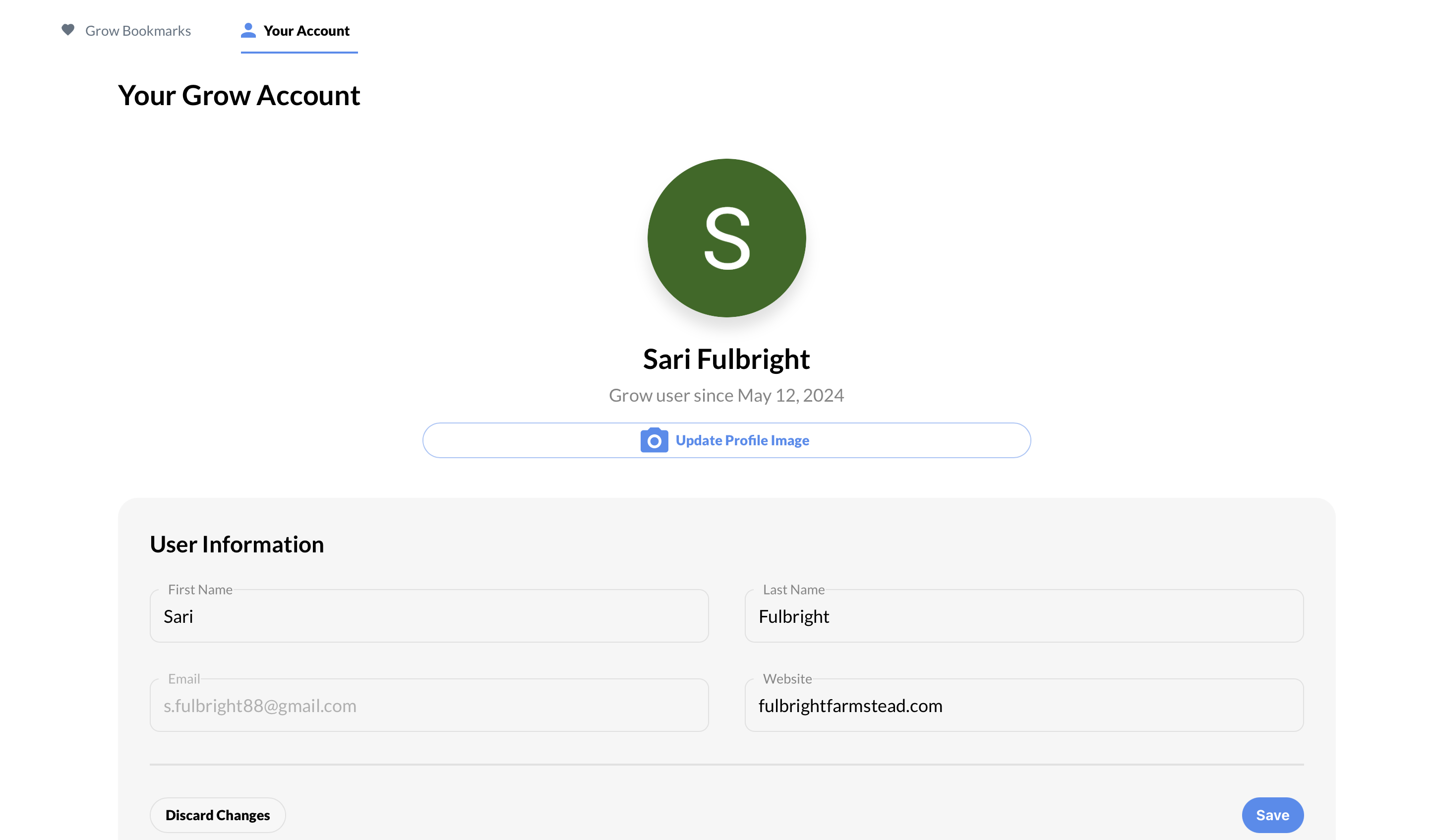
It doesn't get me anywhere. If I click that login button and login, it brings me back to that same page where it says “Lets add your new site.” If I click on my name on the left hand side, it just takes me back to the first screenshot I showed you with no options. I will include updated screenshots.

 0
0 -
Hi Sari Fulbright - can you confirm what email you're using to log in? Feel free to reply to this thread, and we'll leave the post as pending so this information isn't shared.
0
Journey is Self Supported
Please sign in to leave a comment.
Comments
5 comments