Conflicting ad code

I'm getting the conflicting ad code error message. Inspected source code, there was adsbygoogle css code which I removed and purged all caches (plugins, cloudflare) several times. It shows 0 results now for adsbygoogle on homepage and post pages but I'm still getting the error message.
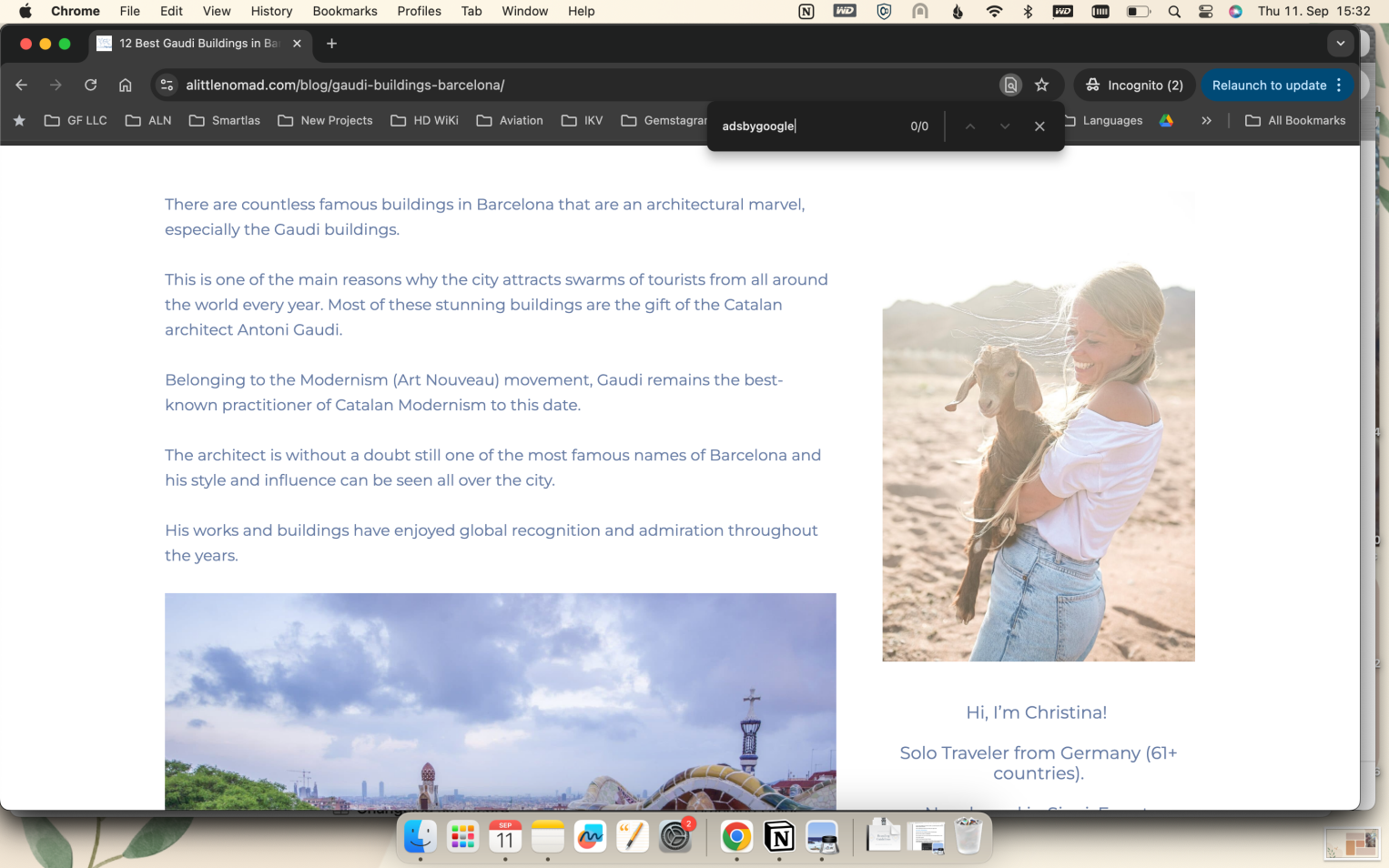
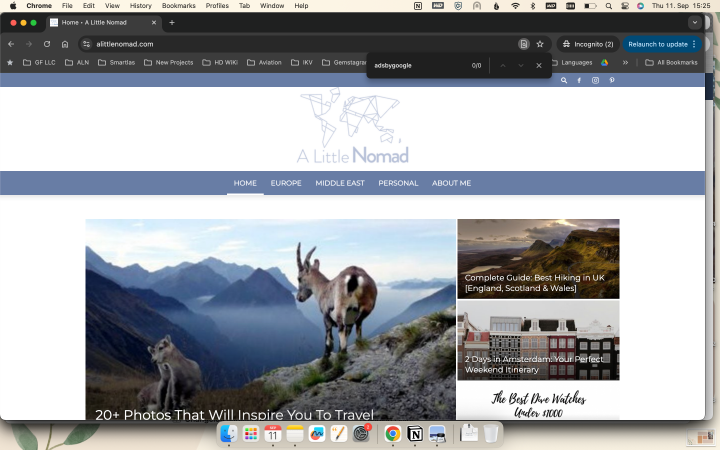
-

Hey Christina Holthuis - it looks like we're seeing a little leftover Adsense CSS - here's what I see when I view the source of your homepage:
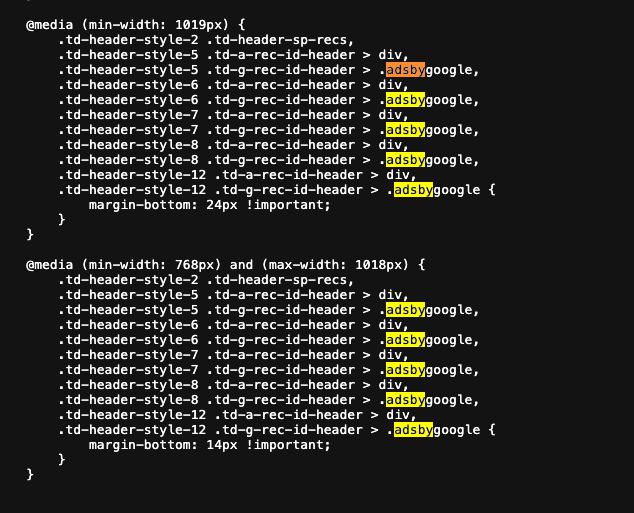
Could I have you try removing this and let me know if it helps? I would start by looking in the Customizer under Additional CSS for this CSS
0 -
This is what i saw before also, went into file manager and deleted it from ALL css files (really, I spent the whole day with this). Then it didn't show in the source code anymore for me and I still don't see it like you do. I did have a clone of the entire website in the public html file - the host did that once. Deleted it, purged all. alittlenomad.com/clone was live before but is 404 now. Still getting the error code for conflicting ad code though. I do not know what to do anymore, went through all ChatGPT options etc. I think the only option left is changing the theme?
0 -
Hey Christina Holthuis - sorry to hear that you're bumping into issues still. Looking at your site, the AdSense CSS is injected directly into the HTML, meaning it's either from the theme or from another plugin on the site.
You can try using a tool like Health Check and Troubleshooting to temporarily change themes to attempt to troubleshoot where specifically the CSS is coming from.
Additionally, I noticed that there's also a small amount of AdSense CSS baked into your theme's CSS files, specifically at themes/Newspaper/includes/demos/blog_beauty/demo_style.css?ver=8.7.20
Journey is Self Supported
Please sign in to leave a comment.
Comments
3 comments