RPM, sessions, and pageviews are not showing

Hi there!
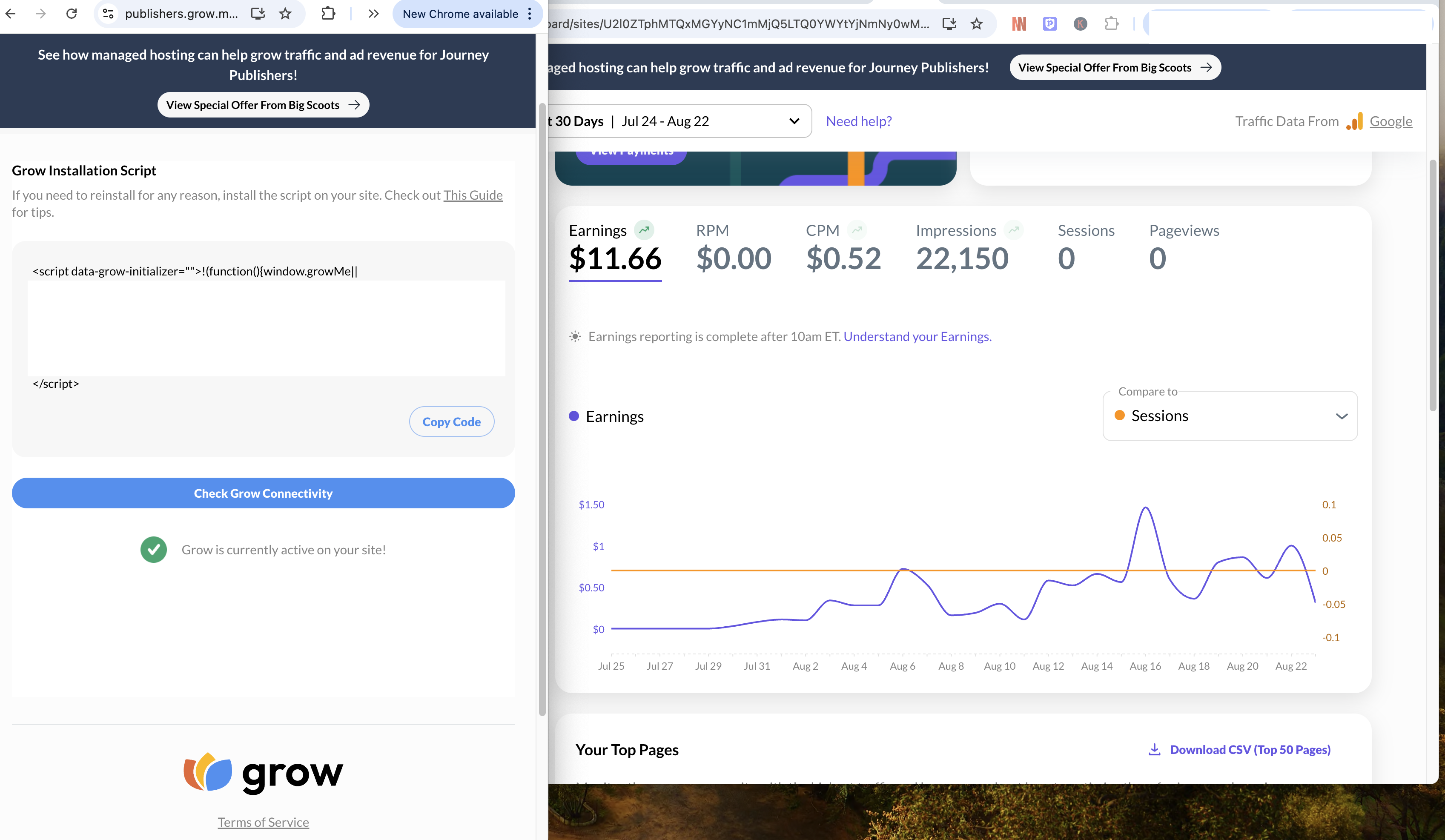
My Grow account was working fine until August 21, 2025. I’m on a non-WordPress custom build, but RPM, sessions, and pageviews are not showing at the moment.
I’ve already double-checked that the Journey script is implemented properly on my site and ensured the site is receiving traffic. I’m wondering if there’s something specific to Journey or Mediavine’s implementation that I might be missing.
Could you please let me know how I can fix this? I’d really appreciate your help.
Adcha
-

Adcharaporn Champuengchang - thanks for reaching out! It looks like the Google Analytics property you've connected to your dashboard does not have any data. When you have the time, could I have you follow the troubleshooting steps here to resolve this?
0 -
Hi Journey Support Team!
Thank you so much for getting back to me, I followed the link you provided for the solution. My Web Stream shows ‘Data collection is active in the past 48 hours.’
Please let me know what eles I can do.
Thank you so much!
Adcha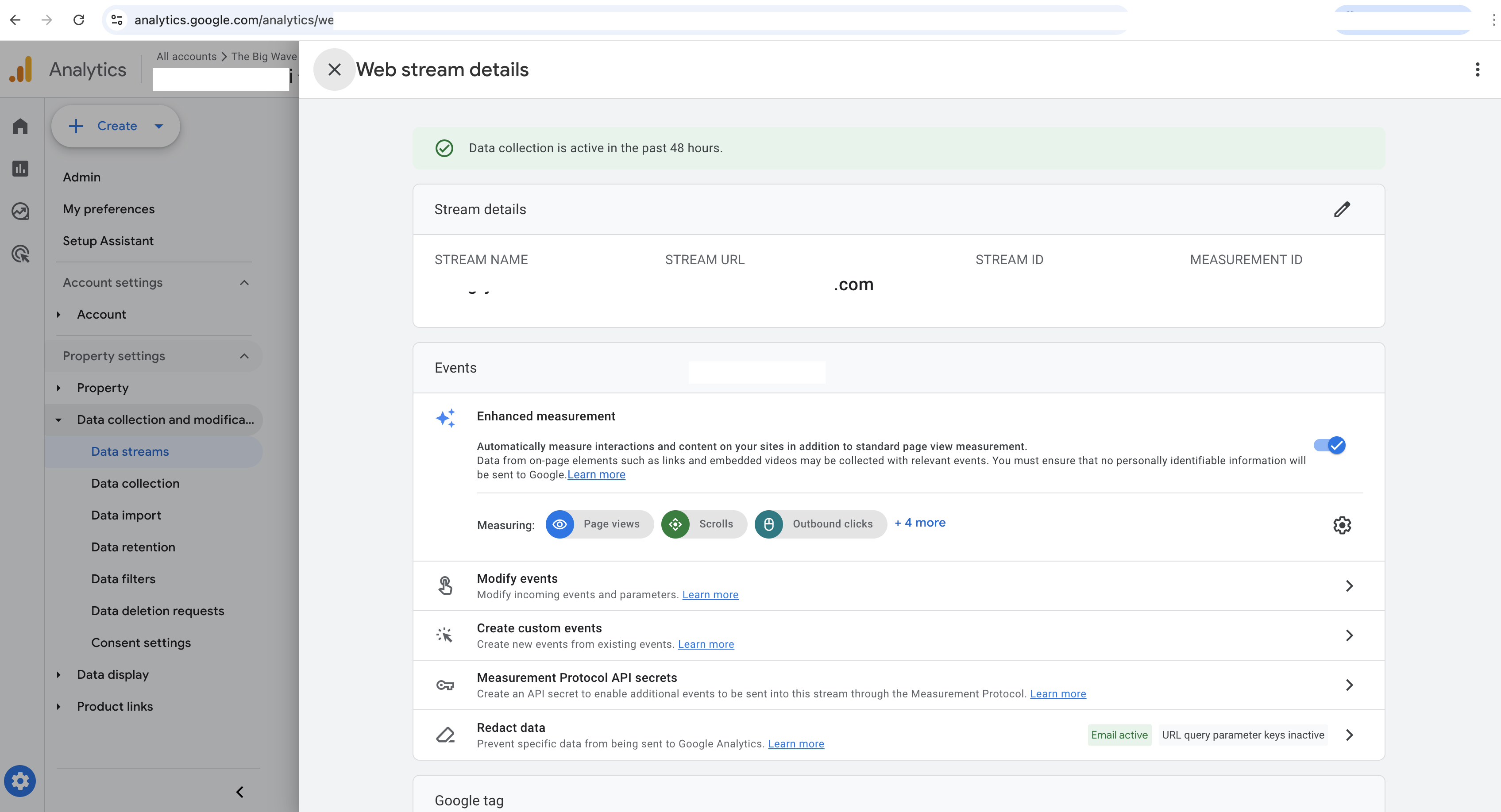 0
0 -
Hi Adcha - A persisting error like this means that the property that's been connected to your Grow dashboard is currently empty - I recommend double-checking that the Google account you've logged into is connected to the property in your screenshot.
If it helps, the property we're currently seeing is |connected to your dashboard has a Los Angeles timezone associated with it.0 -
Hi Journey Support Team!
Thank you so much for your response. The Google account I’m logged into is connected to the property in my previous screenshot (I censored it out—sorry for the confusion). In this screenshot, the time zone is set to New York.Could you suggest anything else I should check? Thanks in advance!
Adcharaporn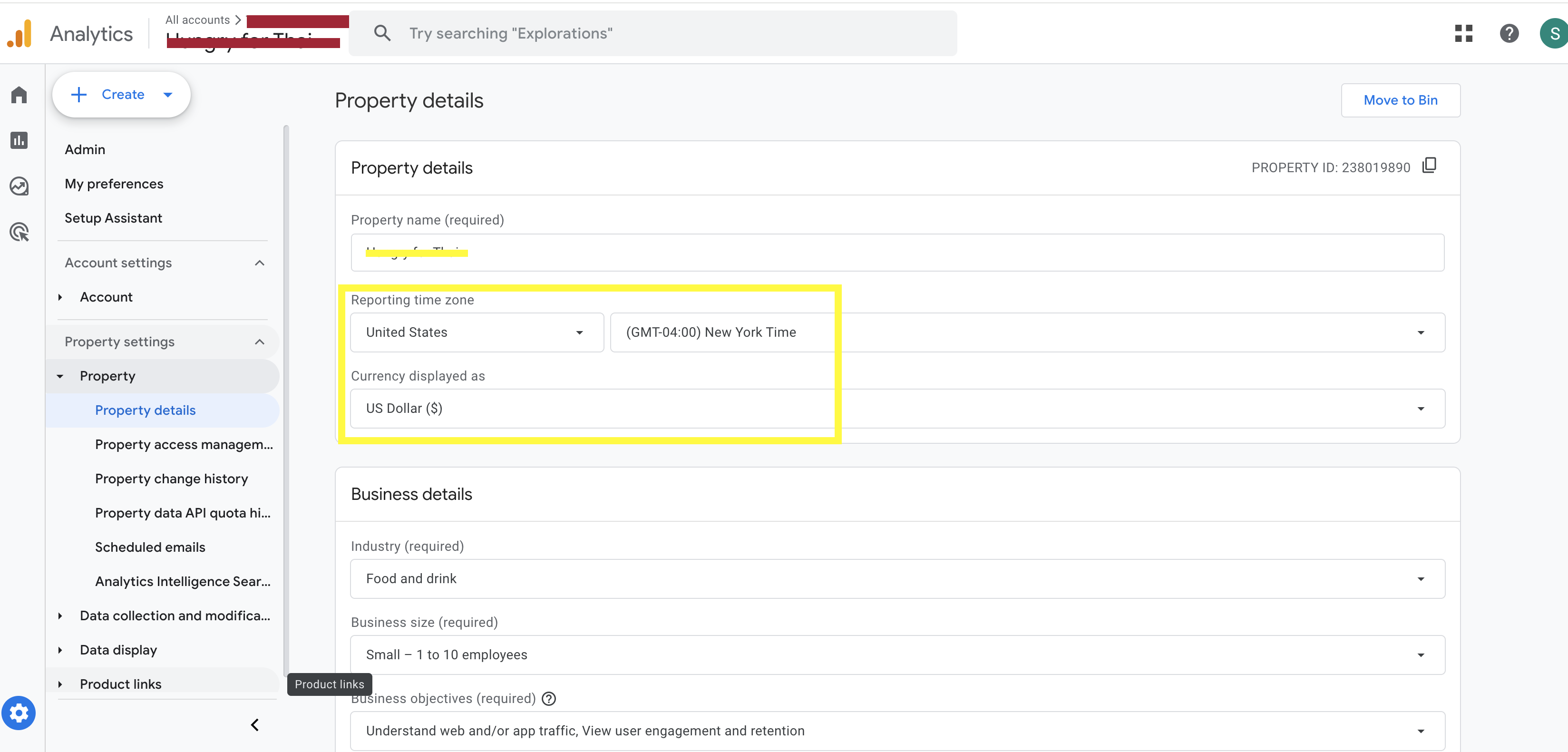 0
0
Journey is Self Supported
Please sign in to leave a comment.
Comments
4 comments