Ads showing up on pages where I specified no ads in the code

My website designer adjusted the code for Journey ads on my website (I own a private nutrition practice) so that the ads should only appear on my blog pages. However, as of this morning, ads are also showing up on my Sport Nutrition Services, Contact, and About pages, and I don't want them there because it looks unprofessional. My website designer confirmed that she hasn't changed anything with the code, so this must be an issue on Journey's end and requested that I reach out to Journey - posting in this forum is the only way I know how to get Journey support. Can someone please help me troubleshoot this?
The URL of my website is https://alpinefuelnutrition.com/
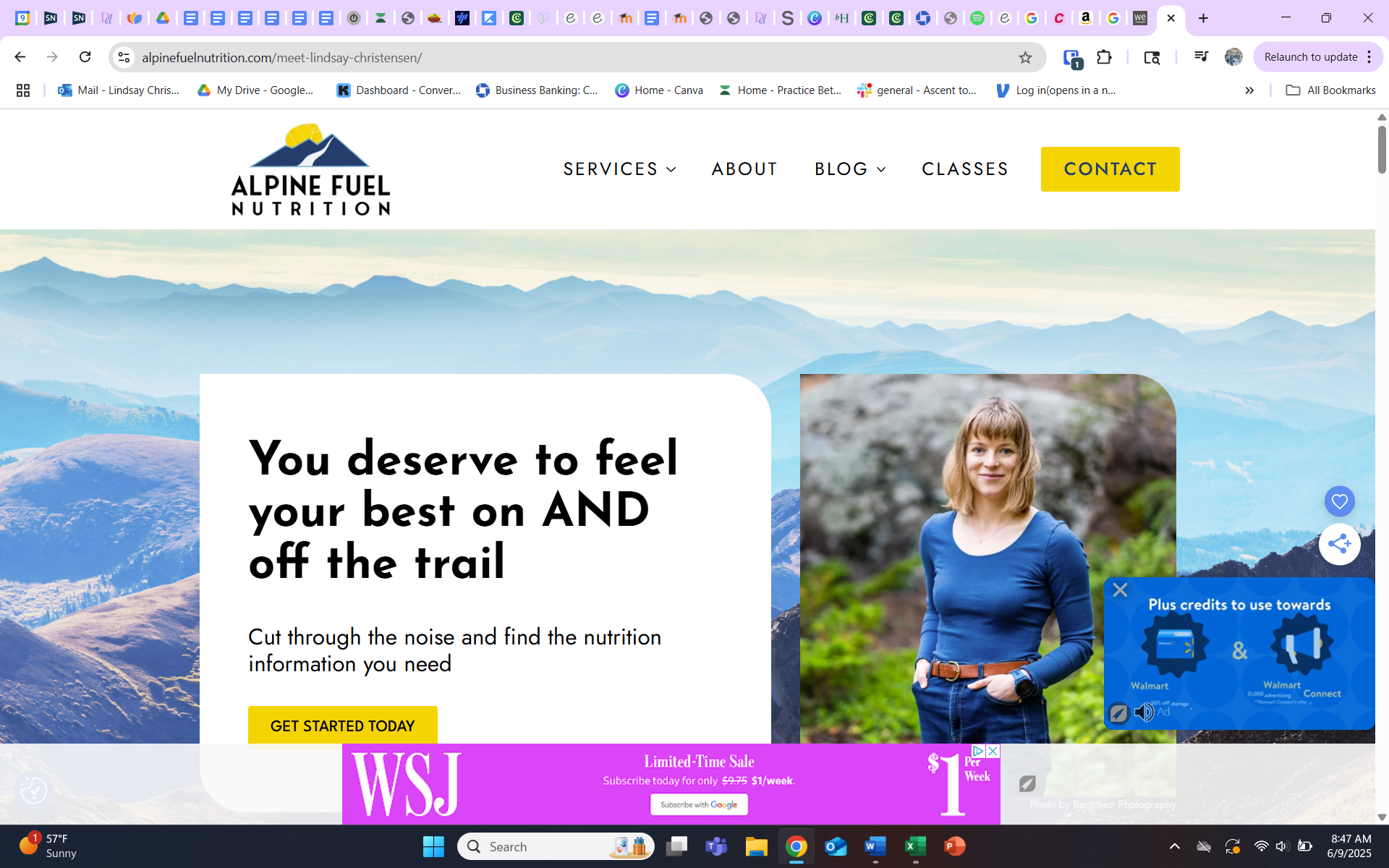
-
I forgot to add this in my post earlier - the URL for my website is https://alpinefuelnutrition.com/
0 -

Lindsay Christensen I checked a few posts, and I'm not seeing any blocklist HTML that matches what's found here. Your designer may want to double check that they've added the correct HTML to the posts yoiu're wanting to block ads on.
0 -
It's not specific posts I want to block ads on - it is specific pages - my homepage, About, Services, and Contact pages .Will the instructions on the webpage you linked to help my website designed correct the ad issue on those pages?
0 -
Lindsay Christensen Blocklist code will work on any post or page that ads are currently being served on
0 -

@support can you check my case too ?
0
Journey is Self Supported
Please sign in to leave a comment.
Comments
5 comments