MISSING ADS From Long Form In-Content (I have tried everything!)

Dear Mediavine,
My website URL is: https://charnold.com
An example blogpost of this issue: https://charnold.com/how-to-make-basic-bodice-block-tutorial/
I get a total of about 3,000 monthly sessions, 40% of these are from United States and I have noticed my earnings are SIGNIFICANTLY low on my dashboard.
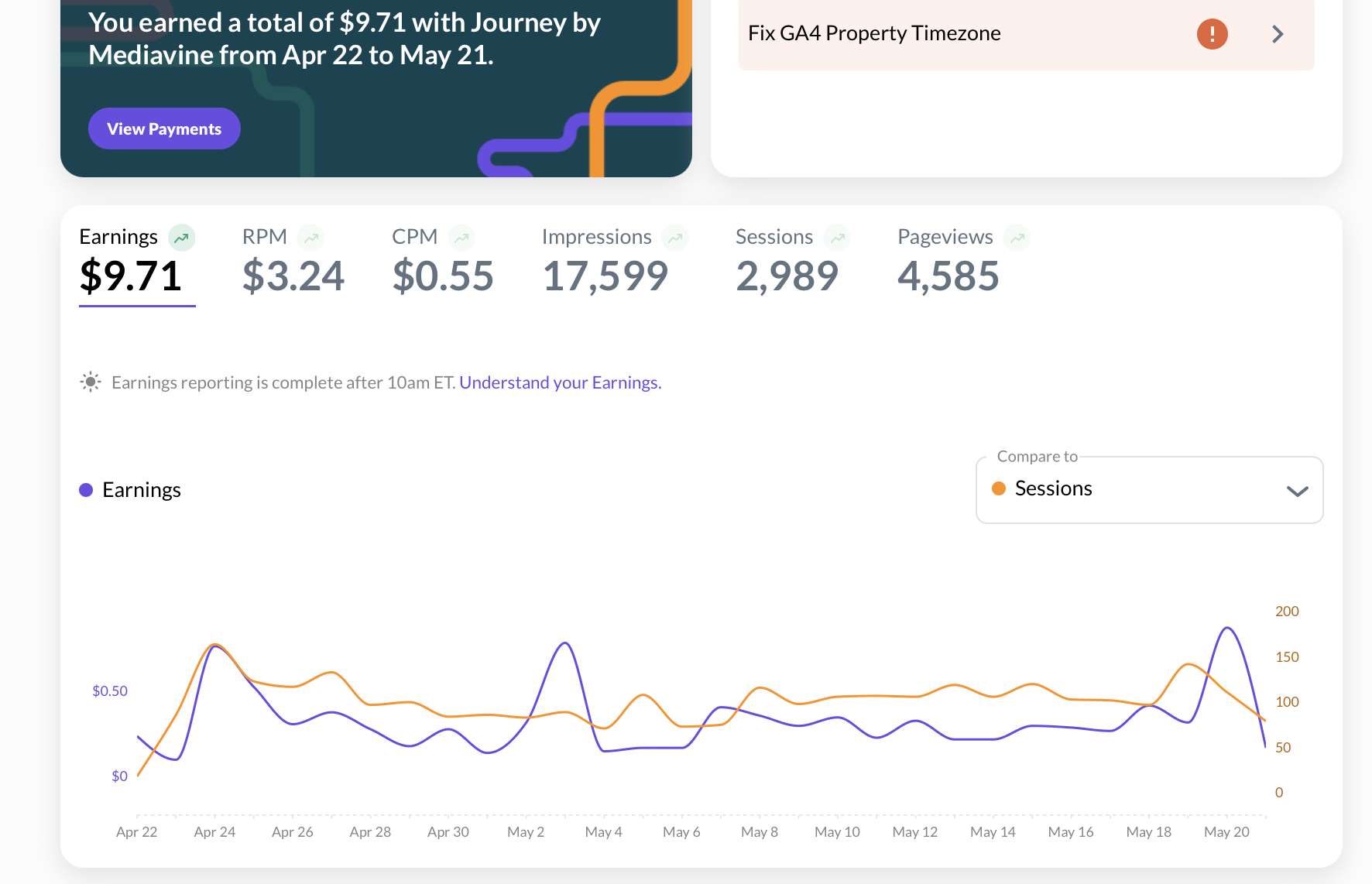
The biggest issue I face is my Journey ads only show anchor ads (the ads at the bottom edge of the blogpost) AND video ads (the ads on the left corner of the blogpost - which usually disappear).
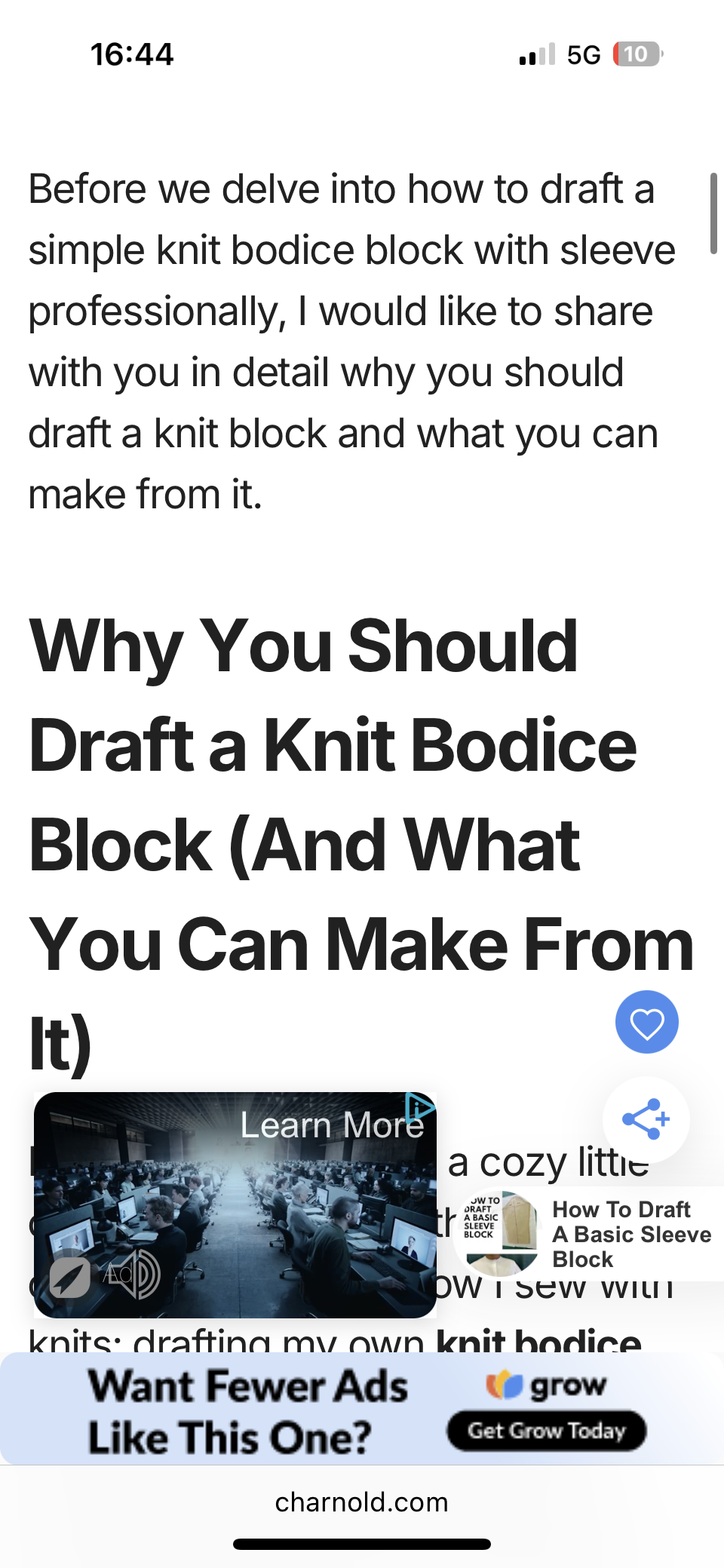
I don’t get ANY IN-CONTENT ads embedded between my paragraphs or throughout the body & copy of my LONG-FORM articles.
I have tried everything, from deactivating my theme & switching to the basic Wordpres TwentyFour theme, in fact, I even got a basic Astra theme, just to make sure the theme’s script wasn’t affecting ads showing between the paragraphs. I have deactivated plugins - I have tried everything your article said.
After making all these changes, NO ADS ARE SHOWING within my paragraphs. I am truly upset by this and after trying everything, I am reaching out for your help.
Because I have tried everything on my end & read your articles already on how to troubleshoot this which still didn’t work, can I please request someone from the Journey/Grow/Mediavine team to help log into my WordPress website and take a look from a more specialist point-of-view and help me fix this issue so ads start showing between my paragraphs?
Your help would be much appreciated!
Thank you
-

Hi Charnold Academy Thanks for reaching out!
Our script places ads based on targeting that is set up when you first join Journey, and when you change parts of your site layout like your theme, that targeting can fail. I went ahead and had our script re-crawl your website and I'm now seeing ads appearing as intended.
In the future, when you make a change to your site, feel free to post in this thread to let us know to recrawl your site.0
Journey is Self Supported
Please sign in to leave a comment.
Comments
1 comment