New Analytics Time Select Setting is bad

Hello
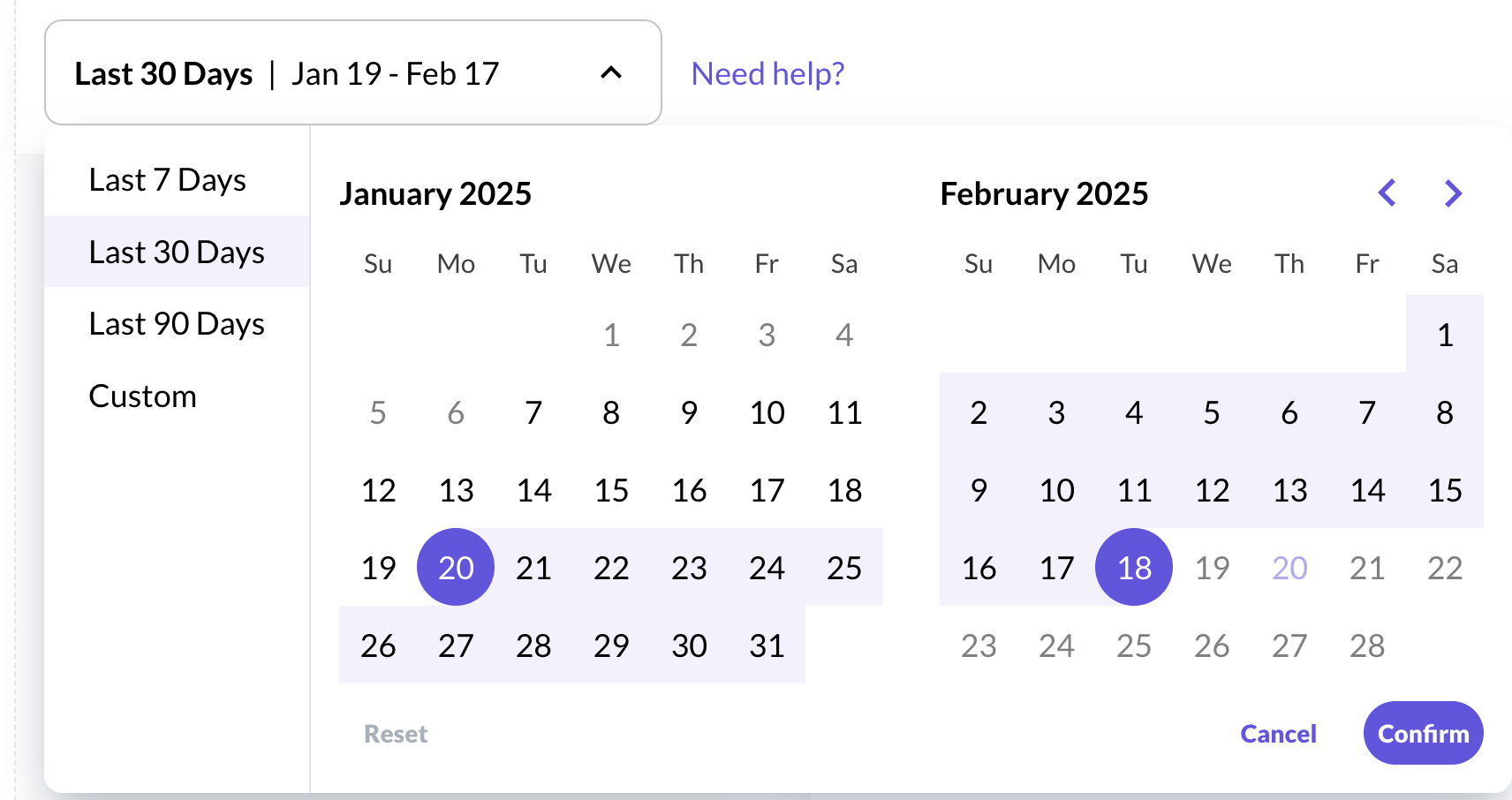
Today i noticed the Date Select Setting moved up and it is missing the “yesterday” option.
It also never remember my setting and reset on each page refresh. It would be great if this setting would be stored in local storage or cookie.
Will this be fixed ? This update is really a downgrade so far :(
-

Hey there! I am confused about what is going on with the new Analytics time. Are we losing money this way? I connected to the New GA 4, but I am not even sure I did it correctly. Can you please help me? I really appreciate any help you can provide. :) ~ Dusty
0 -

Hey Artur Kre - Yesterday's data can be viewed by selecting yesterday from the date picker - since this data does not populate until after 10AM CST, you won't see the option to view this date before this data is available.
Dusty Heschl - Google Analytics data is collected separately from earnings data, which is calculated using a different system. Adding Google Analytics to your Journey dashboard will not impact earnings on your site.
0 -
@Ryan, I don't know if I even connected it correctly. It never showed the dates, e.g., Jan 20 to Feb 19. Data was calculated from the 1st of the month. How do I know I set it up correctly? Is there a way to check? My site is https://www.linenandwildflowers.com
Thank you. ~ Dusty
0 -

Dusty Heschl we're not able to troubleshoot GA4 analytics implementations, but you should see roughly the same numbers from two days ago at 10am EST (this is always when GA4 data refreshes on our end) in your Journey dashboard that you do in your GA4 dashboard if everything is tracking correctly and your GA4 account is set to the New York Eastern timezone. You can read more about that here and here.
Thanks!
0
Journey is Self Supported
Please sign in to leave a comment.
Comments
4 comments