Can't Connect Google Analytics - Website Greyed Out

Hello,
I was excited to see the popup option to connect my Grow to GA4 today, but when I got to the final step I wasn't able to connect my GA4 and my website was greyed out. My GA4 is working and collecting my analytics properly to my knowledge so I was hoping you could help me. Below are screenshots of what I'm seeing and my website is apurplelife.com. I would love to see deeper insights on Grow by connecting this property. Thank you in advance for your help.

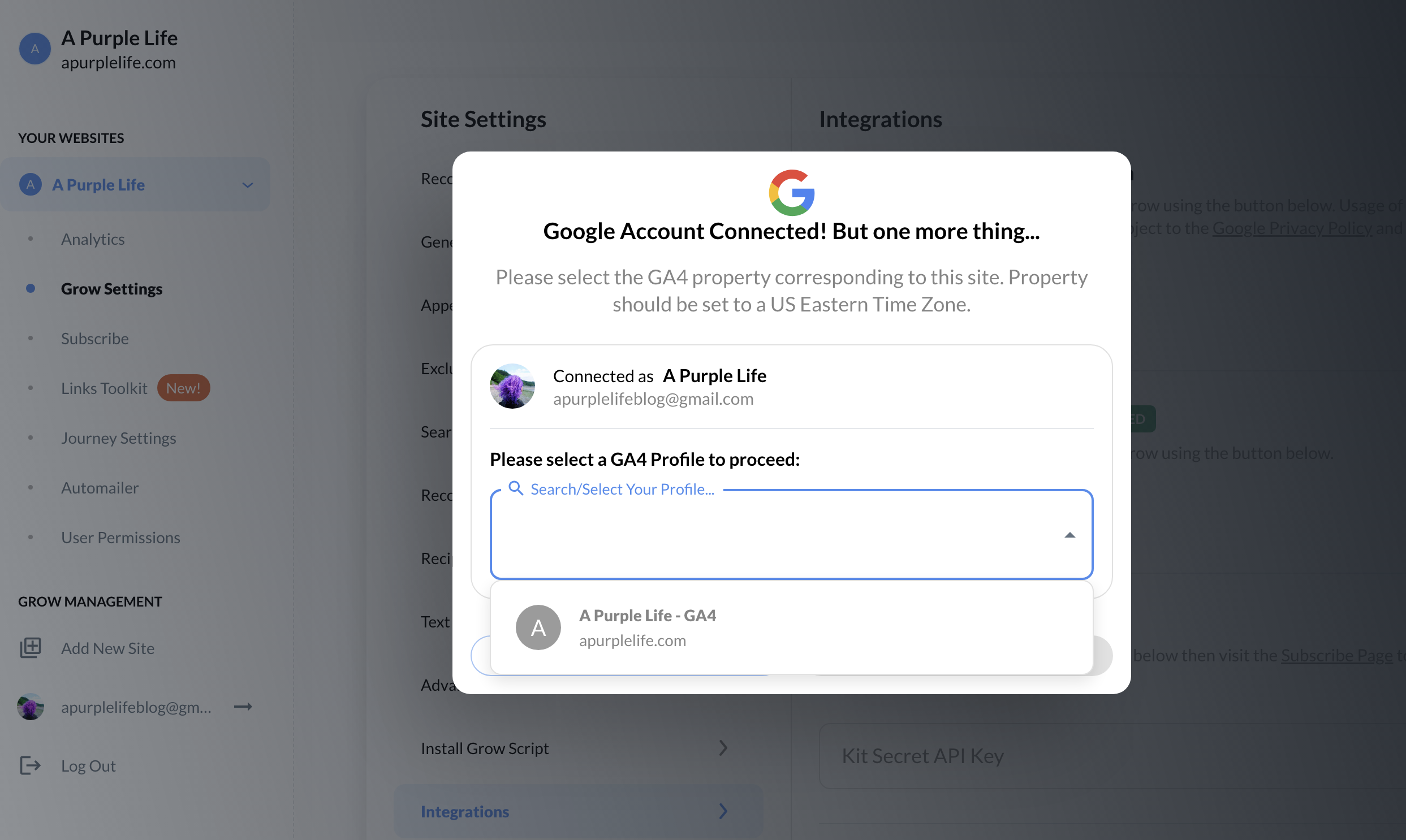
-

Hey A Purple Life - can I have you double check that the property you're seeing Greyed out has a ‘New York/US Eastern Time Zone’ set to it? An option for this can be found in the Admin settings inside your Google Analytics Dashboard
0 -
Hi Ryan - Thank you for the suggestion. I checked my time zone and it was set to Los Angeles (I'm not sure why since I started the website in NYC). So I changed it to New York, cleared my browser cache and tried to connect my GA4 to Grow again and the website is still greyed out. Is there anything else I should try? Thank you for your help.
0 -
Hi Ryan - It's working! The site is no longer greyed out and I was able to add my website. Maybe it just took some time for the ET time zone to be recognized or something. No idea, but thank you so much for your help. I really appreciate it!
0 -

Hi Ryan,
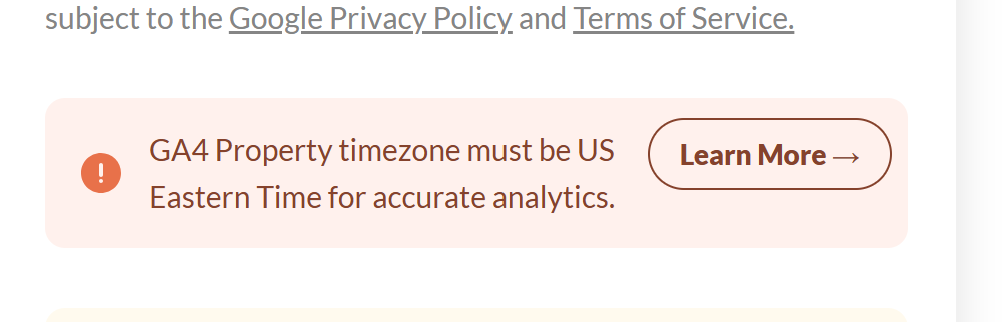
I have a similar problem—my ad earnings and traffic aren't displaying. It's asking me to update the time zone to NYC, which I did over a week ago, but I'm still seeing this issue. Please help!
 0
0 -
Juliet Nwafor - thanks for reaching out! It's likely that you've connected a different property to your site that's not synced to that New York Time timezone. I recommend double-checking that you've logged into the correct Google Account that's associated with the property you're seeing set with the correct timezone.
0
Journey is Self Supported
Please sign in to leave a comment.
Comments
5 comments