Footer not showing up on some pages
Completed
Hello,
I just set up Journey by Mediavine on my site.
At the bottom, you can see the “do not sell or share my information”.
However, on certain pages, it has taken away my entire footer (including all of my own legal pages).
On blog posts and other pages, my footer is still intact. However, on my main page and some others, my footer is just gone.
https://thebucketlistmermaid.com (footer is gone)
https://thebucketlistmermaid.com/things-to-do-in-moab-bucket-list/ (footer is there)
Please help :)
-

Hi Alexandra Lauren ! Could you let us know if this is still happening on your end? I checked the homepage and the footer looks normal and matches the footer on your posts (the screenshot below is from your homepage), so it’s possible this resolved itself or isn’t ad-related.
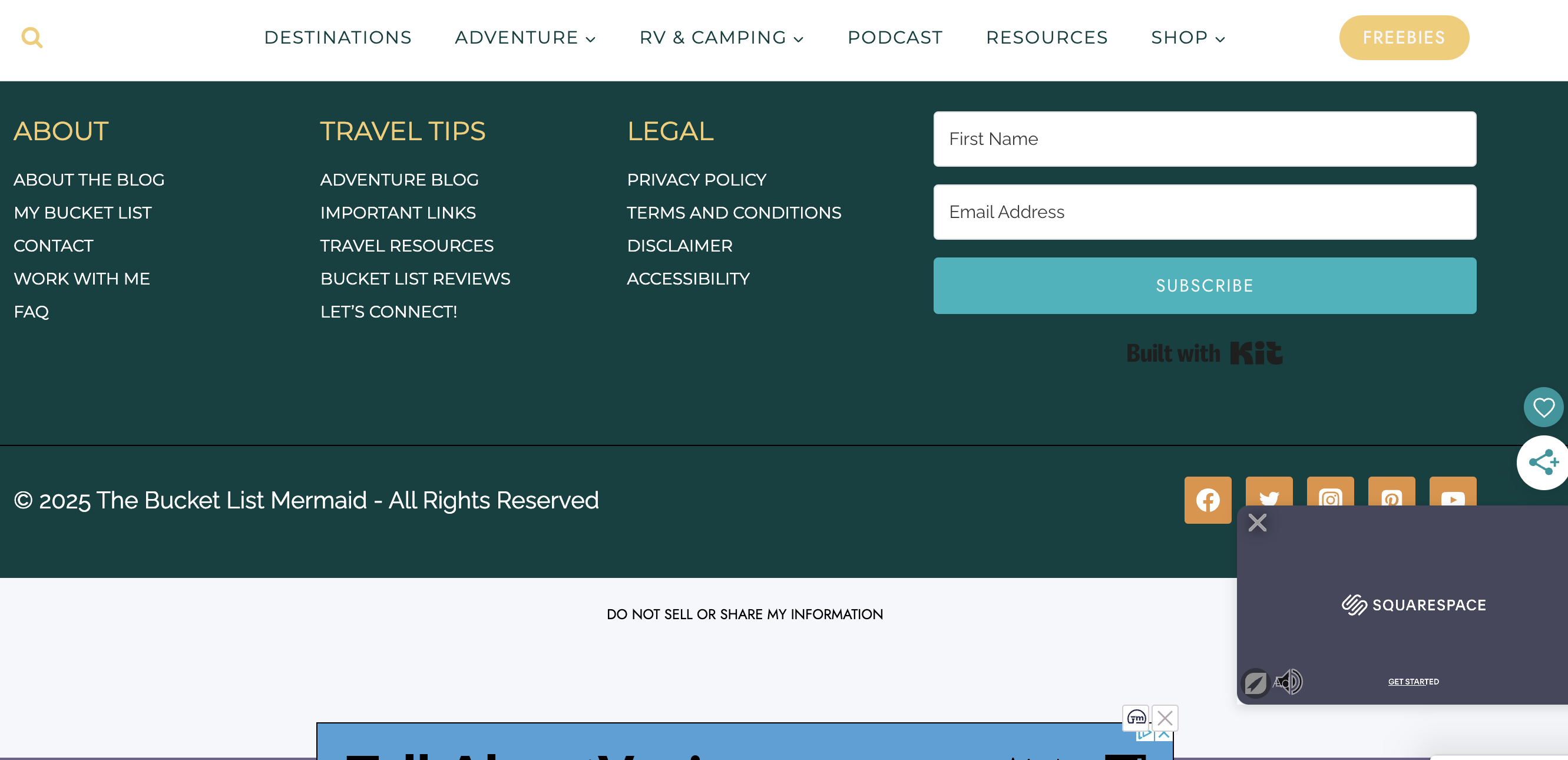
Thanks!
0 -
Hi, there…
That is so strange. I am still not seeing the footer. I also checked and it is also disappeared from the majority of my mobile pages as well.
I've tried caching and removing unused CSS. I am just not sure why it would be different for different users. I checked on other devices and the footer is missing in random places there as well.
Thanks for your help!
0 -

Hi Alexandra Lauren! I just took a look at the site as well on both mobile and desktop and wasn't able to replicate the footer disappearing at all. It's possible there's some browser caching at play on our end? It would definitely make sense to try some different browsers and a new incognito window to see if you're still running into the issue then. If you are and would like to send over a screenshot, we can certainly take another look. Thanks!
0 -
Hmmm. I've been doing some digging. It seems to have issues with safari and mobile. Are you having any luck on anything mobile?
Luckily, it does seem to work on incognito mode and chrome/firefox. I've tried caching my website with no luck.
0 -
Hi Alexandra Lauren! Thanks for sending the screenshot! I was able to see and went ahead and removed it. If it's working normally in incognito or with other browsers, then it's likely something with the local Safari browser that you're using. I would recommend clearing out all the data and caching from it to see if that corrects the issue for you. Thanks!
0 -
Very interesting. I've tried caching, removing unused CSS, and deleting all history from my web browser.
I've recruited some friends and it is about 50/50 if they see the footer or not, even lower chance on mobile.
I'm not quite sure what to do at this point, especially if the footer is coming up for you.
So I guess I will just hope that all of my readers can see it? Let me know if you have any other ideas. At this point, I'm just worried about legal compliance for my own legal pages.
0 -
Alexandra Lauren it does sound like it might be a caching or optimization issue. I would try reaching out to your host to see if they have any ideas or could clear out any additional server/cdn caching on their end.
0 -
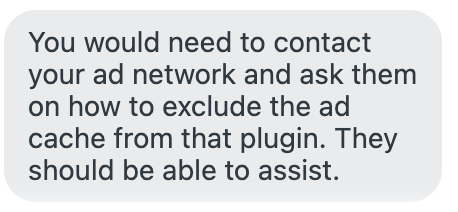
Hello! Just to give you an update - it seems to be a caching issue with WP Rocket, a common plugin.
Here is their response to help :) Does this make sense?
 0
0 -

Hey Alexandra Lauren - thanks for following up! We're not seeing any optimizations from WP Rocket on the Journey Script itself, and ads aren't cached on your site when the script is running. In the past, we have seen plugins like WP Rocket optimize elements on the page that have lead to similar issues like the missing footer you're seeing, and in this case, we would recommend reaching out to WP Rocket for assistance.
For example, we did notice that there's a wpr-lazyrender attribute added to your footer element that could potentially cause display issues:

I recommend reaching out to WP-Rocket to see if they can provide steps to remove this optimization from your footer to see if this helps.
0
Journey is Self Supported
Please sign in to leave a comment.
Comments
9 comments