Ads not showing despite everything setup

Hello,
I am facing this problem from a month, i did setup everything as per your guide even followed every cache troublesome tips yet the ads are not showing.
Ads doesn't show on desktop at all, in mobile only footer ads shows. please look into it
site: gadgetlite[.]com
Thanks in advance
-

Hey Shashank Sharma - I'm seeing ads when I go to your site.
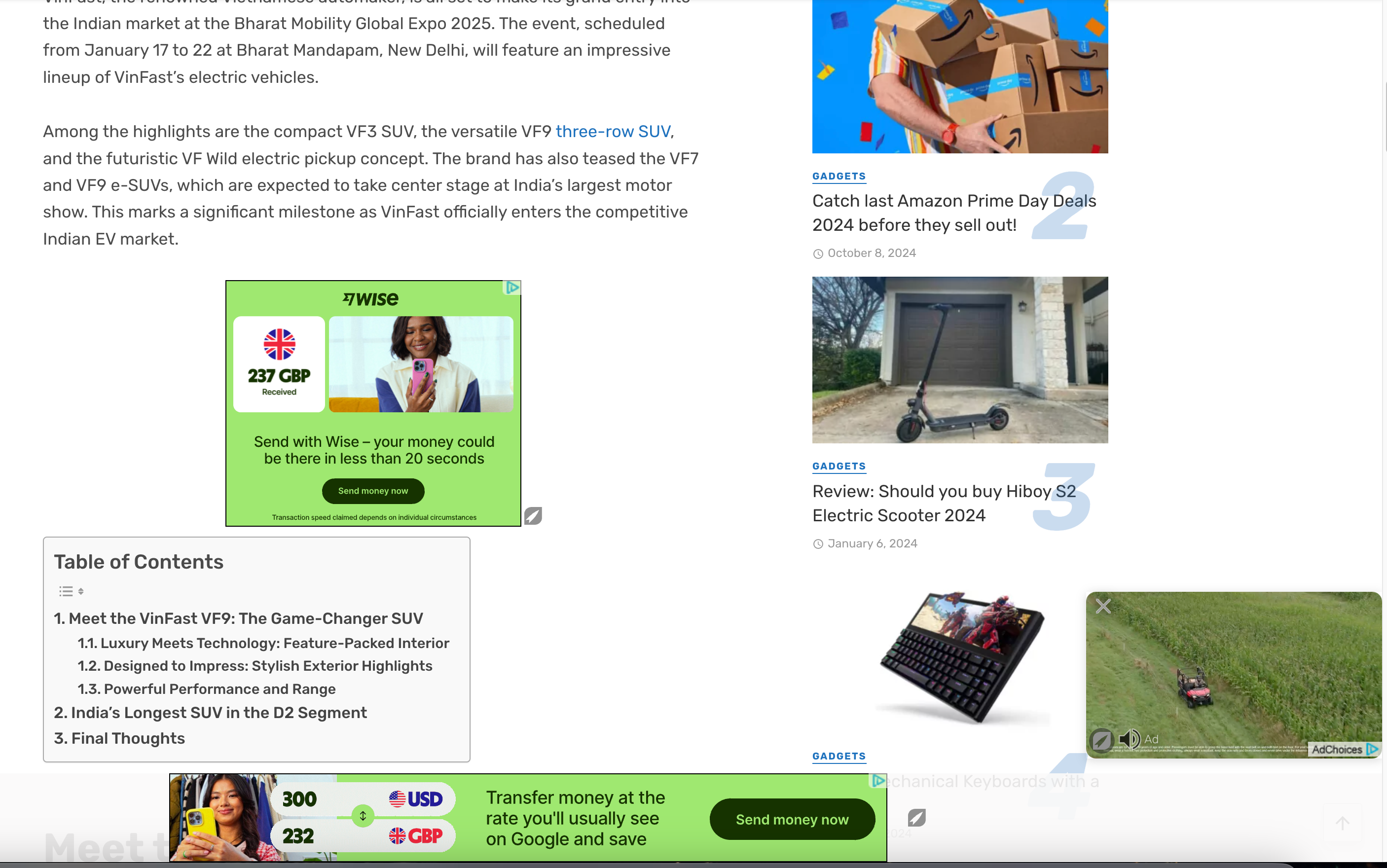
As the site owner, you won't see ads as often as your audience but you can always test placement by adding /?test=houseads to the end of any URL.
I did notice that you have a sticky sidebar though. Our script isn't able to target an ad in your sidebar if it's sticky. You'll want to remove that feature and then reach back out so we can put an ad there.
0 -
Okay but my problem is still not over, its been a month showing RPM like 5K it doesn't record pageviews and session it got stuck at 6 only while sometime it record impression and sometime not. My earning is quite low while i am getting good no of traffic. Everything (like RPM or CPM) is more than my previous ad network but earning is lower than my previous ad network. why?
Additionally, i have stopped sticky sidebar
0 -

Shashank Sharma I had the script re-crawl the site, so you should be seeing the sidebar ad again.
Your RPM and sessions data is likely incorrect because it looks like the Grow script isn't connected to the site, and this is the script that tracks all of your data. The Grow script is separate from the Journey script – you can add back the Grow script following these instructions, and then the reporting numbers should look more normal.
Thanks!
0
Journey is Self Supported
Please sign in to leave a comment.
Comments
3 comments