How to contact Support about ads layered on text?

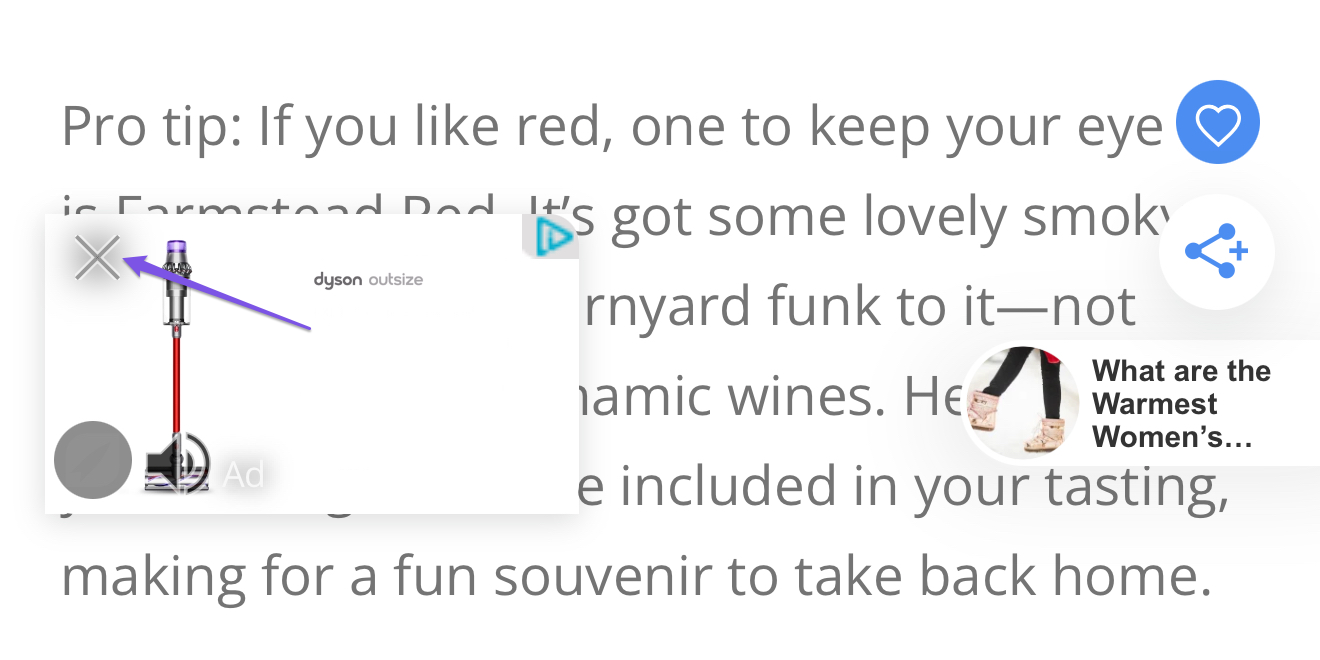
I just looked at my recent blog post on mobile and can't even read it. It's covered with ads (from Grow/Journey) layered over my text and images. I didn't think that was allowable. It looks so messy, I'm embarrassed. I've taken screenshots, but I don't know who to send them to. It's on this page (and looks worse on mobile): https://www.jodyrobbins.com/things-to-do-in-leipers-fork-tennessee/
-

Hi Jody Robbins ! We're not able to replicate the ads overlapping text and images on mobile or desktop on our end - everything is loading in as expected. Is this happening every time you look at the site on desktop and mobile? Or do you have more information on how we can replicate this behavior? And could you send the screenshots here so we can take a look and see what might be happening? Thanks!
0 -
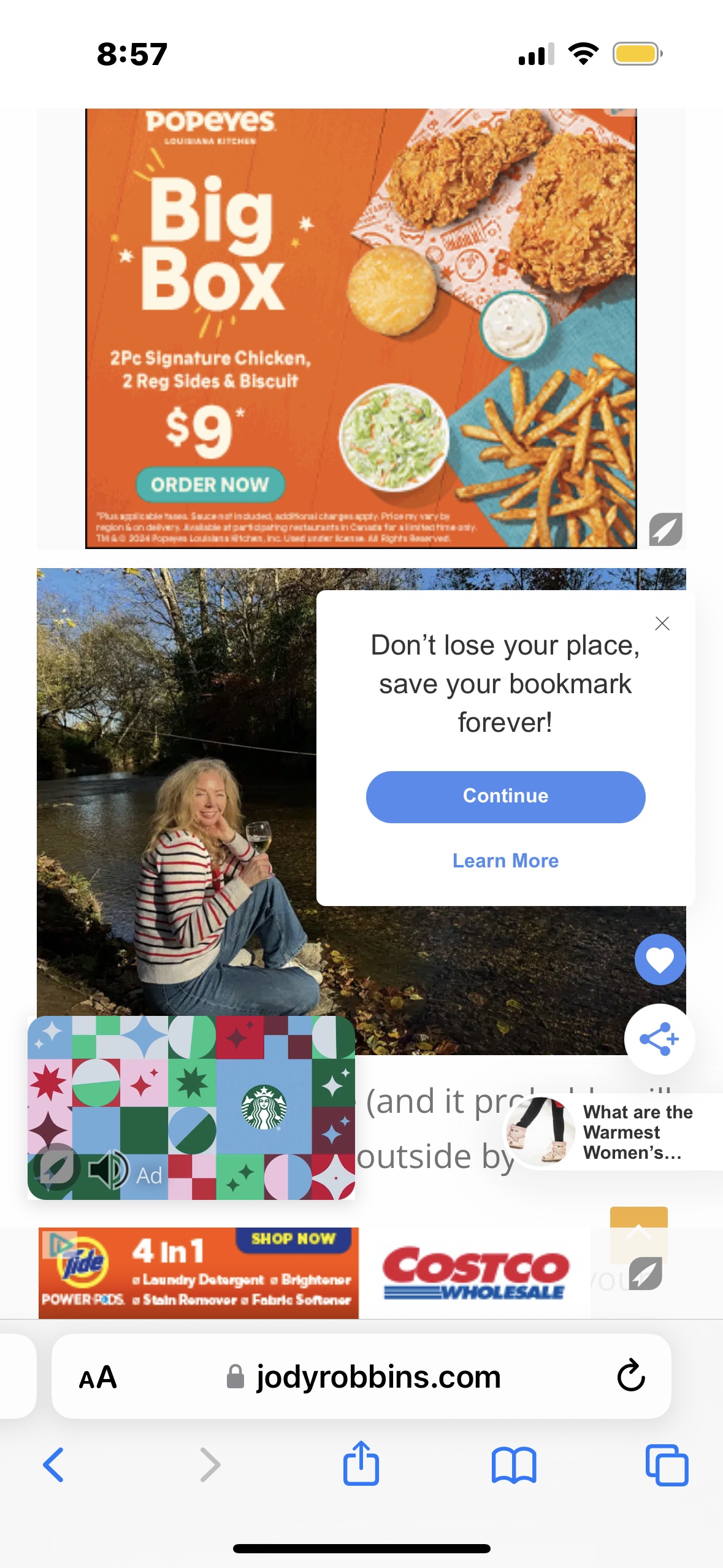
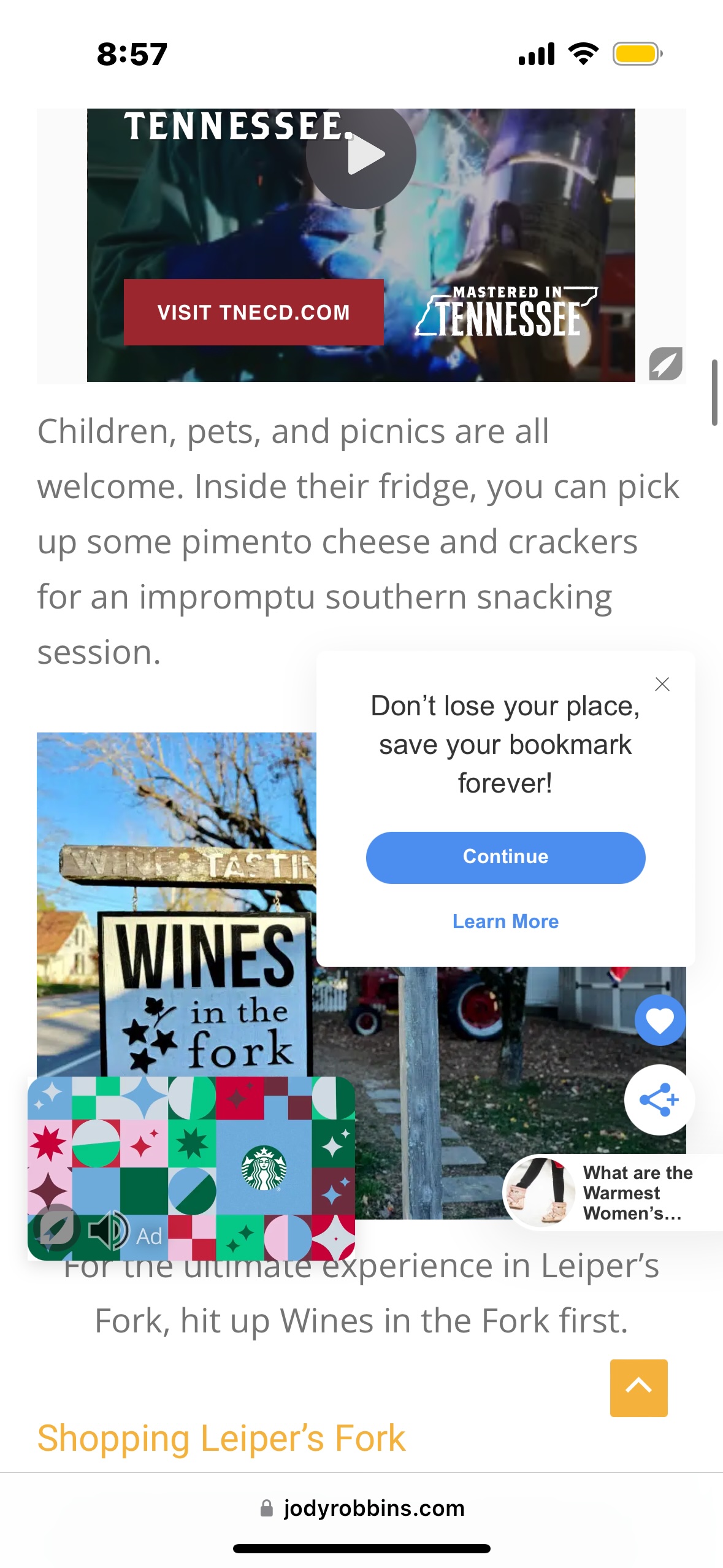
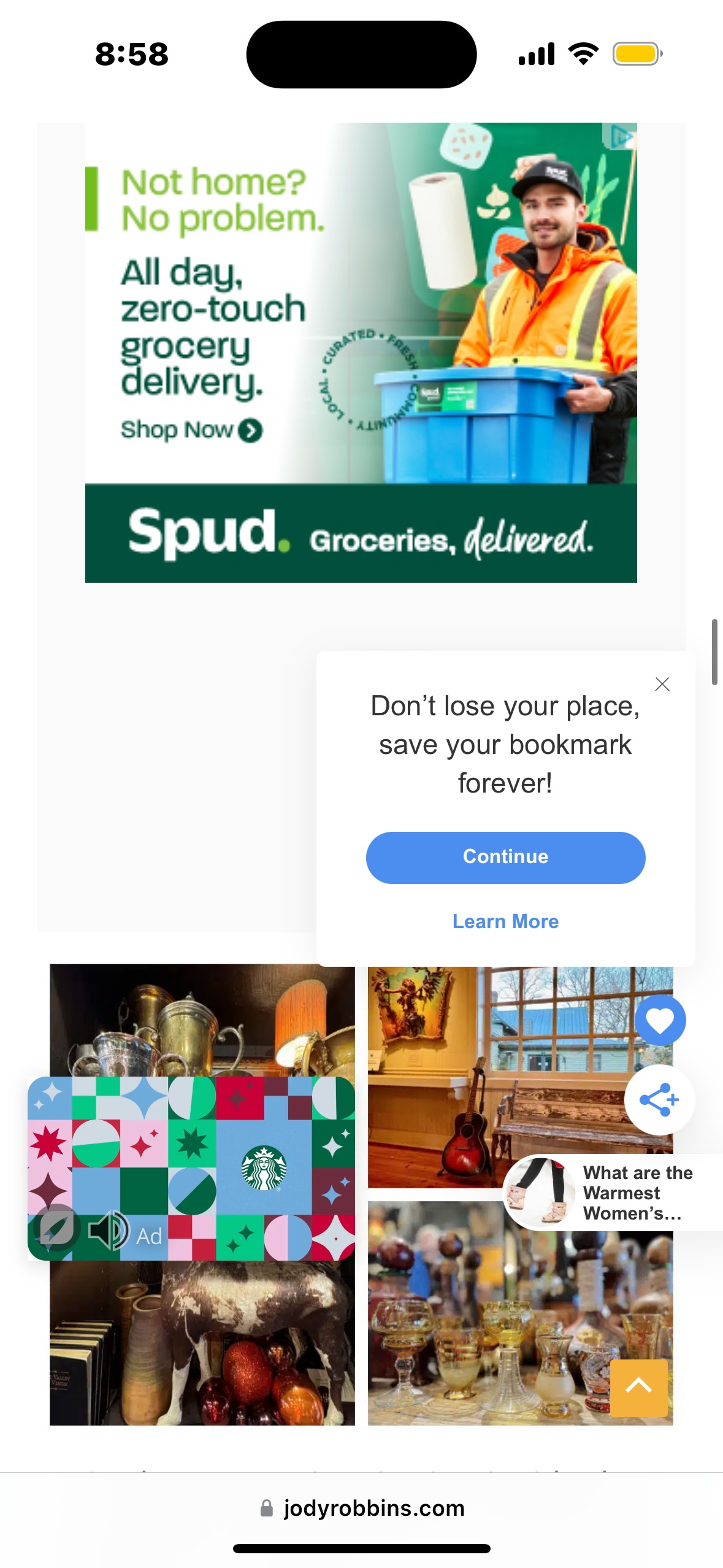
Thanks for getting back to me so quickly. It happens every time I look at that particular blog post on my mobile (and another iPhone). I'll attach screen shots. The URL is: https://www.jodyrobbins.com/things-to-do-in-leipers-fork-tennessee/
0 -
 0
0 -
 0
0 -
 0
0 -

Hey Jody Robbins - When I go to your site I'm not running into any overlapping that isn't just from the Universal Player when scrolling.
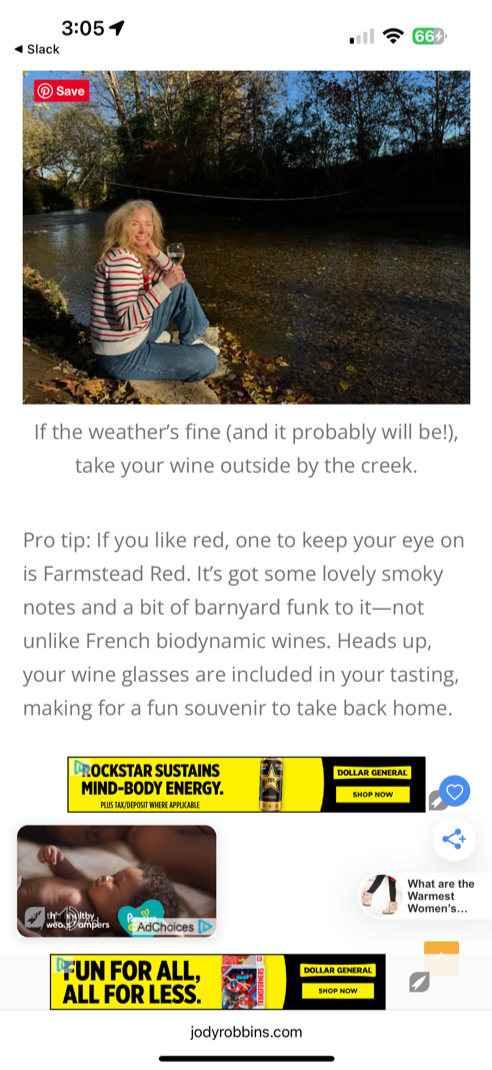
Looking at your screenshots - I see the Grow prompt to sign in but that only pops up when you click on the 🖤 icon. However, you can close that by clicking on the X in the corner of that window.
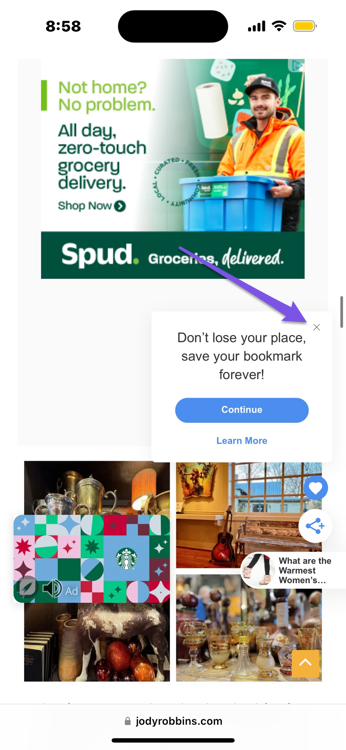
If readers want, they can also close out of the Universal Player when on your site as well by clicking on the X in the left-hand corner.
 0
0 -
Hi Jody Robbins ! These screenshots all look normal as far as the ad placements go – some ad placements like the Universal Video Player and bottom adhesion banner ad are supposed to stick as the user scrolls down the page, which is standard for programmatic advertising.
For these placements, this is intended behavior - they're some of the best earning ad placements so we recommend keeping them enabled, but you can also disable them (and any other ad placement you'd like) with blocklist code.
Thanks!
0
Journey is Self Supported
Please sign in to leave a comment.
Comments
7 comments