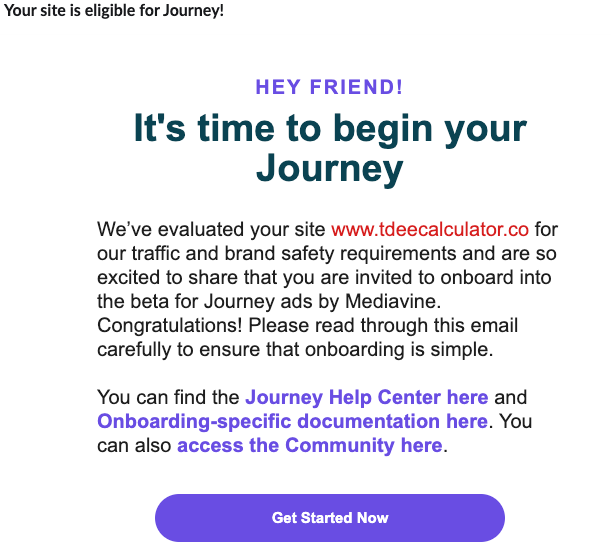
I've passed the Journey evaluation, but can't add a site?

-

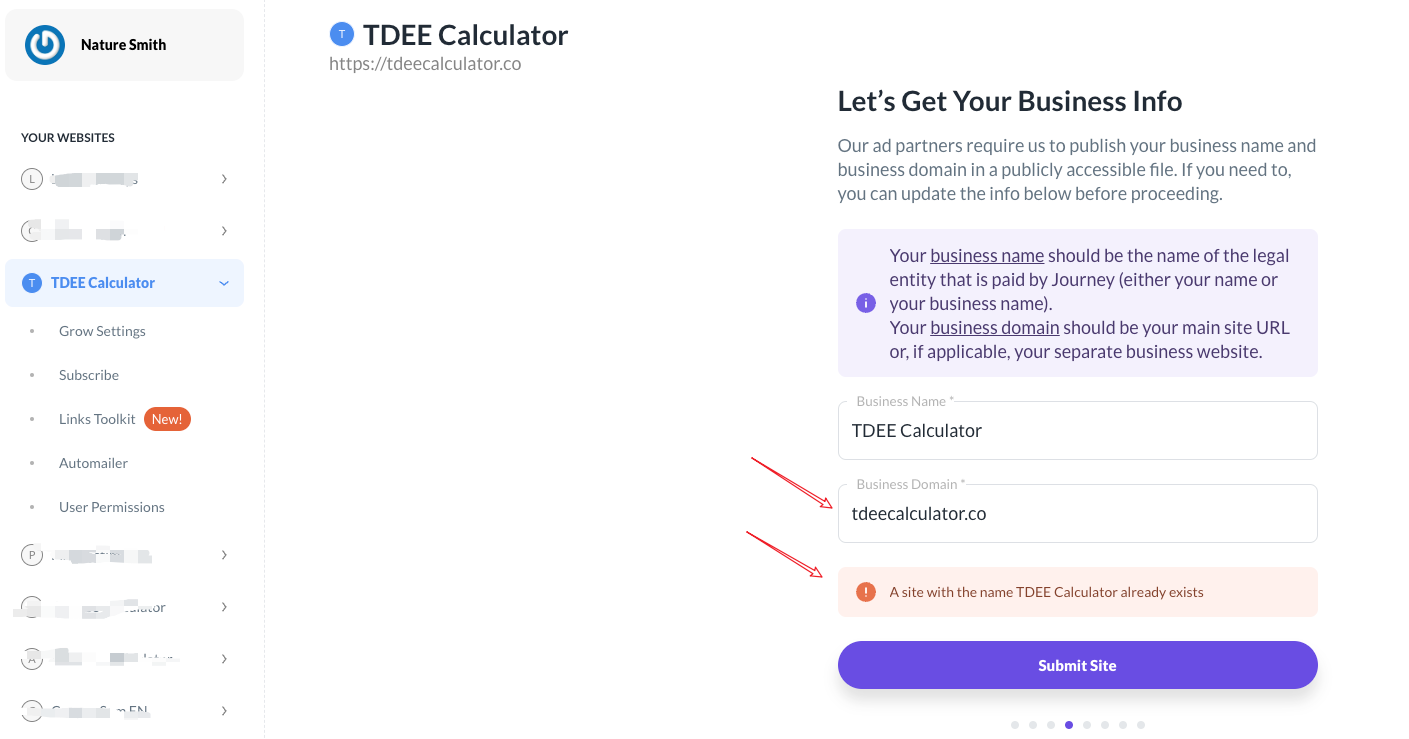
Hi nature - currently, you're seeing this error because you already have a business name under ‘TDEE Calculator’ - in this case, all you'll need to do is use a different business name for any similar sites you're setting up with Journey. This name can be a slight variation on your existing business name, as long as it's different.
0 -
Thanks Ryan.
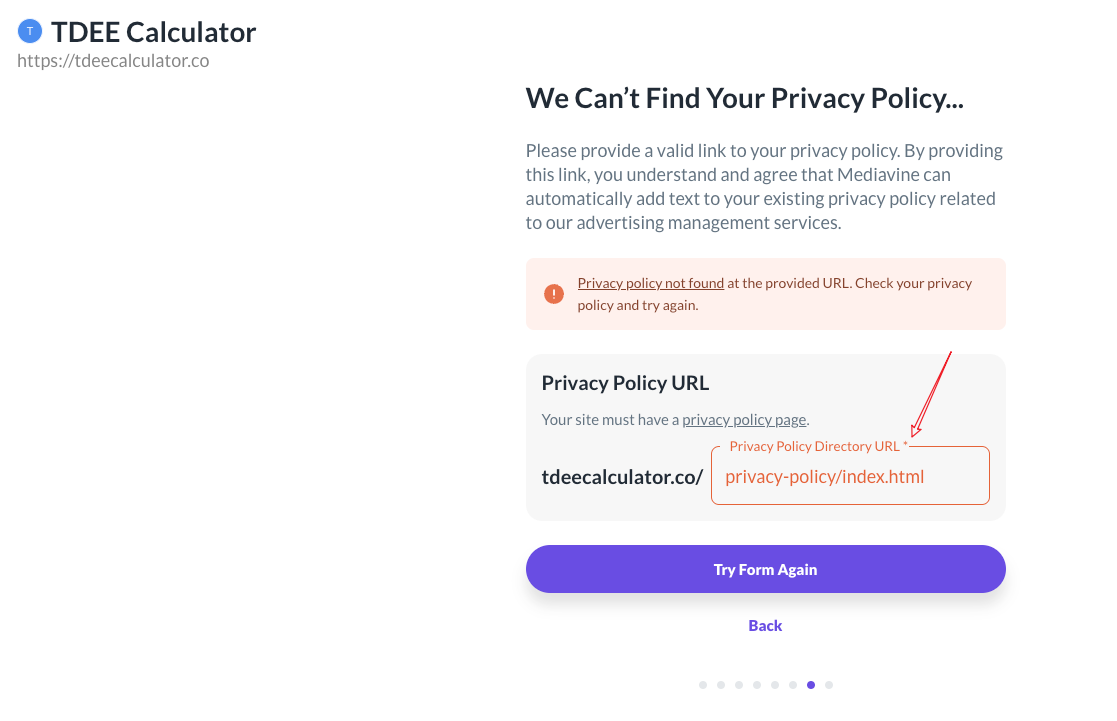
With your help, I have passed it, but encountered another problem. When I add the privacy policy URL, it prompts that it cannot be added. From the log file, both the crawler and the client can successfully access the privacy policy URL. Which step has the problem?
privacy policy URL: https://tdeecalculator.co/privacy-policy/index.html
 0
0 -
Thanks Rachel, I have successfully added the new site.
0

Journey is Self Supported
Please sign in to leave a comment.
Comments
4 comments