Privacy Policy & Ad Script Error Message

I have been getting an ad script + privacy policy error for about a month on and off now. I've tried doing the things suggested in the screenshot below, but it still happens. When I hit refresh for the ad script it goes away but then comes back and hour or so later. The privacy policy error is off and on, but for the past day it hasn't gone away.
Can someone take a look at it for me?
Thanks for your help,
Lauren
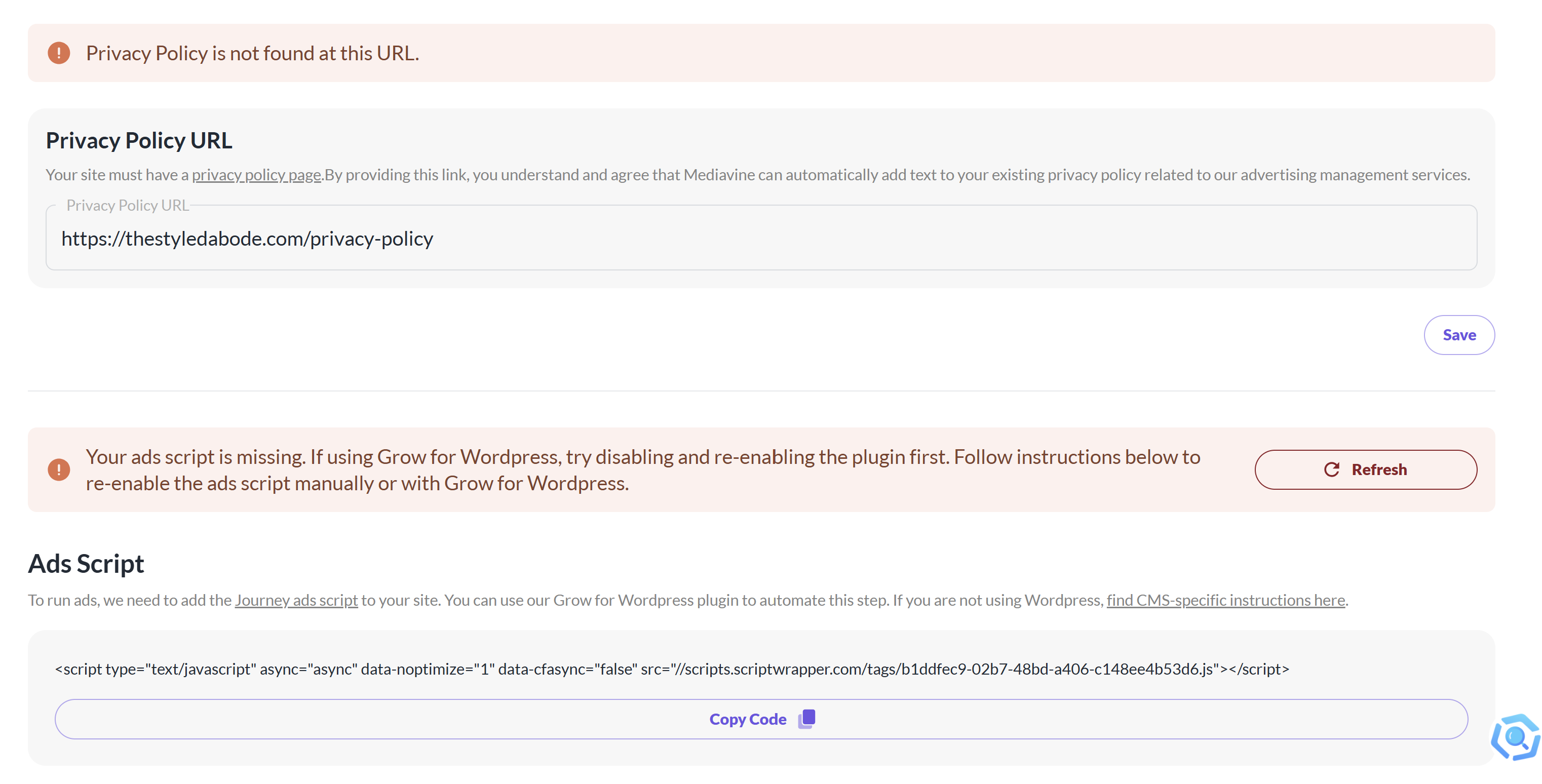
-

Hey Lauren J O'Malley - Thanks for reaching out! Journey will automatically attempt to verify the script and your ads.txt file, and your privacy policy are all up to date and in place. If you see each when checking your site, but your dashboard is telling you otherwise, it's possible there's another factor, like an out-of-date cache or additional security on your site, that's blocking Journey.
I recommend starting by reaching out to your host to ensure that they don't have a firewall or another layer of security that could be causing issues - additionally, you may want to also check and make sure that all sitewide, serverside, and any CDN caching for the server where your site hosted has been recently cleared up.
0 -
Ok thank you. Another thing I wanted to mention is that I've been having an issue with an analytics plugin called Independent Analytics. I got an email from WordPress saying that there was a fatal error with it, so I just deactivated it, and refreshed the ad script. Then I changed the privacy policy URL, then changed it back to the correct URL and both seem fine. Can I update you tomorrow here to let you know if it's still fixed?
0
Journey is Self Supported
Please sign in to leave a comment.
Comments
2 comments