Grow Installation Script Error
Completed
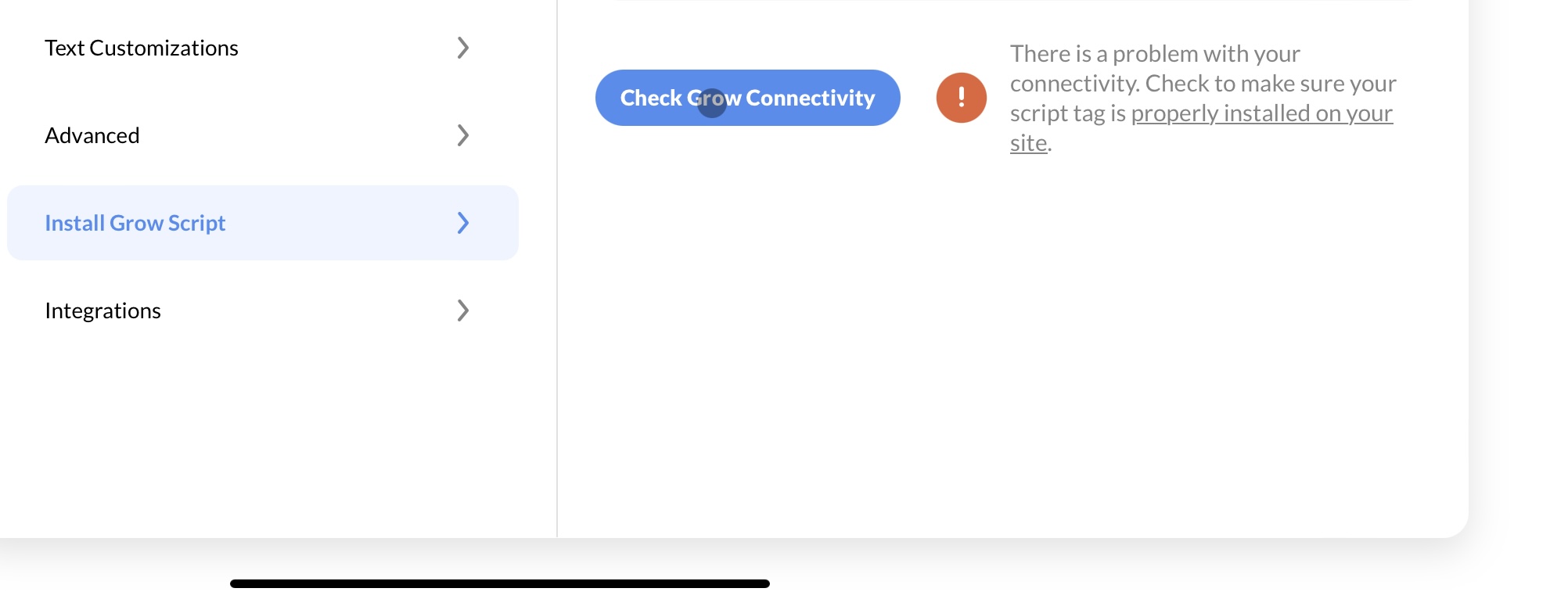
I have installed the Grow plugin on my Wordpress site, but am still getting the error that they can’t find my script. Can someone help me find out what I’ve done wrong? Thanks so much in advance!
-

Hey Jennifer Fox,
Sorry to hear you're having a little trouble! We have instructions on installing the Journey Script on a WordPress Site here – could you walk through these steps once more and see if it helps? You may also want to clear out your site cache after installing, as this can sometimes help.
If you're still having issues, please let us know the URL of your site so we can take a quick look on our end.
0 -
Thanks so much! My website is Www.doingdisneydaily.com
0 -
Jennifer Fox It looks like doingdisneydaily.com hasn't yet been approved for Journey, which is why you're bumping into this error. More information on the approval process can be found here.
0 -
Thanks! I didn’t think I was accepted by Journey yet, but was concerned because I keep getting this error message. Is it because this is for Journey and not Grow?
 0
0 -
Hi Jennifer Fox!
This specific error is for the Grow Script, not the Journey Script. We have instructions on how to install this here - additionally, if you need a hand with further troubleshooting, you can reach out to us directly at Grow@mediavine.com
0
Journey is Self Supported
Post is closed for comments.
Comments
5 comments