Error adding ad script
Answered
After adding the ad code, click a function button on the website, or Refresh the website, and the privacy document will pop up. Please let me know how to solve this problem. Thank you.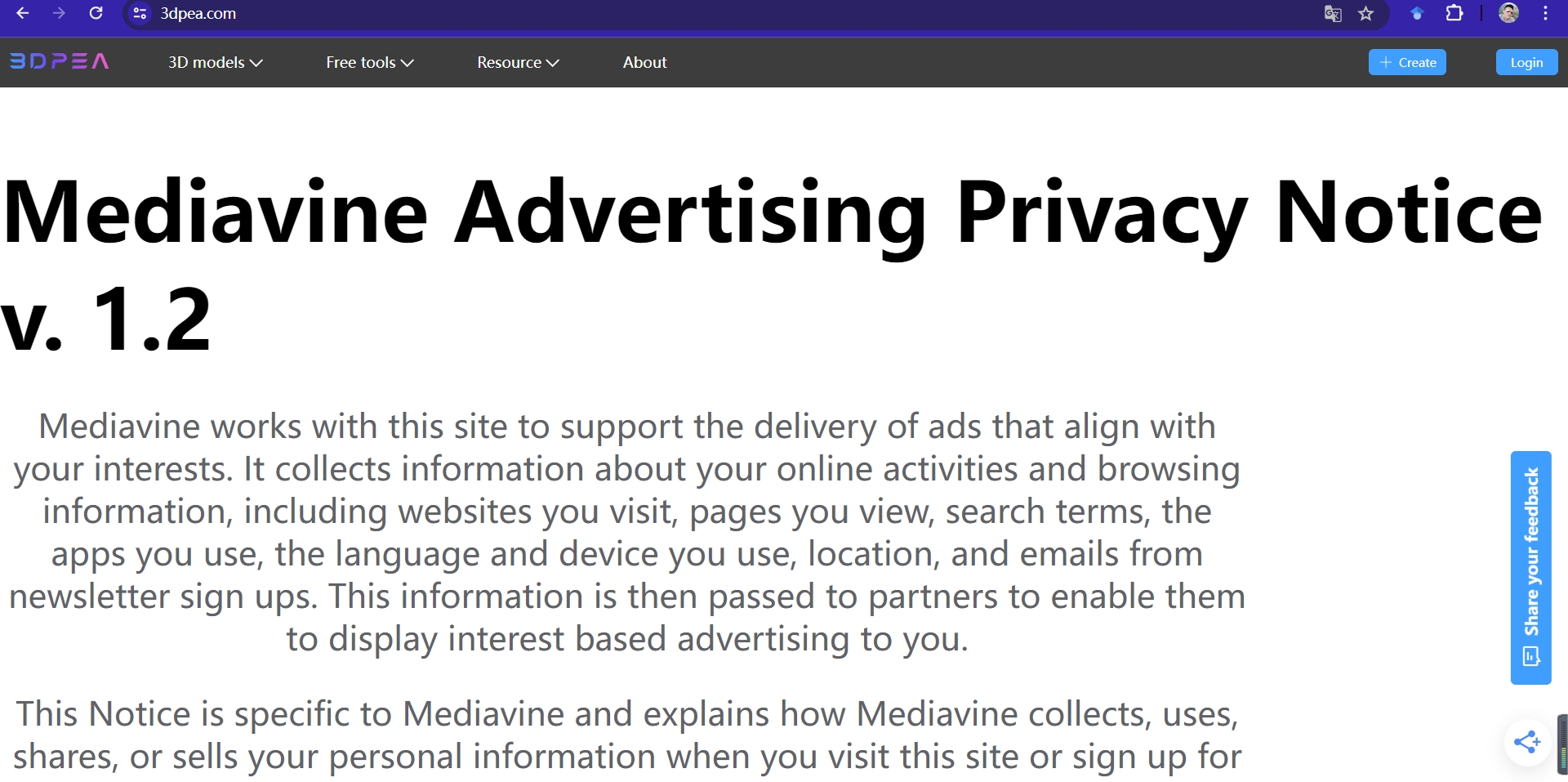
-

Hi Sarah,
Thanks for reaching out. Once you've been able to finish the onboarding process, you should be able to add the privacy policy URL to keep it from being displayed on multiple pages. In the meantime, though, I've made an adjustment on our end that should keep it from displaying on pages besides the actual privacy policy. Thanks!!
0 -
Thanks for your reply. The following issue has been resolved.
In addition, there are two questions I also need your help.
First, I need to change my legal representative name. The 3DPEA I filled in before is not the legal representative name. However, I cannot change it and it shows that it has been occupied by 3DPEA.
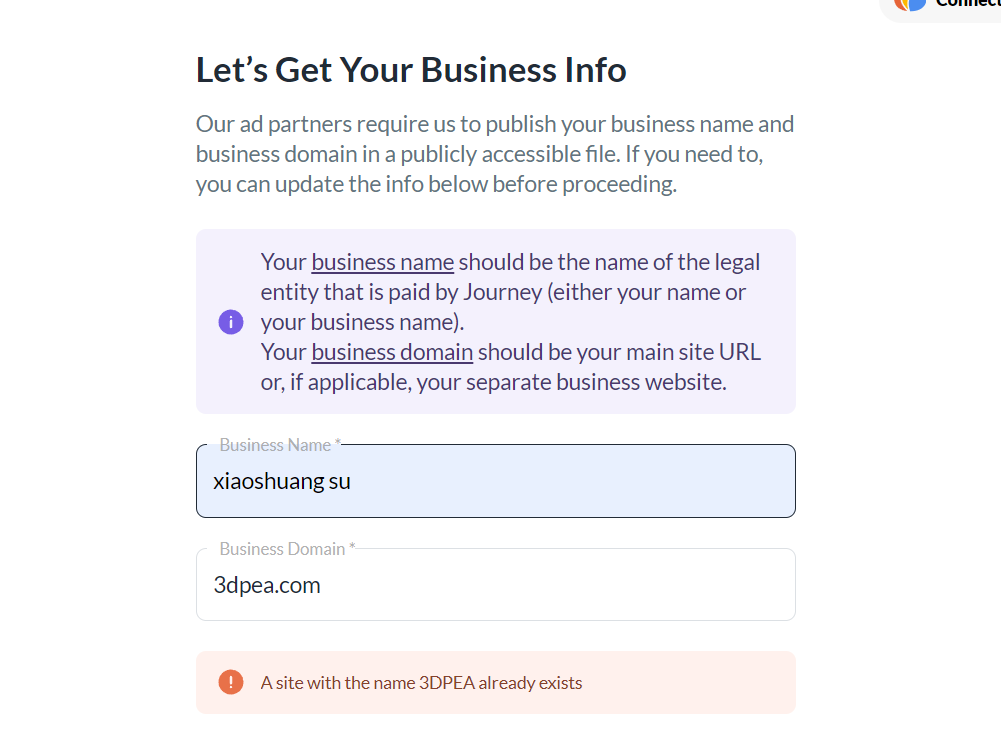
The second question is, I have successfully added Journey ads to my website. How can I embed the ads in the ad positions I have set in advance?
My website: 3dpea.com
0 -

Hey Sarah,
When you finish the onboarding steps and ads are displaying on your site, you should be able to go into the Journey Settings section of your dashboard and update the Business Name.
With regard to ad placement, ad placement is handled on our end and there's no ability to manually place or target ads. However our ad placement logic can intelligently place in-content ads throughout your blog posts to ensure their placements are optimized for ad performance and UX.
0
Journey is Self Supported
Please sign in to leave a comment.
Comments
3 comments