Mediavine Grow Installation Issues: Troubleshooting Script & Widget Problems

Yesterday, I signed up for Mediavine Journey using their website:
After that, I was given two options:
1. Install Plugin
2. Install Script
So, I clicked on the Install plugin:
- I installed
- Activated
- Applied
Then, I started seeing status on the top: We're doing science, reviewing your traffic and content. When evaluation is complete, we'll inform you here (and via email).
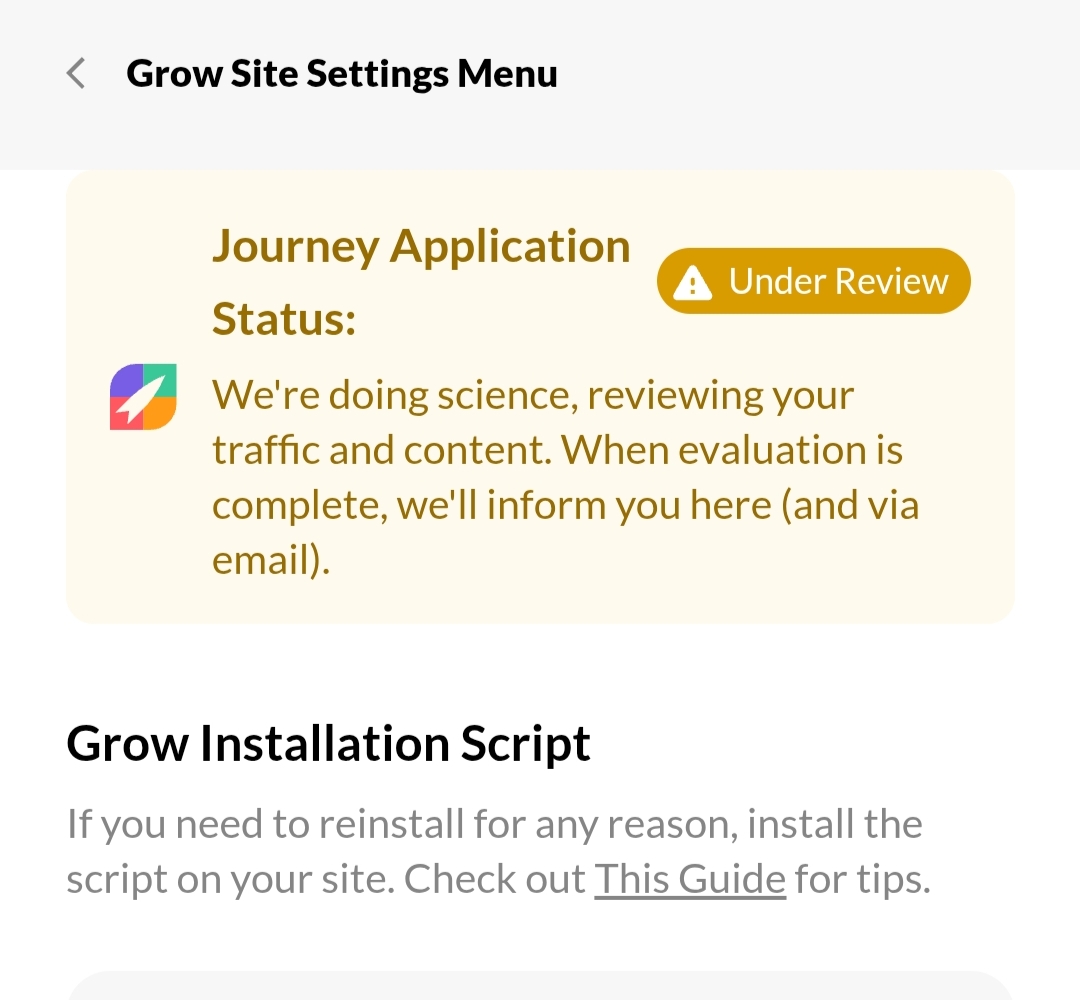
It still continued to ask me, Install Script (even though I've already installed plugin)
Plus, I'm not able to see widgets by Grow by Mediavine on my site, like Recommend Post, Like weight, Bookmark, email subscription, what next, etc/post, etc. (Yeah, I have enabled from customization setting)
However, then I downloaded the Header and Footer plugin.
- Placed Script manually too.
And then, in Grow i clicked (I've installed The Script)
so again I saw the same problem:
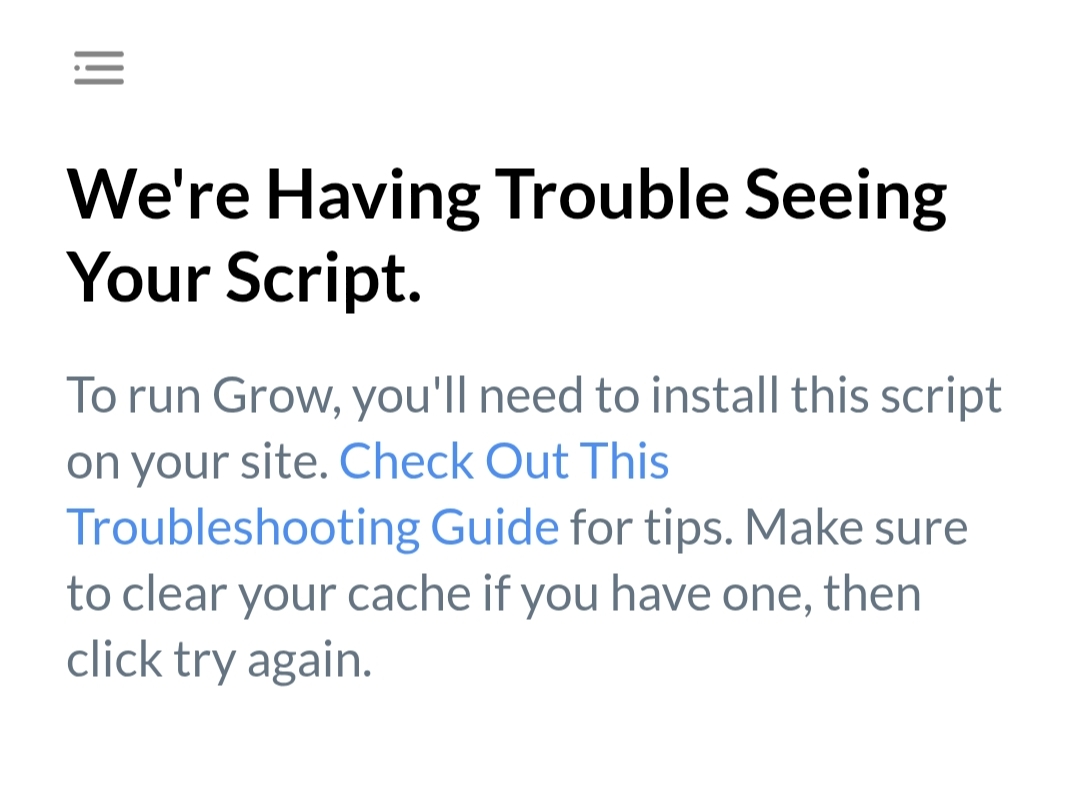
We're Having Trouble Seeing Your Script.
To run Grow, you'll need to install this script on your site. Check Out This Troubleshooting Guide for tips. Make sure to clear your cache if you have one, then click try again.
I checked the guide and ensured I've done everything right, but the problem didn't go away.
I cleared cache, from browser, website, etc, but see No Improvement…
Even I disabled Cache plugin, Autooptmizer, etc.
However, If I go in Grow Customize option > Users > I see my NAME and ACTIVATE✅
When I go in Grow Site Settings Menu
Click on: Check Grow Connectivity
I see this for 1 second:
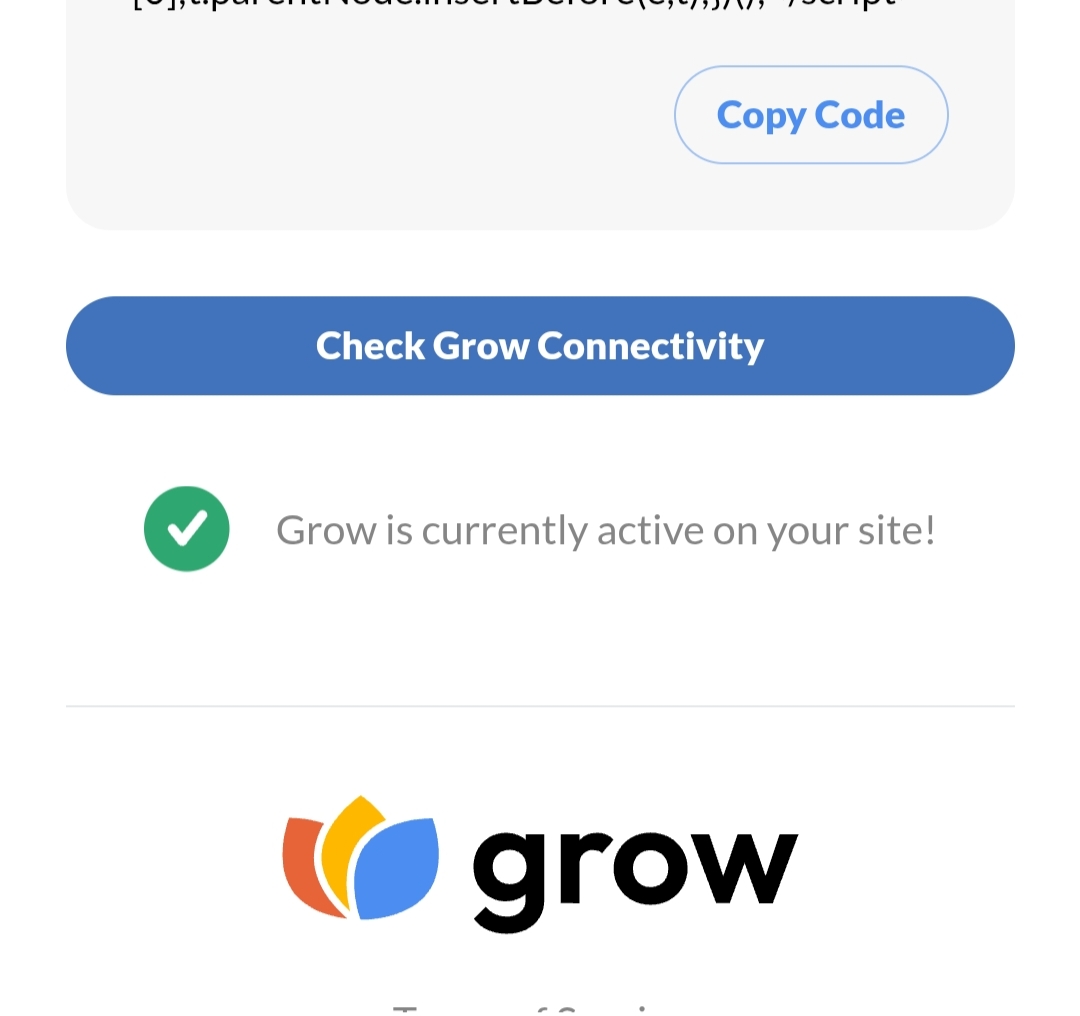
But…
After 1-2 second, I automatically start seeing this:
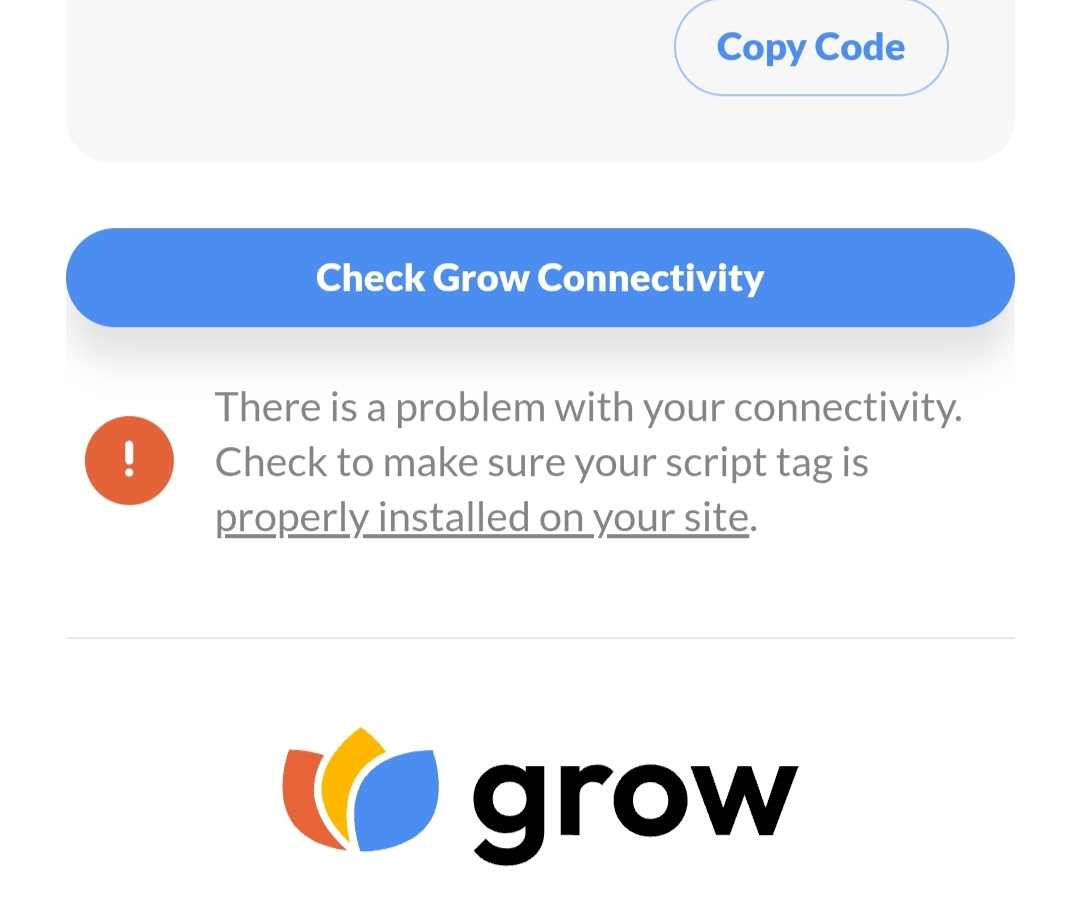
Also remember: Before this website, I installed Plugin in two different websites but never faced such a problem.
My Website URL: https://cookforfoodies.com/
Journey is Self Supported
Please sign in to leave a comment.
Comments
0 comments