I can't access my journey dashboard

Please I can't access my journey dashboard, what can i do
Below is an image to show what's happening
-

Hi olatunde iyanda ! It doesn't look like the screenshot came through - could you resend it?
0 -
I noticed I can not access my Journey account from WordPress after I updated the grow plug in. The image below is what i get.
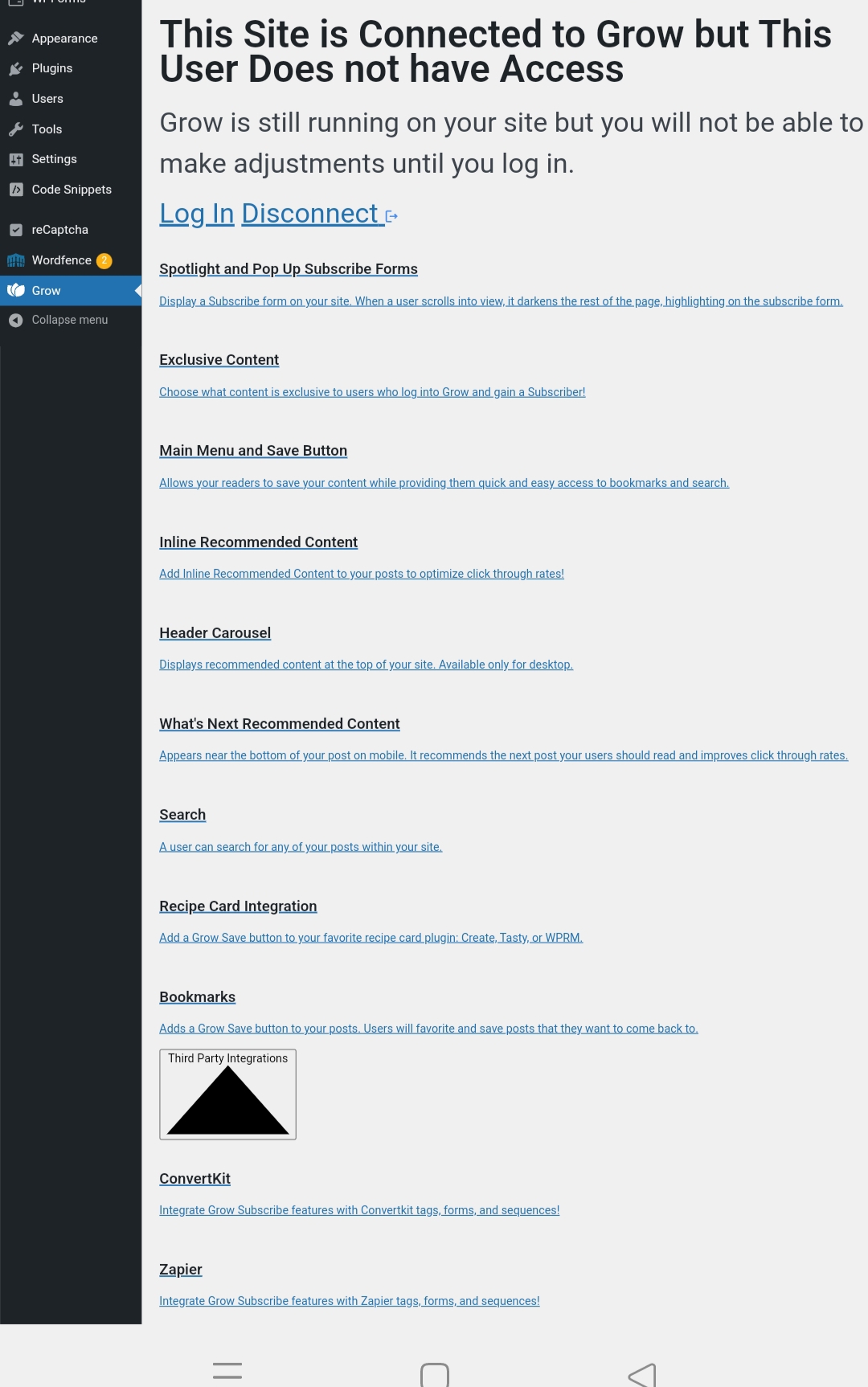
And also, I mistakenly added www.petcliq.com as an additional website to my Grow/Journey dashboard. I kindly request that you remove it from my main Grow/Journey account and disconnect it from my email address at your earliest convenience.
I would greatly appreciate your prompt assistance with this matter.
0 -
olatunde iyanda If you try clicking “Log In”, are you able to log in? If not, you can always access your dashboard by logging in at this URL: https://publishers.grow.me/login.
We'll also work on removing the additional site from your dashboard.
Thanks!
-1
Journey is Self Supported
Please sign in to leave a comment.
Comments
3 comments