Setting up Ads

We recently updated our theme and restructured our website to improve loading speed and optimize the user interface for our readers. During the maintenance period, we experienced a slight dip in traffic. However, the website is now live again.
That said, we’re facing an issue with ads not displaying properly. Currently, only one sticky ad appears on mobile devices. We need assistance in placing ads effectively across the site.
Specifically, we’ve added a new sticky sidebar for desktop users and would like to include a high-CPM sticky ad in that space. Additionally, we’ve removed all recommended content and links from the sidebar and other areas. We’d now like to integrate Grow’s native related post component, either under the comments section or in the sidebar beneath the sticky ad.
Please assist us in optimizing ad placement for maximum CPM.
Thank you!
-

Hi Nadiyac! Thanks for letting us know about the updates to the site. We've had our script recrawl the site, so you should be seeing both in-content and sidebar ads displaying now. Grow's recommended content is now displaying in the sidebar as well. The sticky sidebar ad always has to be the last element in the sidebar, so it's displaying just above it. You can make further adjustments to recommended content and subscribe forms in your Grow settings. Thanks!!
0 -

I have been approved for grow. But I can't find the grow dashboard and can't set up ads.
My email is ranjankuzur421@gmail.comthanks grow team
0 -

Hi ranjan kuzur ! You'll want to login with your email at https://publishers.grow.me/login. If you don't remember your password, you can have a password reset email sent to the email associated with your Grow account by clicking “Forgot Password” on the same login page linked above.
Thanks!
0 -
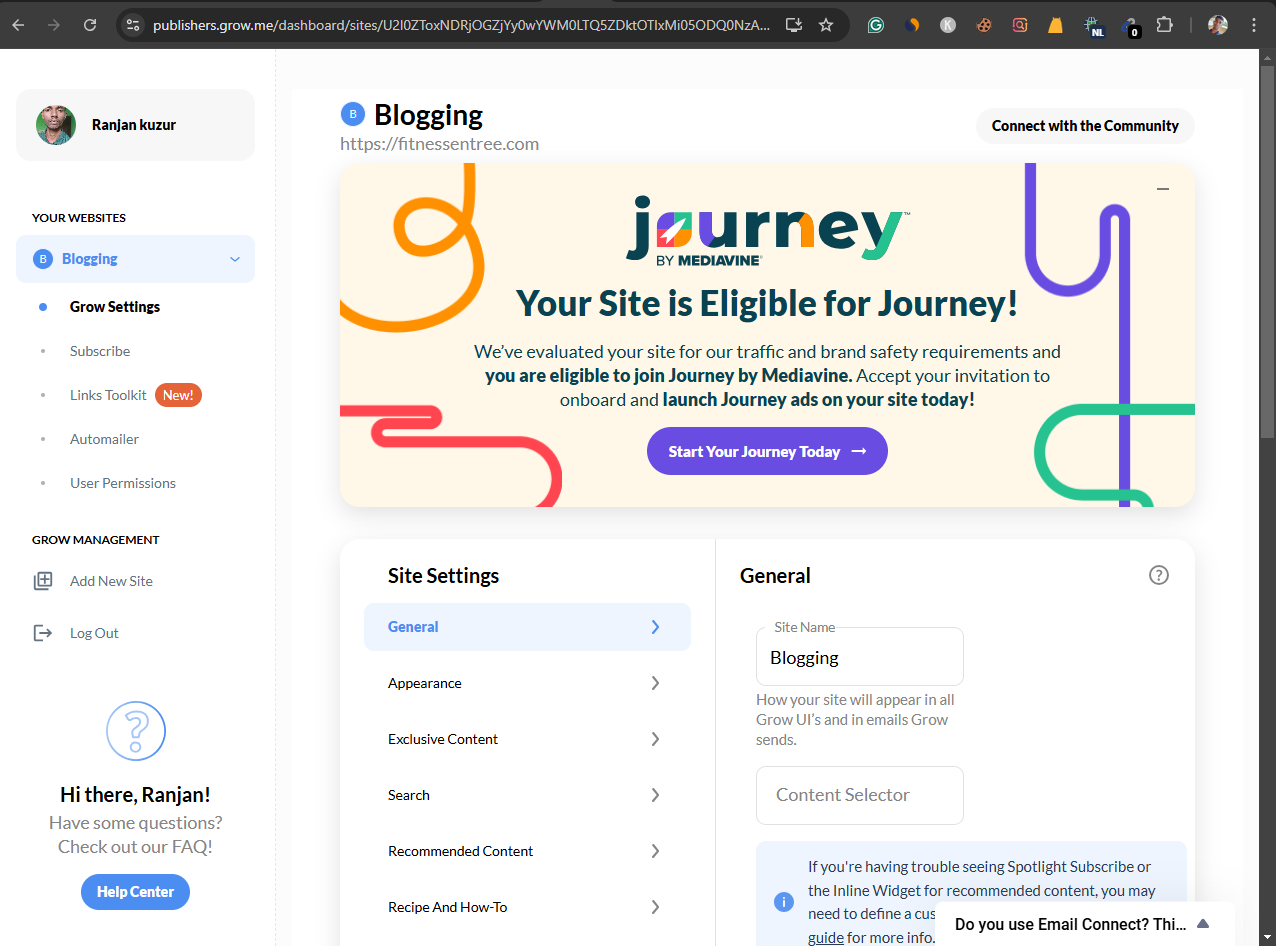
what to do now?
 0
0 -
You'll want to click "Start Your Journey Today" and follow the prompts from there. We have all of our onboarding help docs here if you run into any issues. Thanks!
0 -
I've changed a few things. Can't find or set up ads.txt?
please helps.
0
Journey is Self Supported
Please sign in to leave a comment.
Comments
6 comments