I can't connect Grow to Elementor using Grow script
Answered
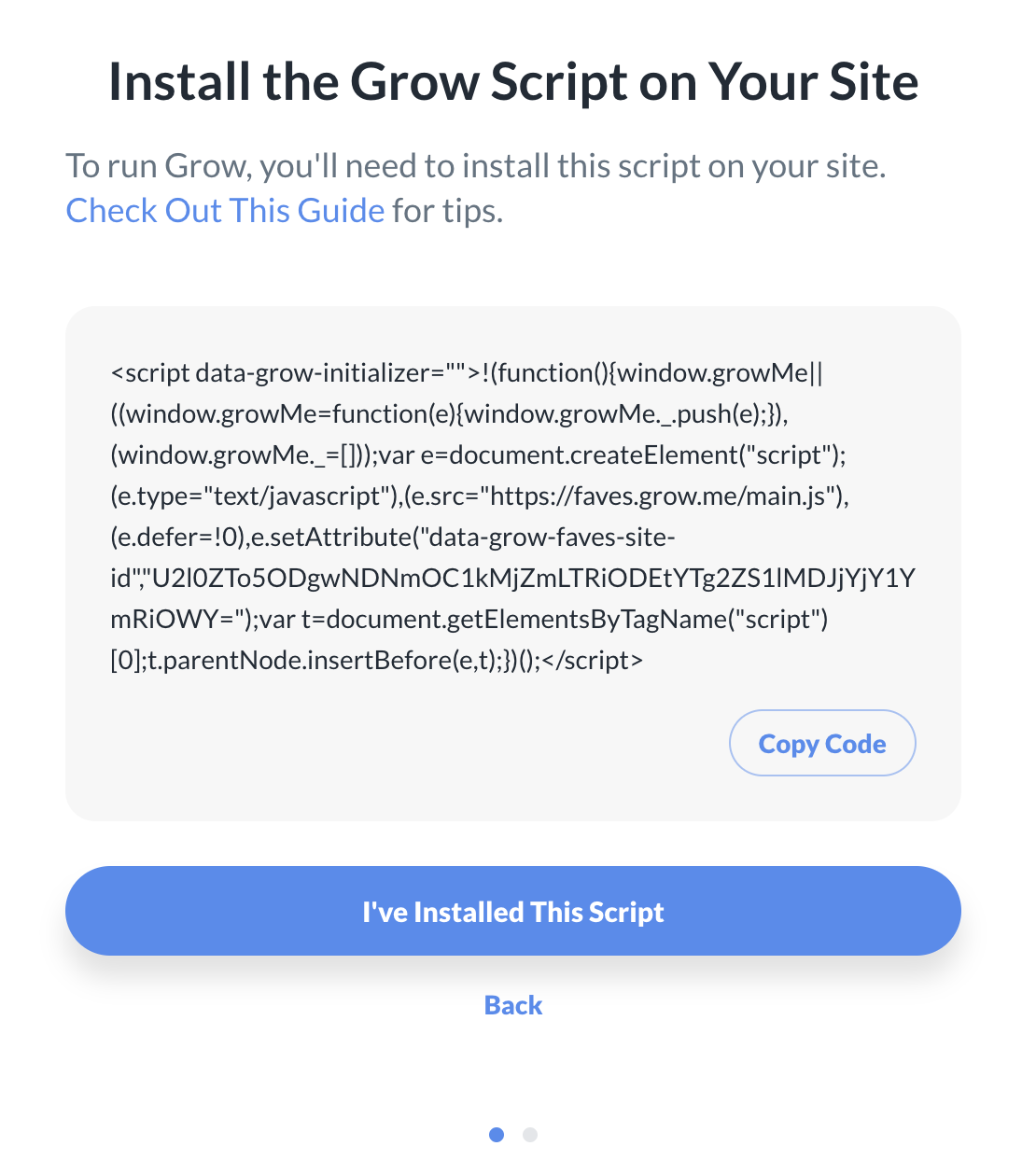
Hello, I am having issues connecting my Wordpress site to Grow. I had successfully done it yesterday but there was an issue with Elementor so I had to remove the Grow plugin. Now, I am trying to add the script given by Grow to the header of my site using the WP header and footer plugin however, I get a message that says “We're Having Trouble Seeing Your Script”. Can somebody please help with this. I want to fix this as soon as possible.
-

Hi Vanessa! Thanks for reaching out. If you're not using the plugin, you'll want to make sure you've installed both the Grow script and the Journey script. We also have a great help article here that goes over how to troubleshoot this specific issue. Hopefully that will get you up and running!
0 -
Thanks for your response, I am only provided with the grow script. Where can find the journey script? With the grow script ive tried to clear my cache and tried all the options adviced but nothing it working. I still get the message, “We're Having Trouble Seeing Your Script”. Please help!
0 -
 0
0 -
You can find the Journey script in your Grow dashboard. Here's an article that walks you through how to install it manually. Skip down to the section for non-WordPress sites and you'll find the instructions! And just to clear up any potential confusion, even though the section is labeled “non-WordPress sites”, it applies to any site that's using the manually implementation, which includes WordPress sites.
0 -
I've already tried that and nothing is working that's why I am reaching out. I've been trying for days now. Anything else I can do?
0 -
I would doublecheck there aren't any ad scripts from previous ad companies anywhere on the site, since that can often cause this error. If you want to send a link to your site, we could also take a closer look.
0 -
Yes if you could please have a look, byvanessaalvarez.com
0 -
Thank you! I'm seeing Google Adsense scripts and mentions of Ezoic as well on your site, which is why you're seeing the “We're Having Trouble Seeing Your Script” message. We have an article here that goes over different places to look for old ad code and how to remove it. If you're still not sure where this code is coming from though after looking through the article, I recommend reaching out to your host to have them take a look since they should have access to your site. Once all of the old ad code is removed, you can clear your cache and try to connect again in your Grow dashboard.
0 -
Hi can you please check again, I've deleted the Google & Ezoic script but it is still not connecting. I reached out to my host and they help, cleared my cache too and not working….
0 -
Hi Vanessa – I'm still seeing Google AdSense and Ezoic in your source code. You should also be able to see it if you visit your source code at the following link and search for “adsby” and “ezoic”.
view-source:https://byvanessaalvarez.com/
Just copy and paste the above full link (including view-source:) into your browser URL field, refresh, and search for those terms -- you'll see instances of both. You can show this to your host as well so they're able to see where the leftover code might be based on how it looks in the source code.
0 -
Hello, sorry to keep bothering. I have been trying to get this resolved for days. I contacted my host, theme developer, DNS host and all of them said the codes are removed. Can somebody please help me with this, is there any other way to do this? I've been trying to connect for over a week now and no luck. I've done everything asked and it's still not working. Someone please help.
0 -

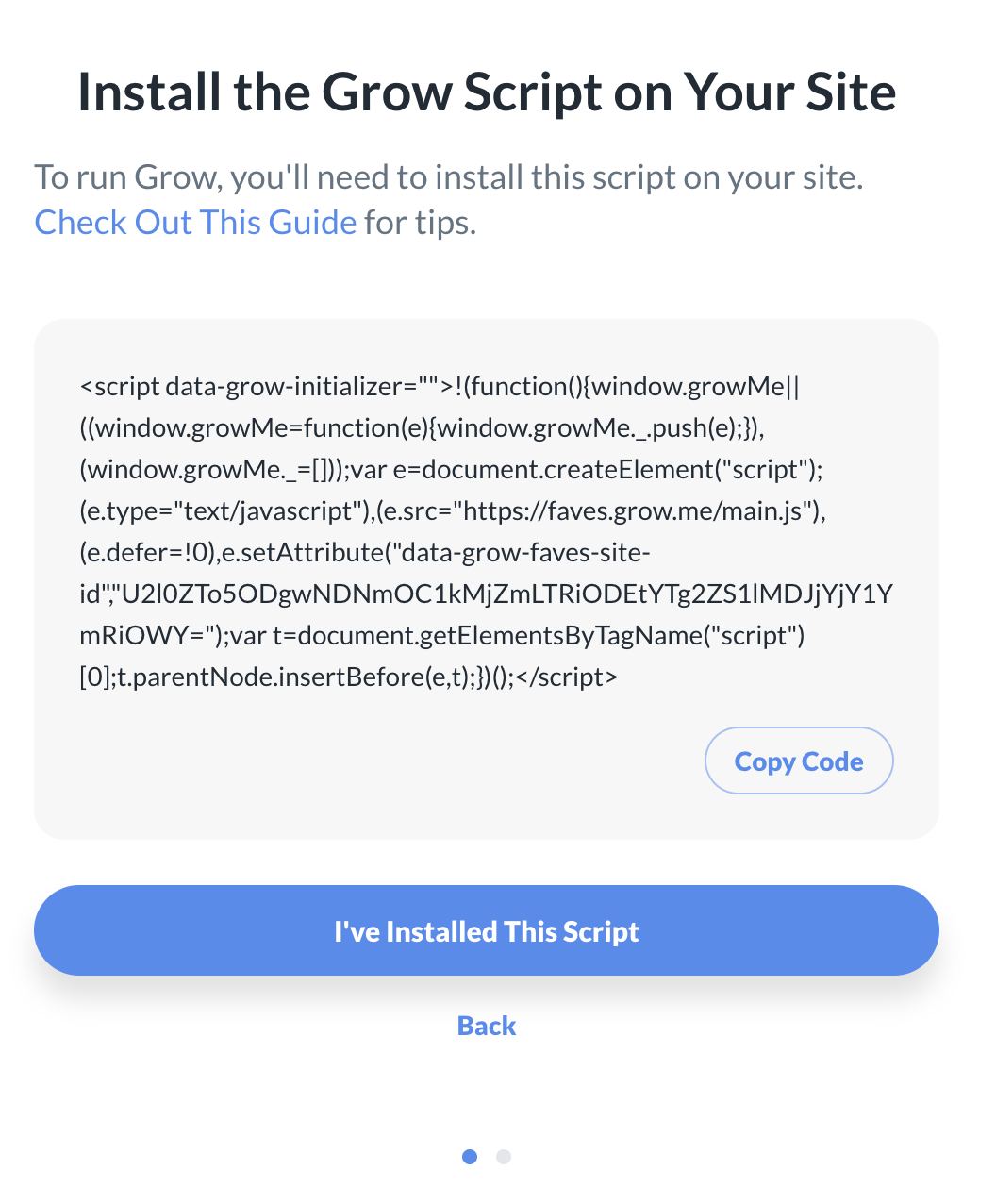
Please look at screenshot. I am getting the error message but I'm also seeing that the Journey Application is under review. Could it be that I am connected there's just some kind of error???
0 -

Hi Vanessa,
It does look like the site is still under review, but you'll want to get the Grow script up and running. I'm actually not seeing the script (the one from the screenshot you added above) running on the site just yet. If you have added it via a plugin, it's possible that there's some caching keeping it from showing up. Also, if you have optimization plugins on the site, it's possible that one of them could be optimizing the script and keeping it from being included in the pagesource. For this, you would just want to make sure the script is excluded from optimization in whatever plugins you're using.
Also, I did notice that there's what looks to be the URL disabling Journey added to your Additional CSS field in the customizer:

CSS added there will show in this ID in the pagesource. This likely wouldn't be affecting the placement of the script, but it is something you'd want to remove since it's not CSS.
0 -
I just excluded the script from being optimized and it worked!
Thanks so much! Is there anything else I have to do? Or once it's connected I just have to wait. Do you mind checking on your end if everything looks good?
Thanks!
0 -
Hi Vanessa,
We're seeing the script and Grow working on the site, so everything's looking good. At this point, yes, you'll just want to wait for further contact from us once the review is finished up. Thanks!!!
0
Journey is Self Supported
Please sign in to leave a comment.
Comments
15 comments