Privacy Policy showing in the footer
Answered
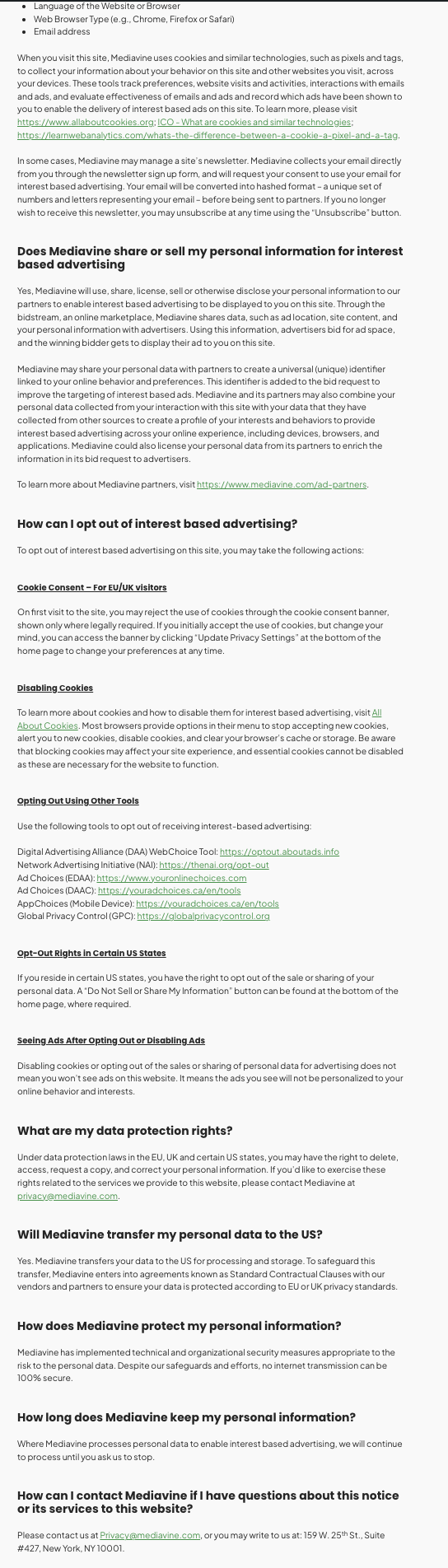
I was approved for Journey by Medivine. I added the WordPress plugin and the Javascript. Now I have a huge long footer of MV privacy policy at the bottom of every single one of my posts.
I've disabled the app and removed the script until I understand the next steps.
-
 0
0 -

Hi Steve! Thanks for reaching out. Once you finish the onboarding process, you should be able to add the privacy policy URL in your dashboard to keep this text from displaying on pages. In the meantime, though, I've made an adjustment on our end that should keep it from displaying on pages besides the actual privacy policy page. Thanks!
0 -
It seems to be live now; please have a look and confirm in the admin and live at: https://ecommercefastlane.com/walmart-online-marketplace/
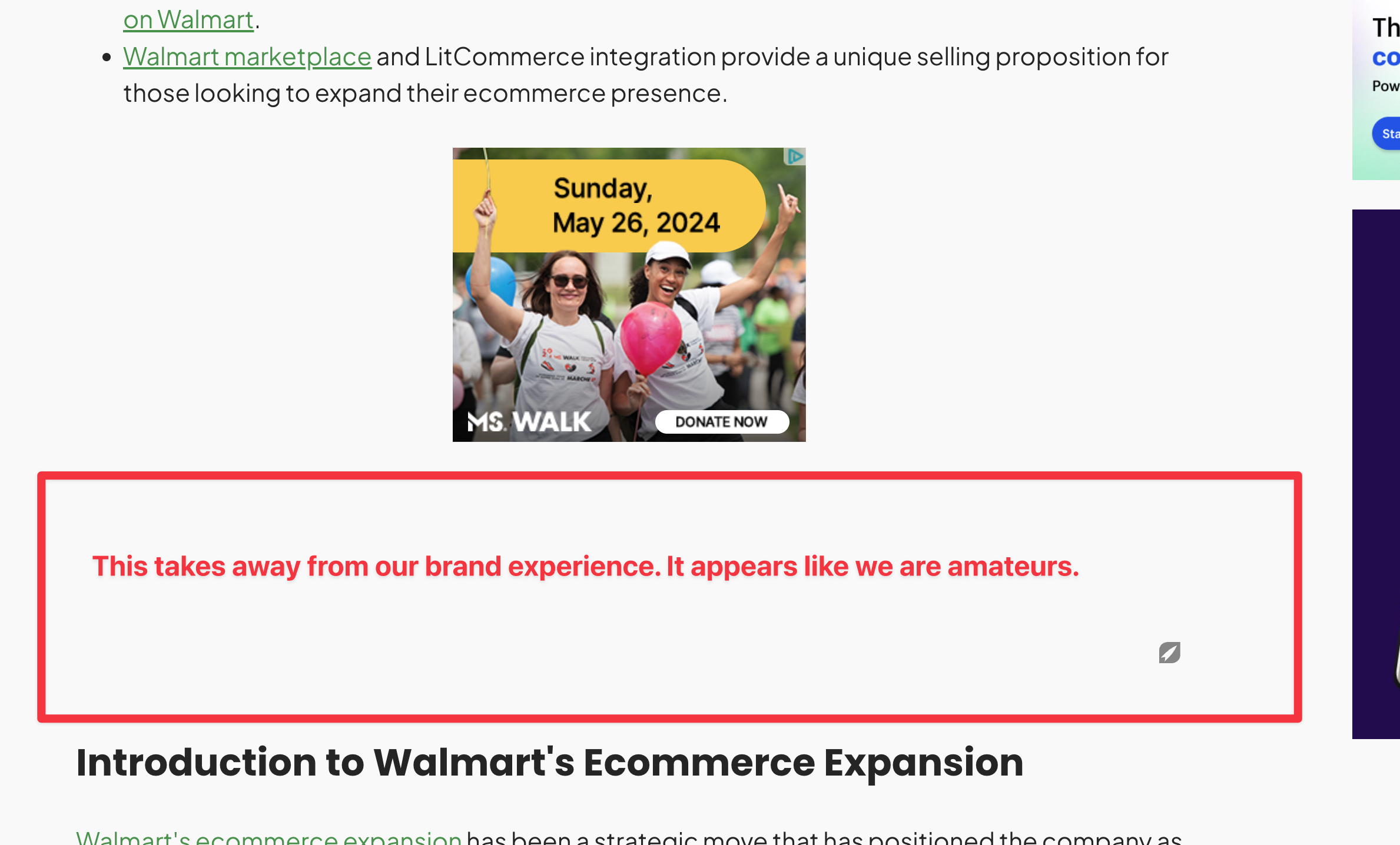
I am concerned about the white space under ads like this for example:
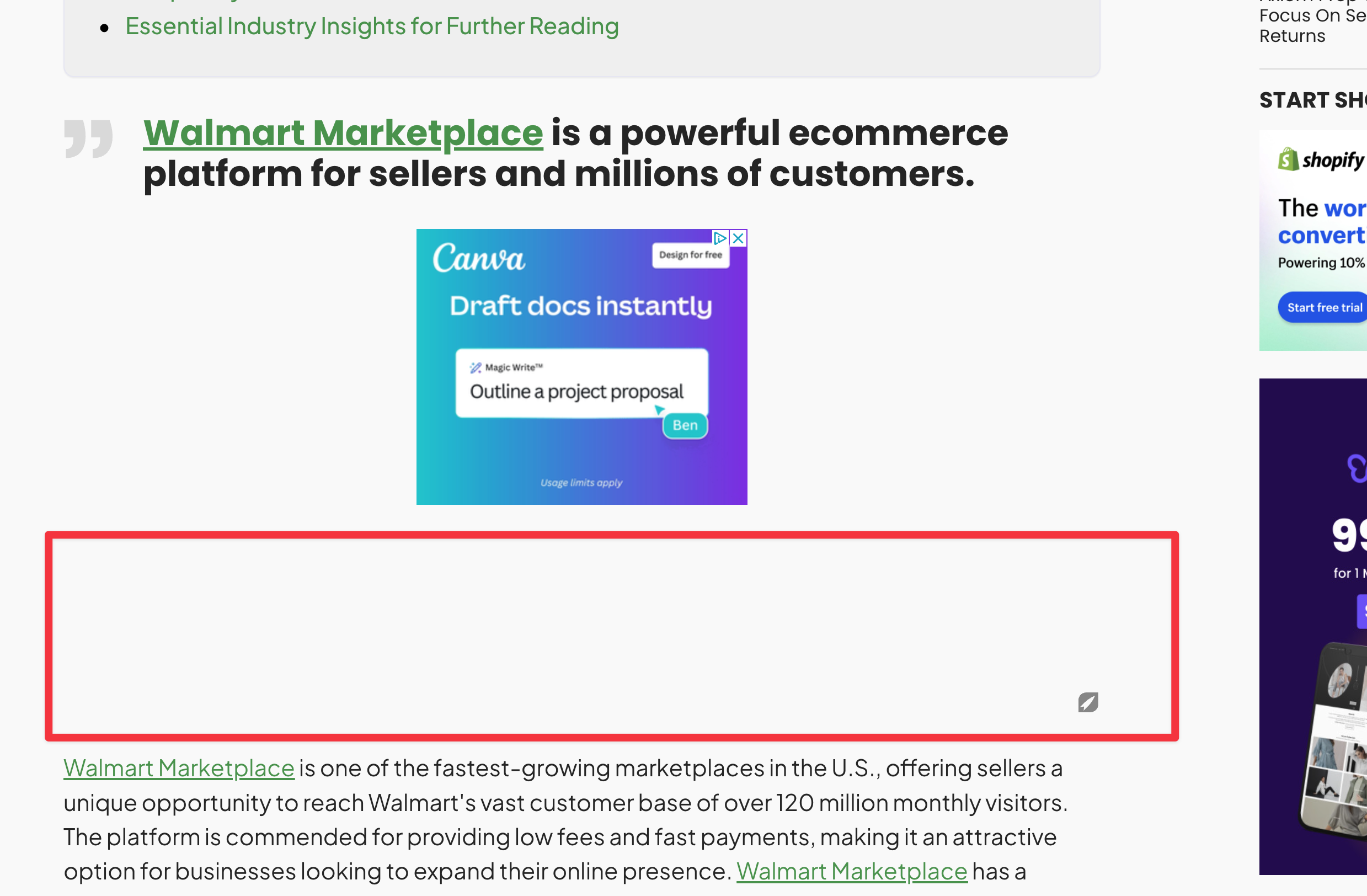
and…. How is this fixed? What about the density of ads, where is that located?
 0
0 -
Hi Steve - it looks like everything is set up correctly! The space you're seeing is the space we reserve for the inview ad box. When you scroll, you'll notice the ad scrolls to the bottom of the box, so this space is actually being utilized. This inview effect is fantastic for viewability and overall ad performance, and shouldn't appear to your readers as unnecessary space since the ads will scroll with them all the way from the top to bottom of the box as they move down the page. As for ad density, there aren't any settings to control this, but the density is based on what we've found performs best for ads and user experience.
Hope this helps!
0 -

Faceing the same issue on my page https://theledgerlabs.com/accounting-and-bookkeeping-services/
0
Journey is Self Supported
Please sign in to leave a comment.
Comments
5 comments